8.1 Why structured scorecards
Free-text interview notes are hard to compare and easy to bias. A scorecard asks every interviewer the same questions against the same rubric, then records a single clear recommendation, so a hiring decision can be explained and defended later.
8.2 Blind review
Blind review is enabled by default. Until you submit your own scorecard for an interview, you cannot see what your fellow panel members scored. Once your rating is recorded the full set becomes visible so the panel can debrief together.
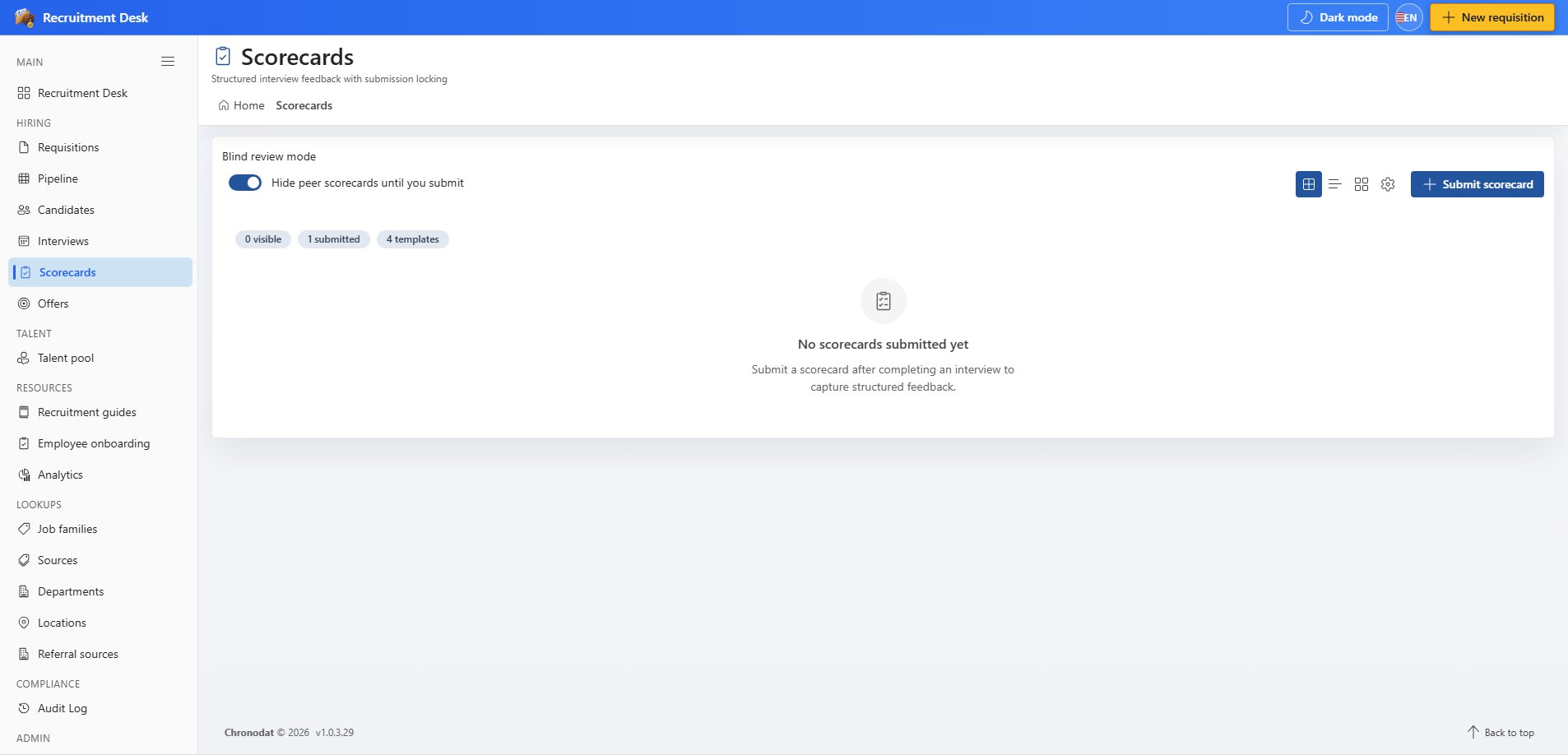
The blind review toggle sits above the list. Leaving it on is the recommended way to reduce anchoring bias between interviewers.
8.3 Submit a scorecard
- Open Scorecards and choose Submit scorecard.
- Select the completed interview you attended.
- Choose the scorecard template for the role.
- Rate each criterion on the one-to-five scale.
- Choose an overall recommendation.
- Add supporting notes with the evidence behind your rating, then submit.
8.4 Recommendations
| Recommendation | Meaning |
|---|---|
| StrongYes | Clear hire, would actively advocate |
| Yes | Hire, meets the bar |
| No | Do not hire for this role |
| StrongNo | Clear no, significant concerns |
8.5 Scorecard templates
Administrators build templates from Settings → Scorecard Templates. A template is a rubric: a set of named criteria, each with a weighting, and optionally a complexity level so that a senior role can be assessed against a higher bar than a junior one. Assign the right template per role so results stay comparable.
8.6 Reading the results
- The list shows the interview, interviewer, recommendation, template used, and submission time.
- Submitted scorecards are locked so the record of what was decided at the time cannot be quietly edited.
- Look for disagreement across the panel — a StrongYes next to a StrongNo is a signal to debrief, not to average the scores.