11.1 Where to find it
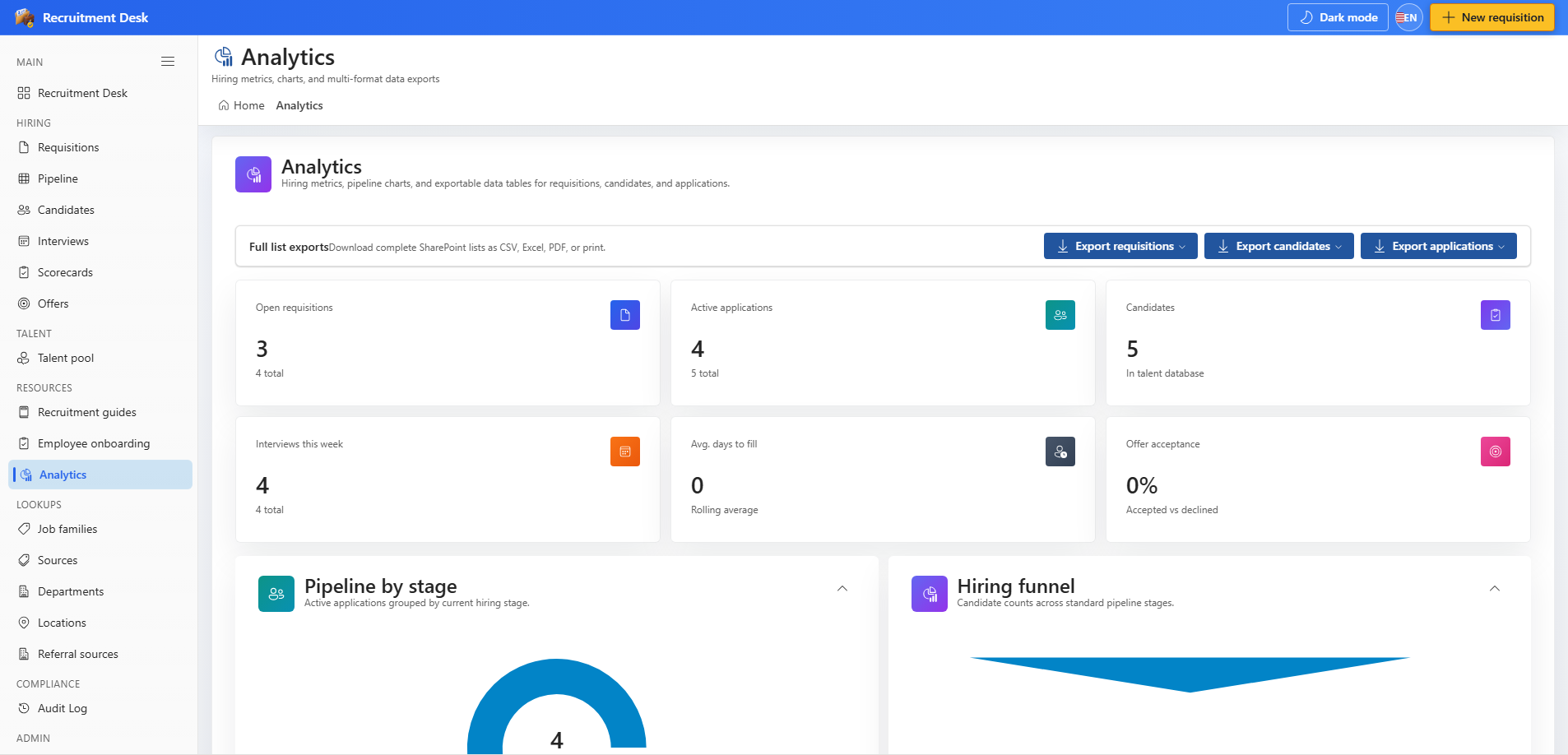
Analytics sits under Resources in the sidebar. It shows the same KPI cards and charts as the dashboard, then adds a paginated preview and export controls underneath.
11.2 Charts available
- Recruitment funnel — conversion from application through to hire.
- Applications by stage — current distribution across the pipeline.
- Applications by source — which channels are producing candidates.
- Open requisitions by department — where demand is concentrated.
11.3 Export data
| Entity | Typical use |
|---|---|
| Requisitions | Headcount and open-role reporting |
| Candidates | Sourcing channel analysis |
| Applications | Funnel and conversion analysis |
| Interviews | Panel load and scheduling analysis |
- Pick the entity, then search and page through the preview to confirm you have the right rows.
- Export as CSV or Excel for further analysis, PDF for circulation, or send straight to print.
11.4 Before you share an export
Exports contain personal data about real applicants. Treat a candidate export the same way you would treat an HR file: share it only with people who need it, store it somewhere governed, and delete it when the analysis is finished. Exports are recorded in the audit log.