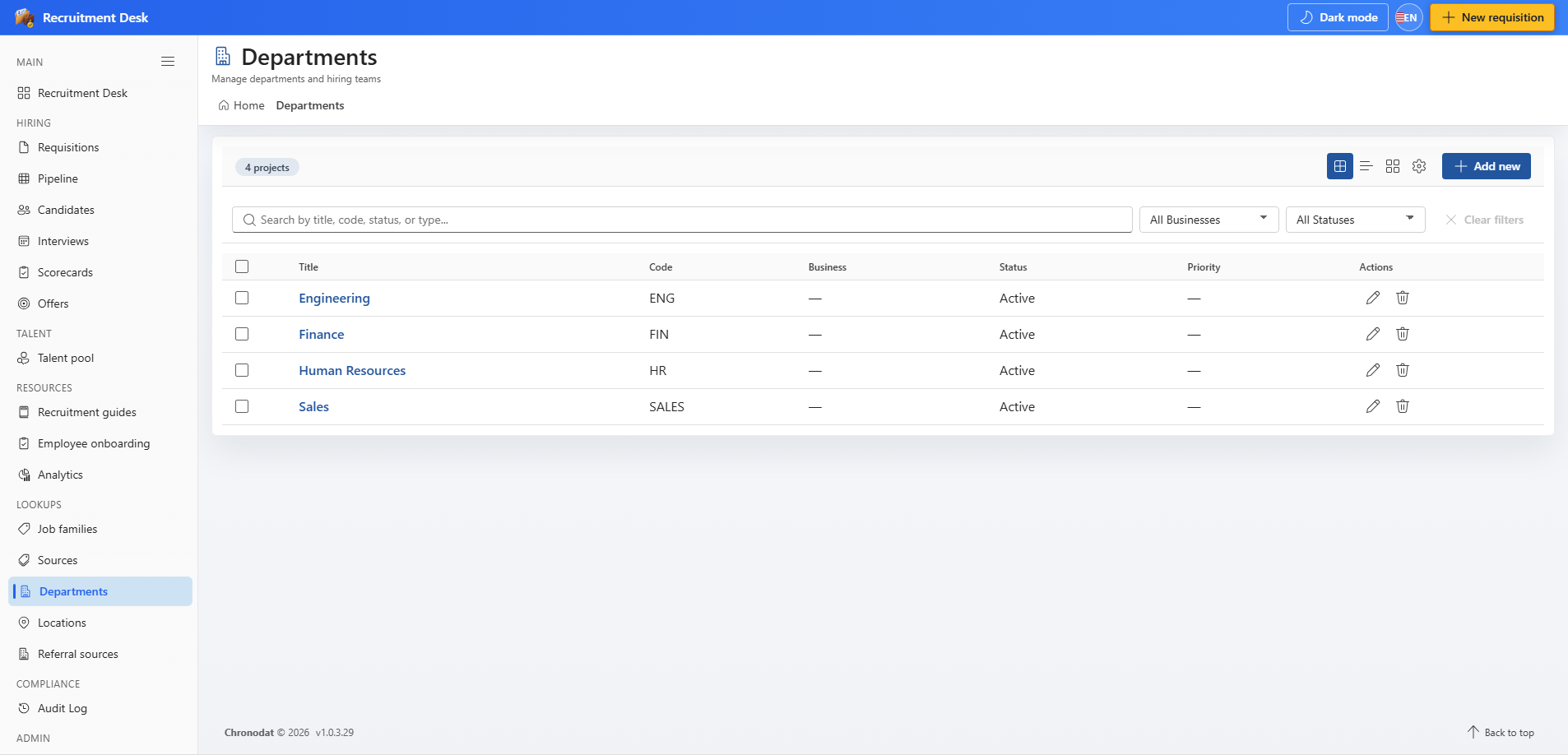
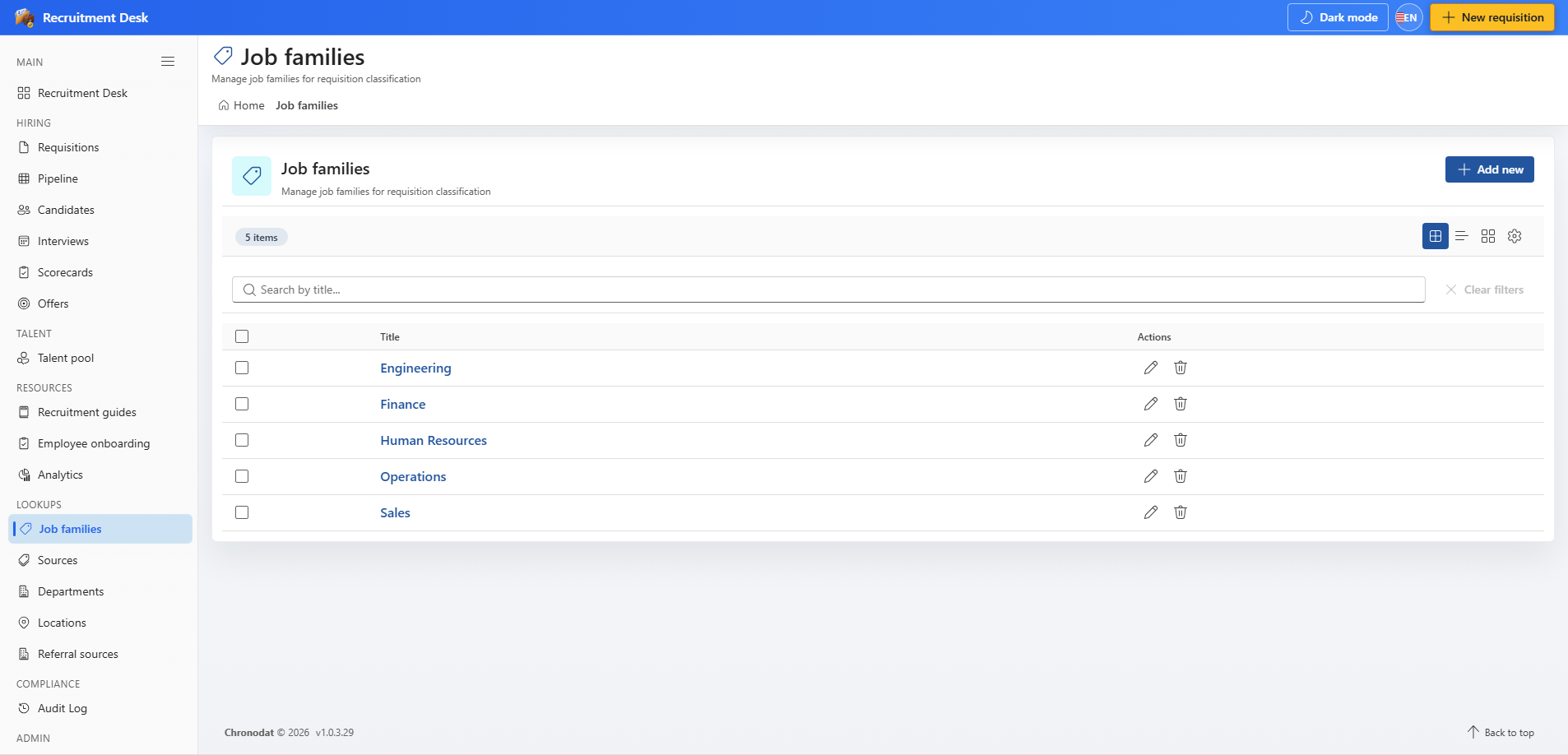
14.1 The five lookups
| Lookup | Supplies | Typical values |
|---|---|---|
| Job families | Role grouping on requisitions | Engineering, Sales, Finance |
| Sources | Where a candidate came from | Referral, LinkedIn, Careers site, Agency |
| Departments | Owning department | Engineering, Marketing, Operations |
| Locations | Work location | London, New York, Remote |
| Referral sources | Agencies and referral partners | Named agencies with contact details |
14.2 Managing entries
- Each lookup page offers create, edit, and delete, subject to the lookups permission.
- Entries carry a sort order that controls how they appear in dropdowns.
- Set an entry inactive rather than deleting it when historical records still point at it.
- Sources can be linked to a parent job family so the choices narrow sensibly.
- Referral sources also hold a code, contact name, email, phone, and website.
14.3 Why this matters
Free-typed values are the usual reason hiring reports cannot be trusted. If three people record the same channel as Referral, referral, and Employee referral, the source chart splits it three ways. Agree the vocabulary once, keep it in the lookup lists, and the analytics take care of themselves.
14.4 Departments and locations
- Departments hold a code, a status of Active, Planning, or Closed, and an owner.
- Locations hold address, building, floor, and room details for on-site interviews.