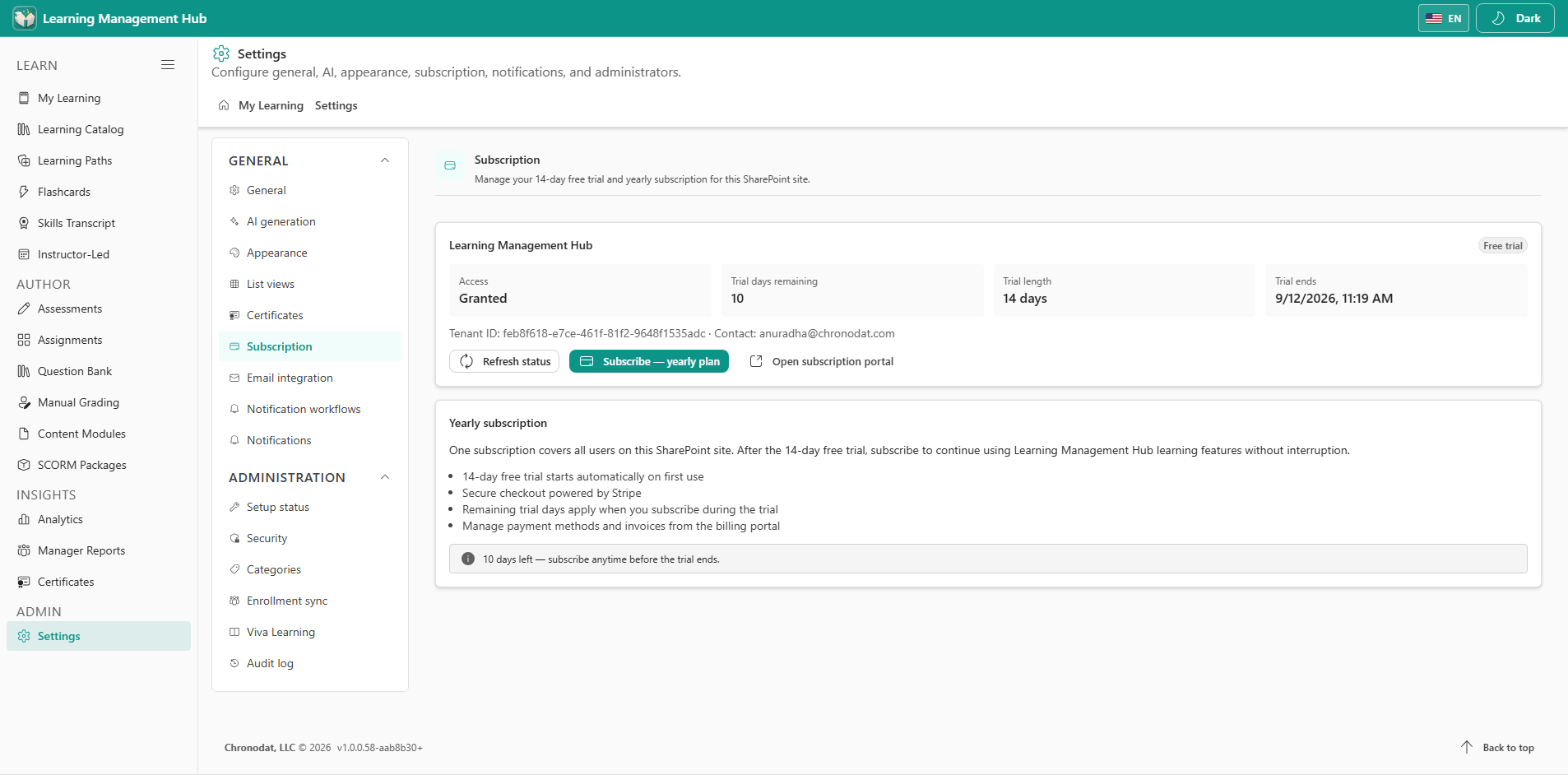
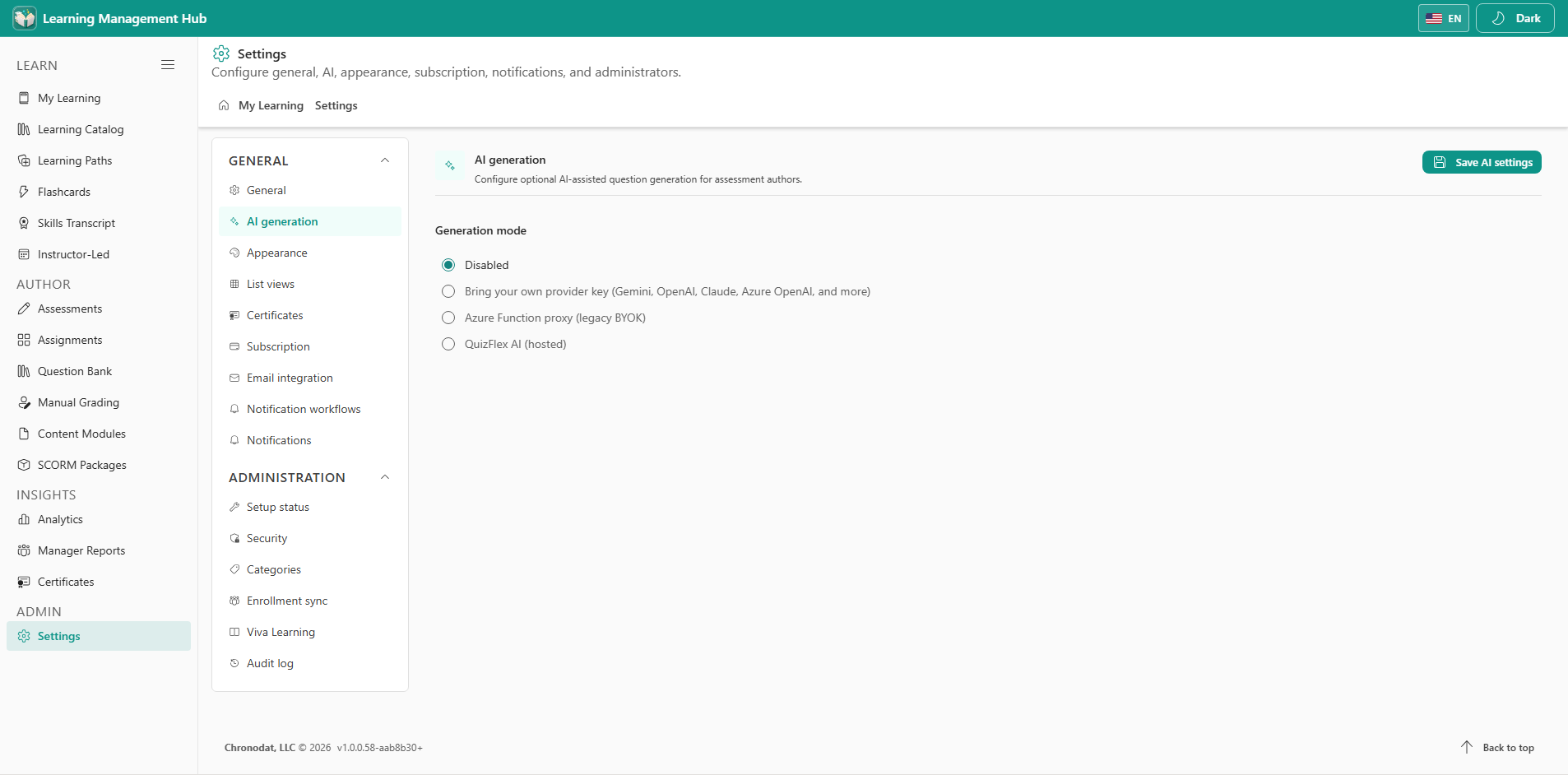
12.1 Configure the site
- General — display name and education mode (renames learner and author labels).
- AI generation — hosted Chronodat AI, Azure OpenAI, or disabled.
- Appearance — theme, colors, and hide-passed-assessments.
- List views — default columns for catalog and author lists.
- Certificates — certificate title and visual template.
- Subscription — per-site trial and yearly licensing.
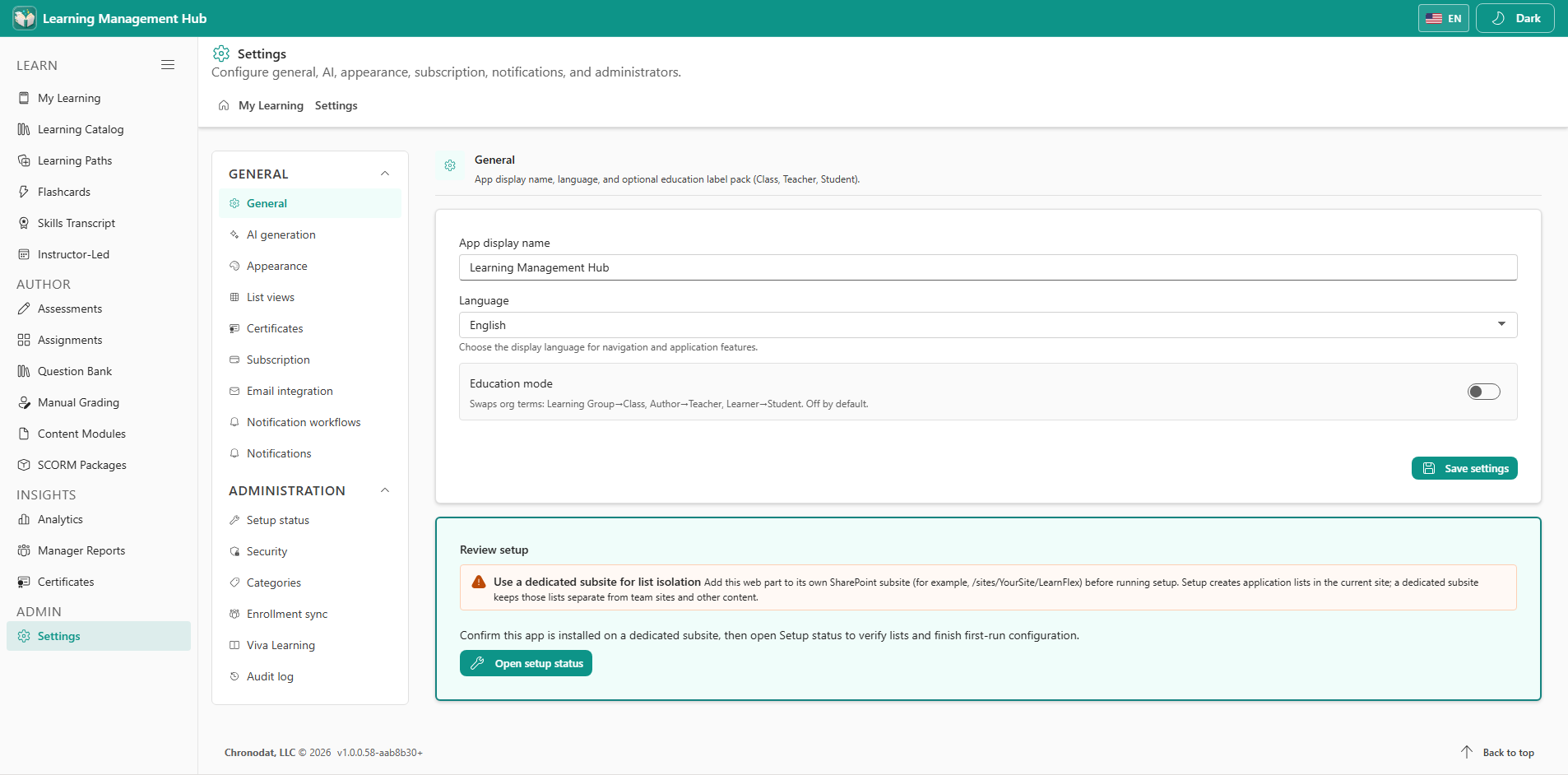
12.2 Email, setup, and lookups
- Email integration / Notification workflows — Graph Mail.Send and lifecycle emails.
- Setup status — list health, seed buttons, and dedicated-subsite warning.
- Categories — lookup values used by the catalog and authoring forms.
- Enrollment sync — optional Entra group sync for assignment audiences.