Product / Knowledge Base / 8. Learning Paths and Content

8. Learning Paths and Content

User & Administration Guide — Version 1.0.0.59

Guide summary

Sequence assessments and content modules, add flashcards or instructor-led sessions, and attach SCORM package launch URLs.

On this page

8.1 Learning paths

  • Open Learning Paths to sequence assessments and content modules.
  • Later items stay locked until prerequisites pass.
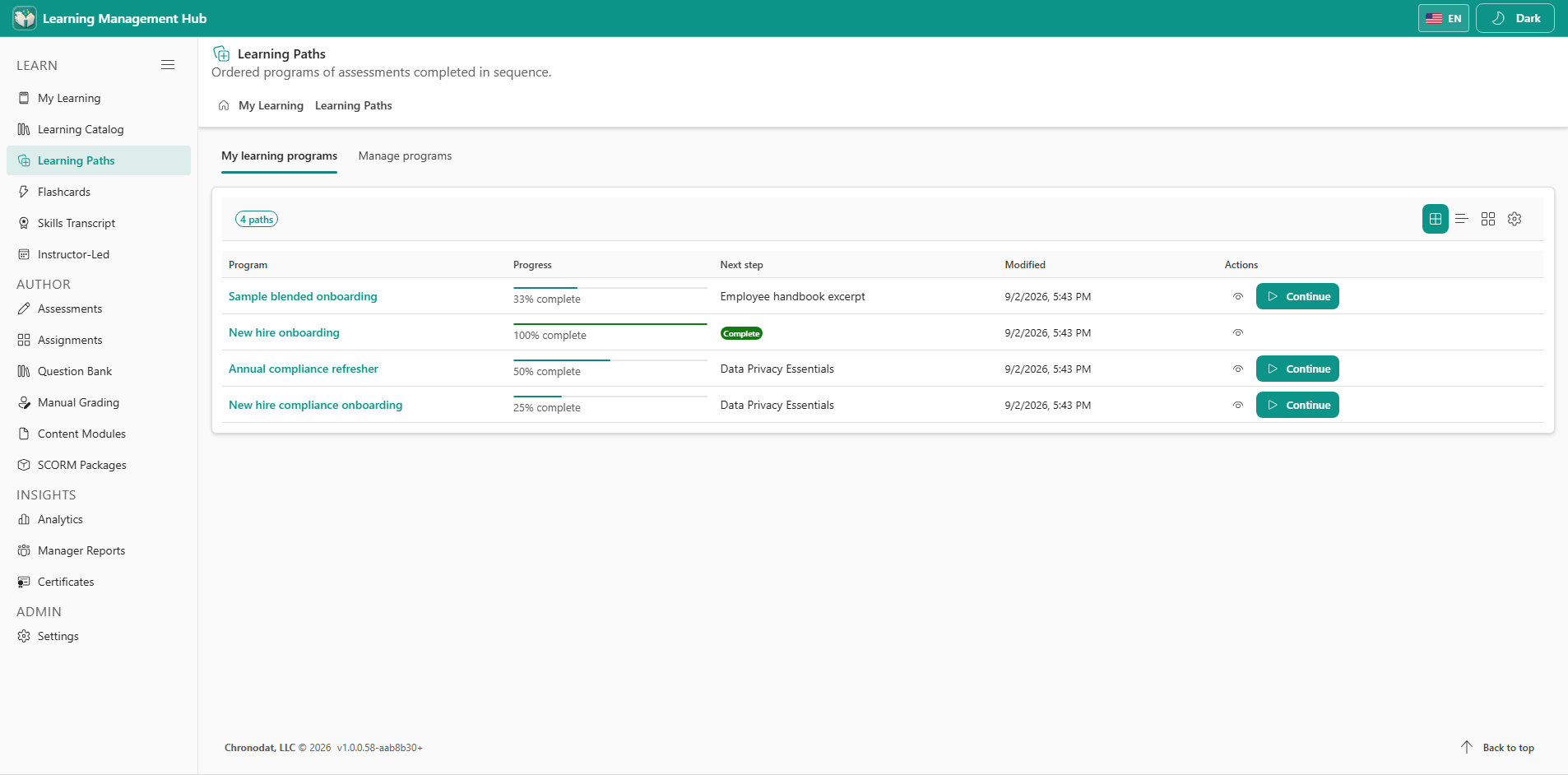
Learning Paths with sequenced assessments and modules
Paths keep later items locked until the learner passes the prerequisite.

8.2 Content modules, flashcards, and live classes

  • Content Modules — documents, video, and confirmation steps used inside paths.
  • Flashcards — study decks for recall practice.
  • Instructor-Led — register for live or Teams sessions and record attendance.
  • SCORM Packages — metadata and external launch URLs. The SCORM runtime is hosted outside the app.
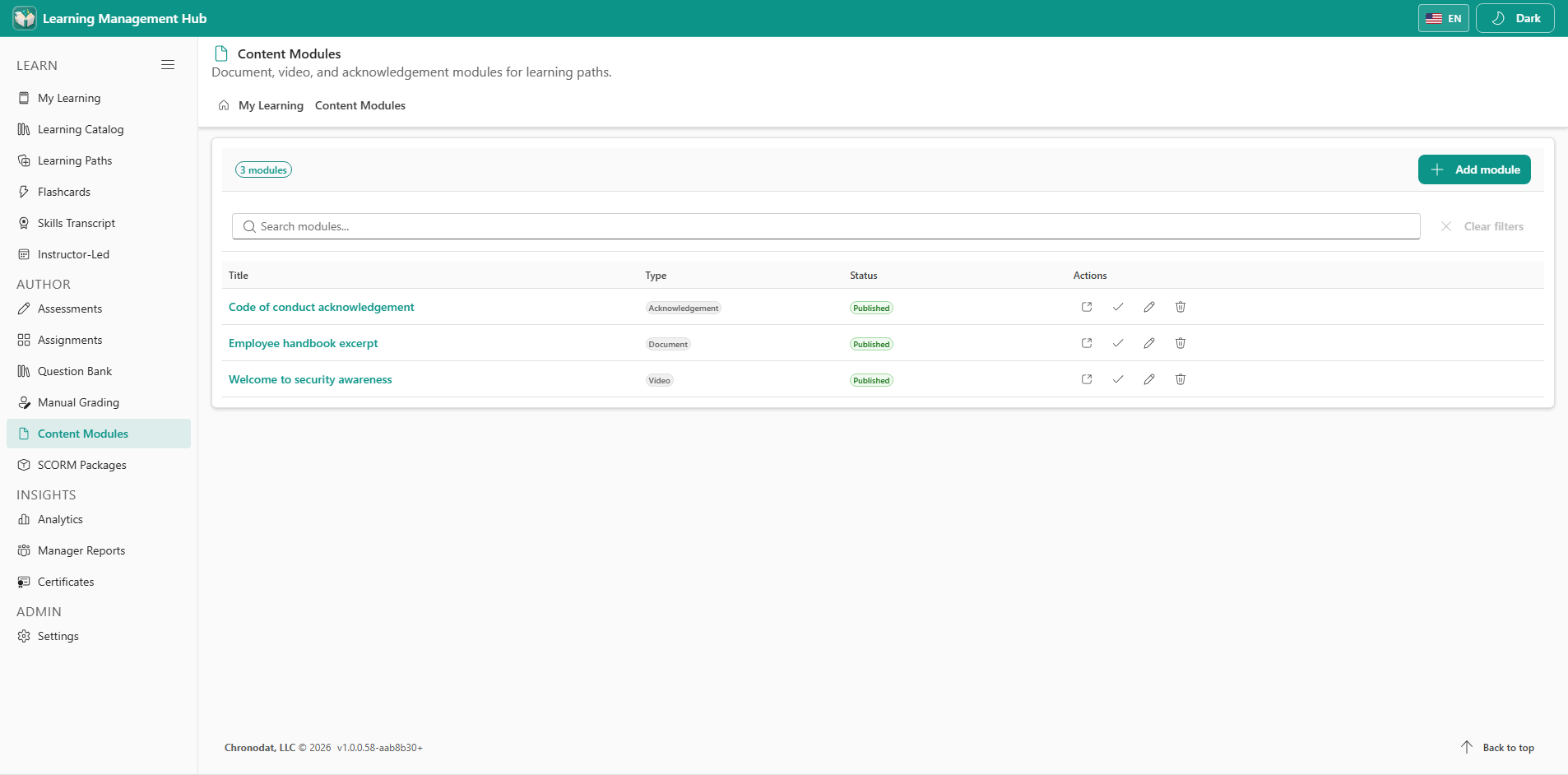
Content modules for documents, video, and confirmations
Content modules sit beside assessments inside a learning path.
Learning lifecycle from assign through complete and certify
The learning lifecycle — assign, start, complete, grade, and certify.