5.1 Create and publish
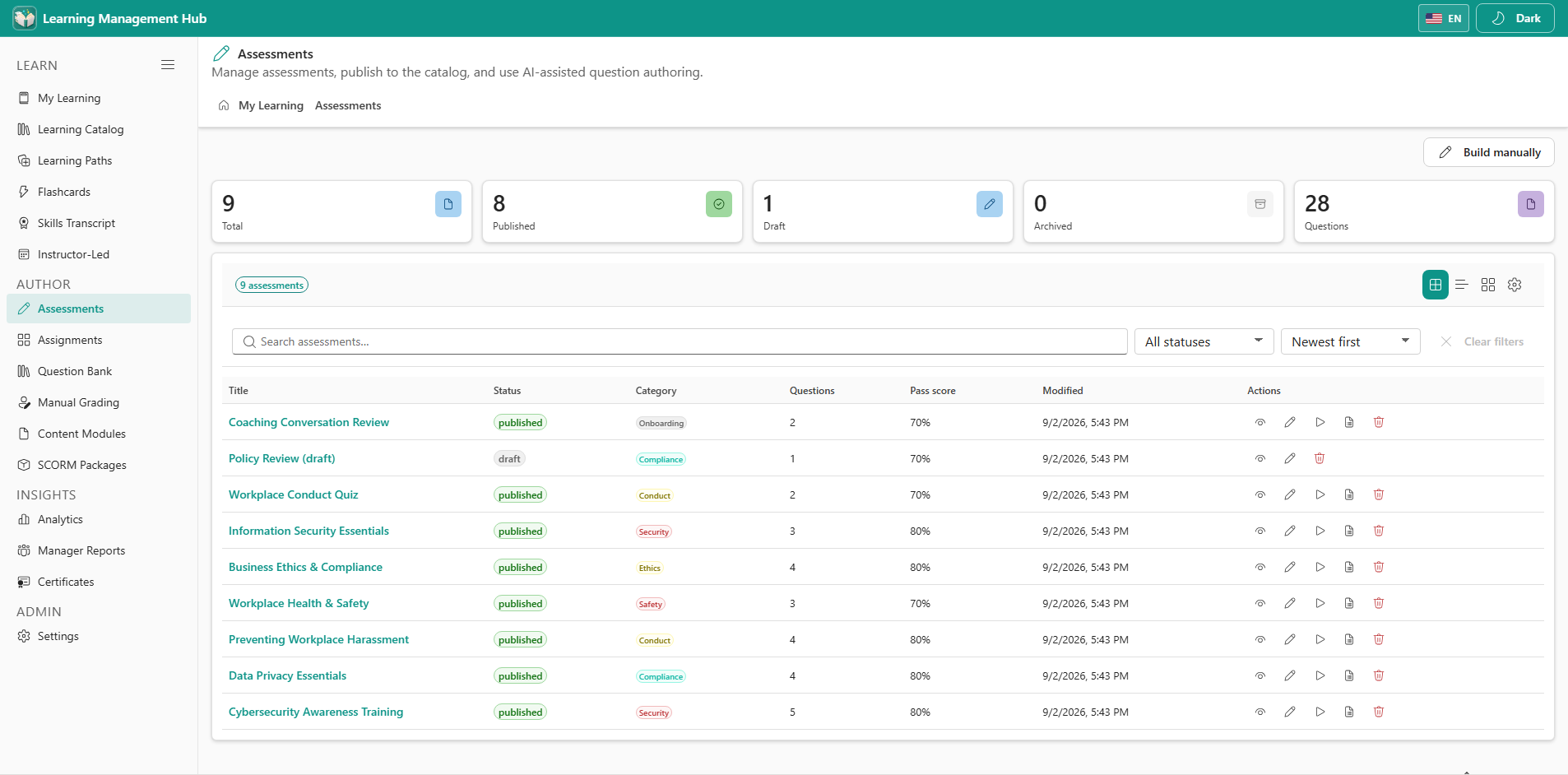
- Open Assessments from the AUTHOR section.
- Choose New assessment. Enter title, category, pass percent, time limit, and max attempts (blank = unlimited).
- Add questions manually or use AI generation after Settings → AI generation is configured.
- Save as draft, then Publish so learners can see it in the catalog.
5.2 AI-assisted questions
AI generation is optional. Configure Settings → AI generation to use hosted Chronodat AI, Azure OpenAI, or leave it disabled. Generated questions should be reviewed before you publish.
- AI is an authoring aid. It does not grade learners or store learner data outside your tenant.
- If generation returns empty results, confirm the site license and the AI settings.