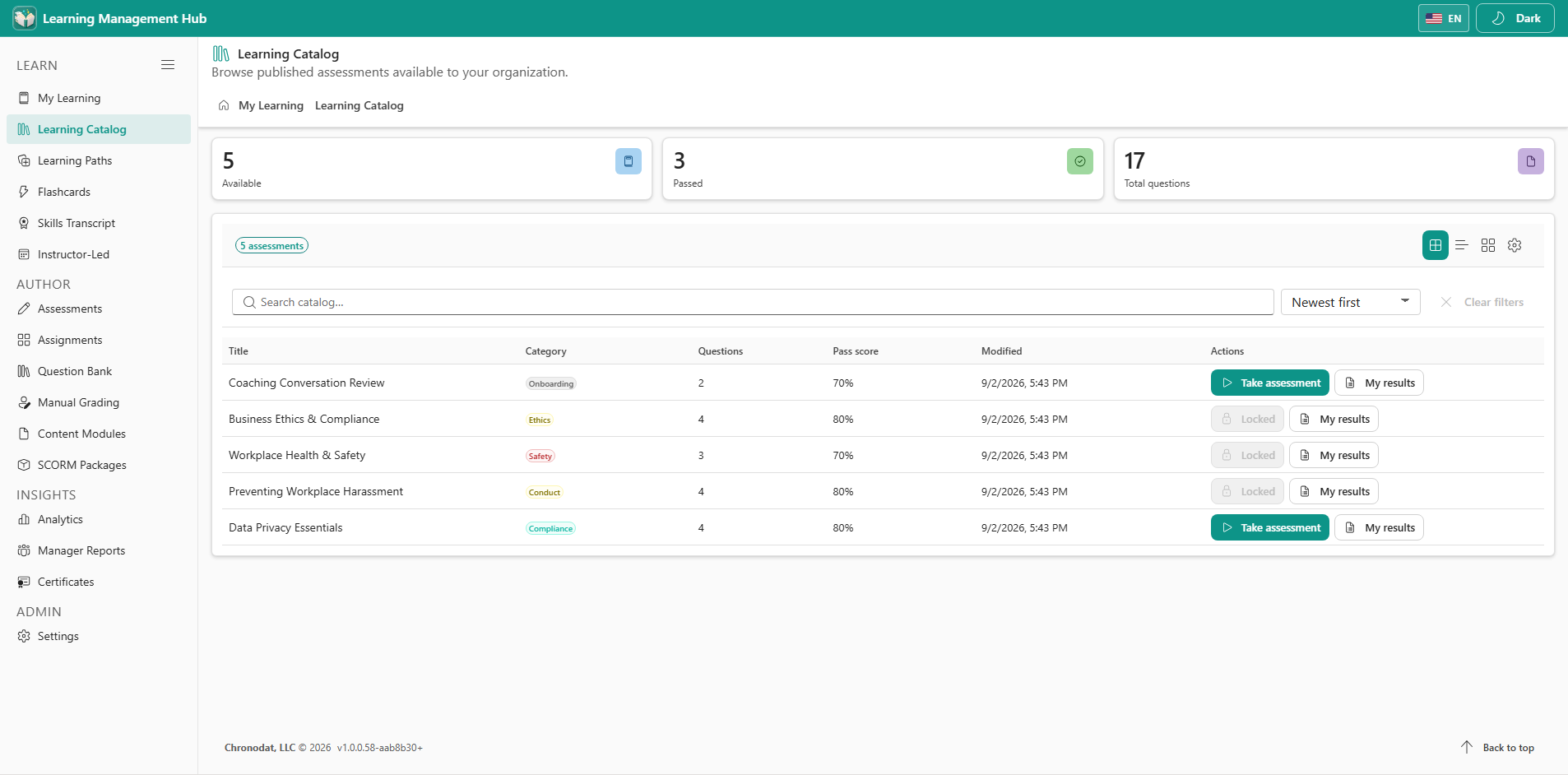
4.1 Browse published assessments
- Open Learning Catalog to see published assessments.
- Search and filter by category or title.
- Open an assessment to review description, pass mark, time limit, and max attempts.
- Start from the catalog when the assessment is available and attempt policy allows it.
4.2 When Start is unavailable
- The assessment is still a draft and has not been published.
- The learner already passed and hide-passed or already-passed policy blocks a new attempt.
- A learning-path prerequisite is still locked.
- The availability window has not opened, or every allowed attempt is used.