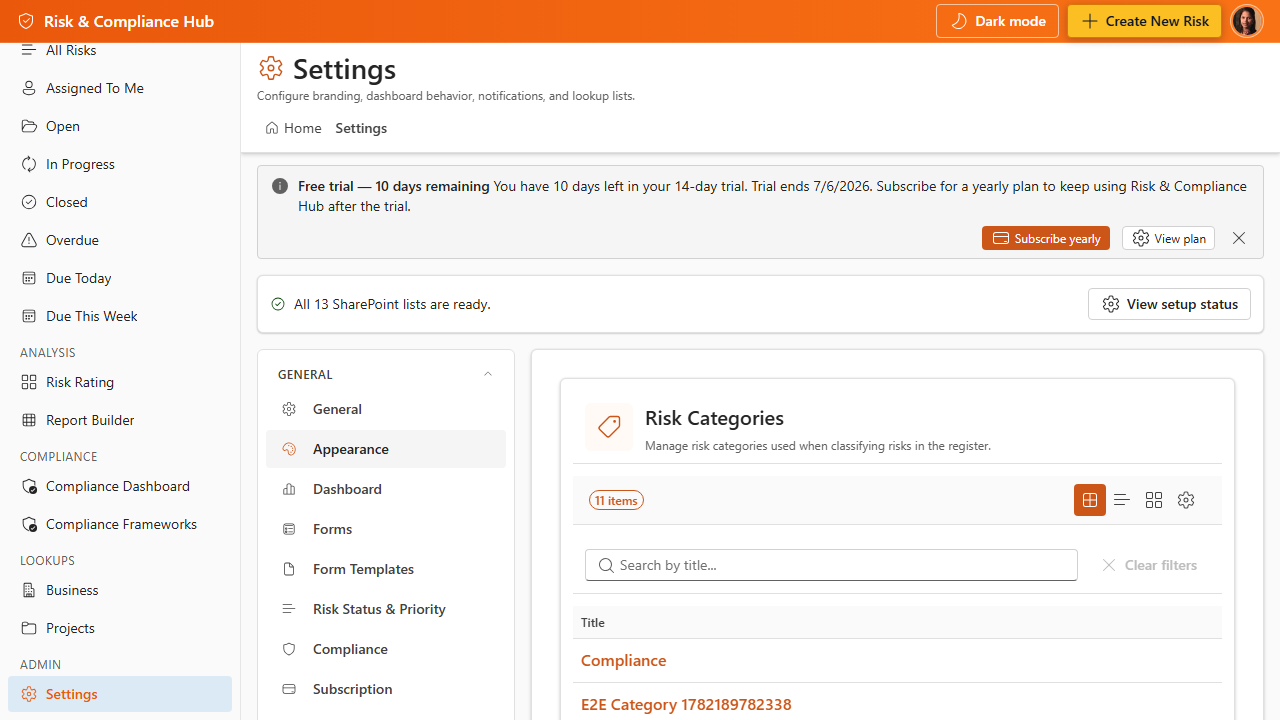
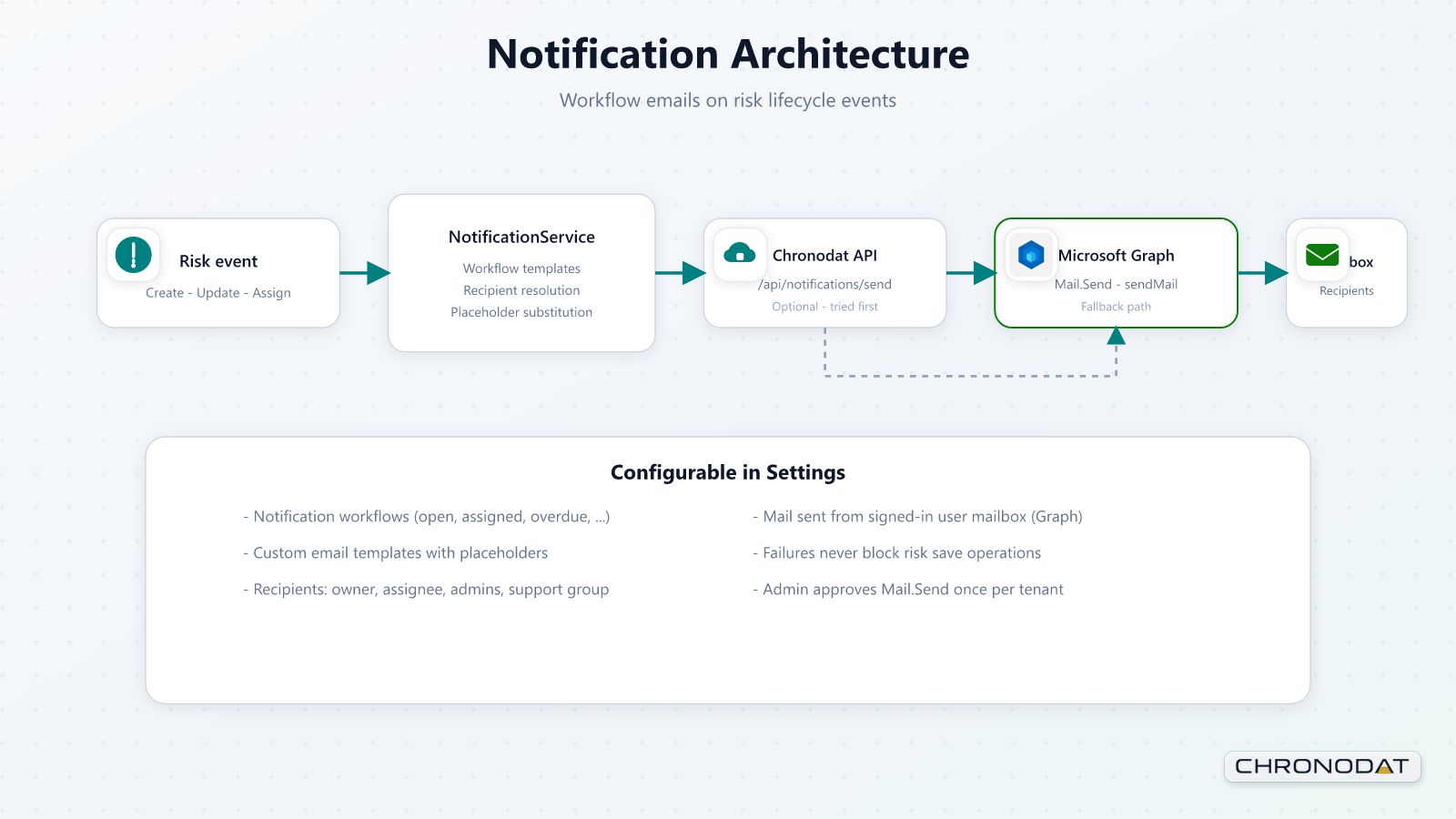
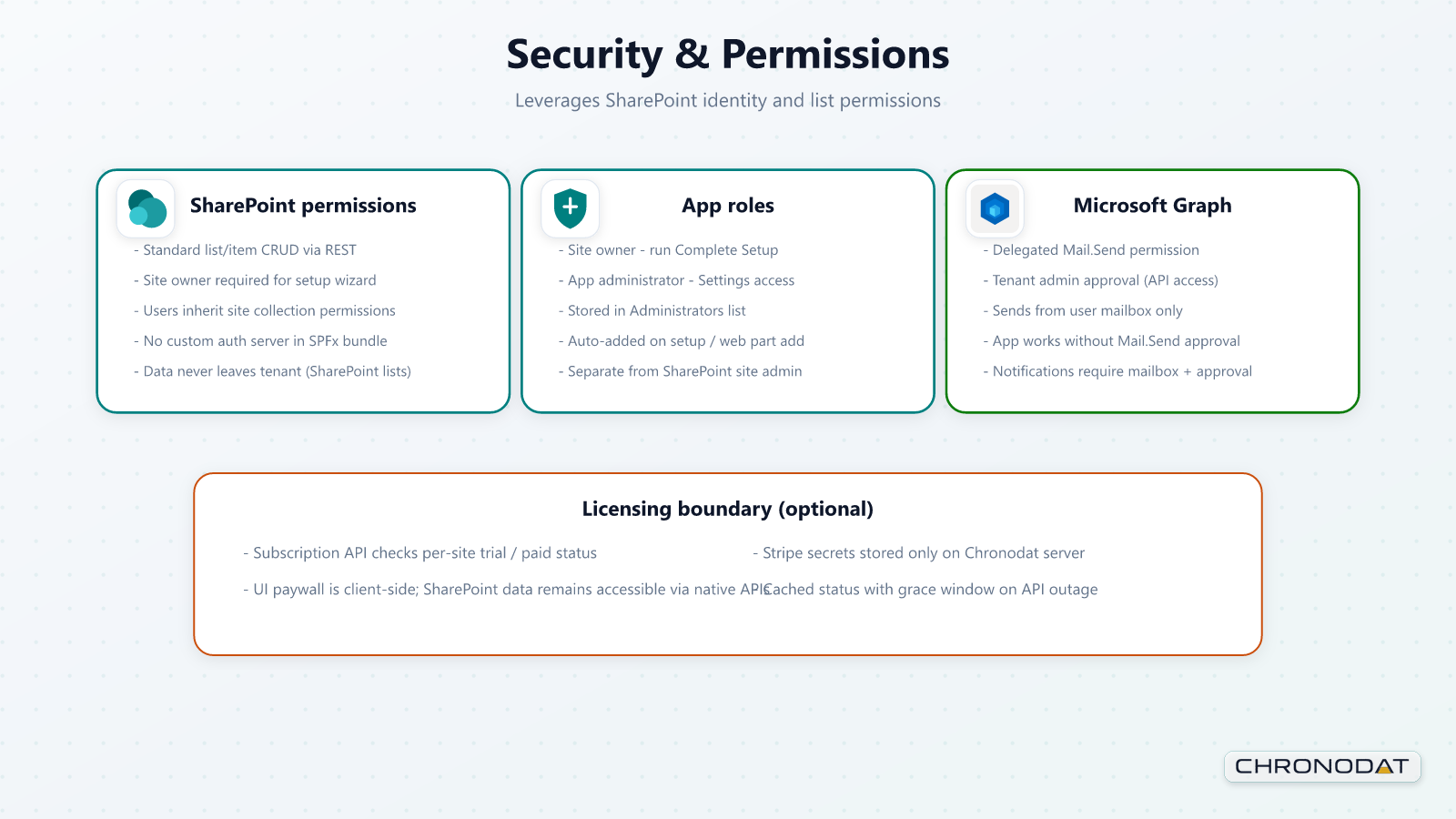
The following diagrams summarize how Risk & Compliance Hub fits into Microsoft 365. For full technical detail, see docs/Risk-Compliance-Hub-Technical-Architecture.docx in the solution package.
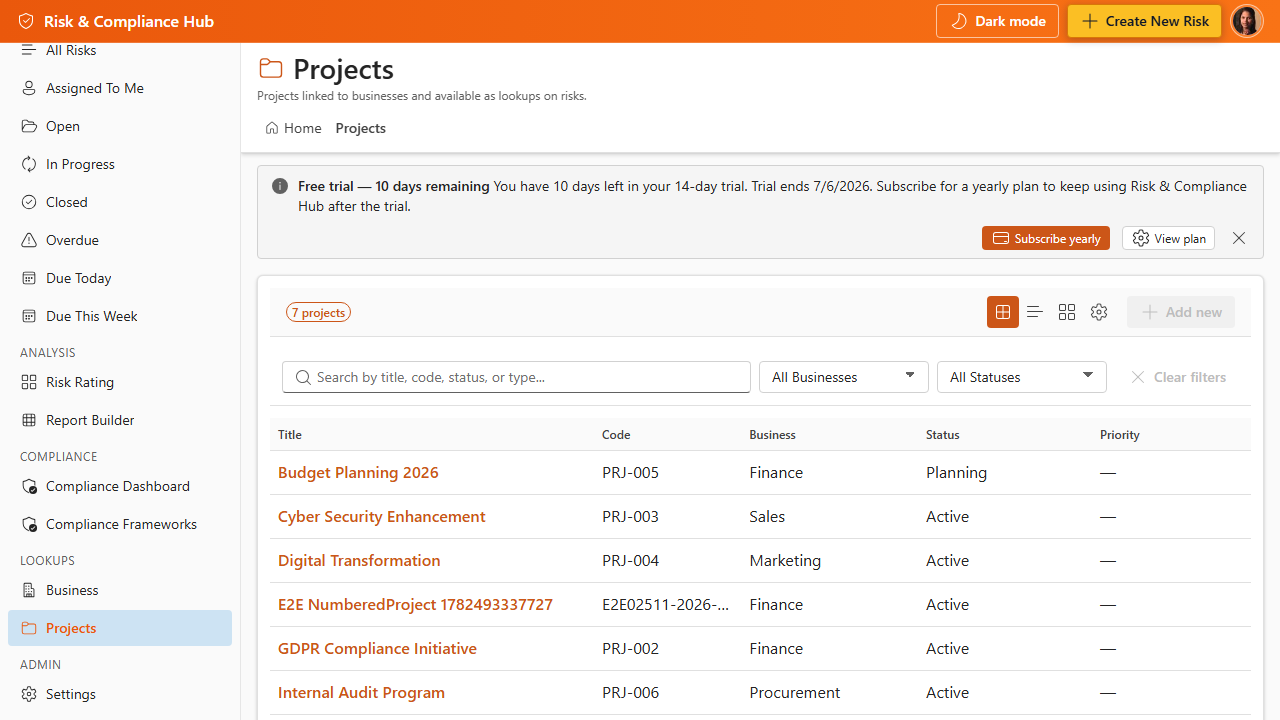
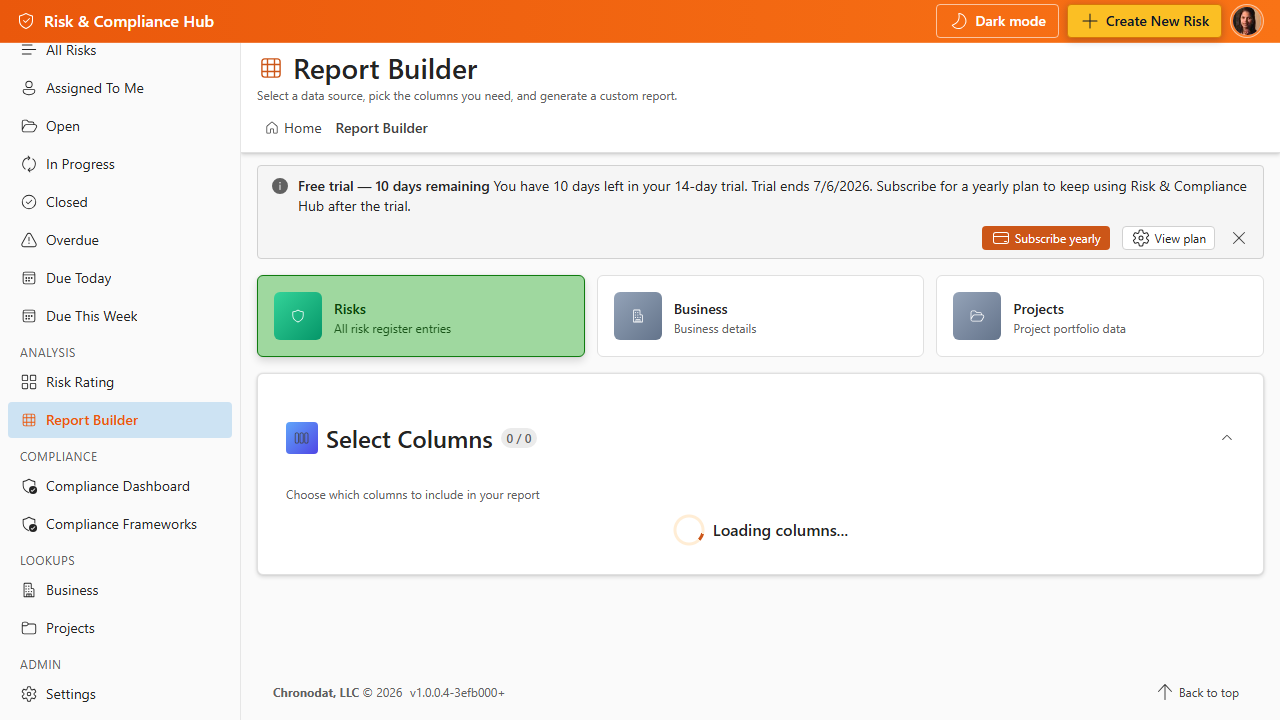
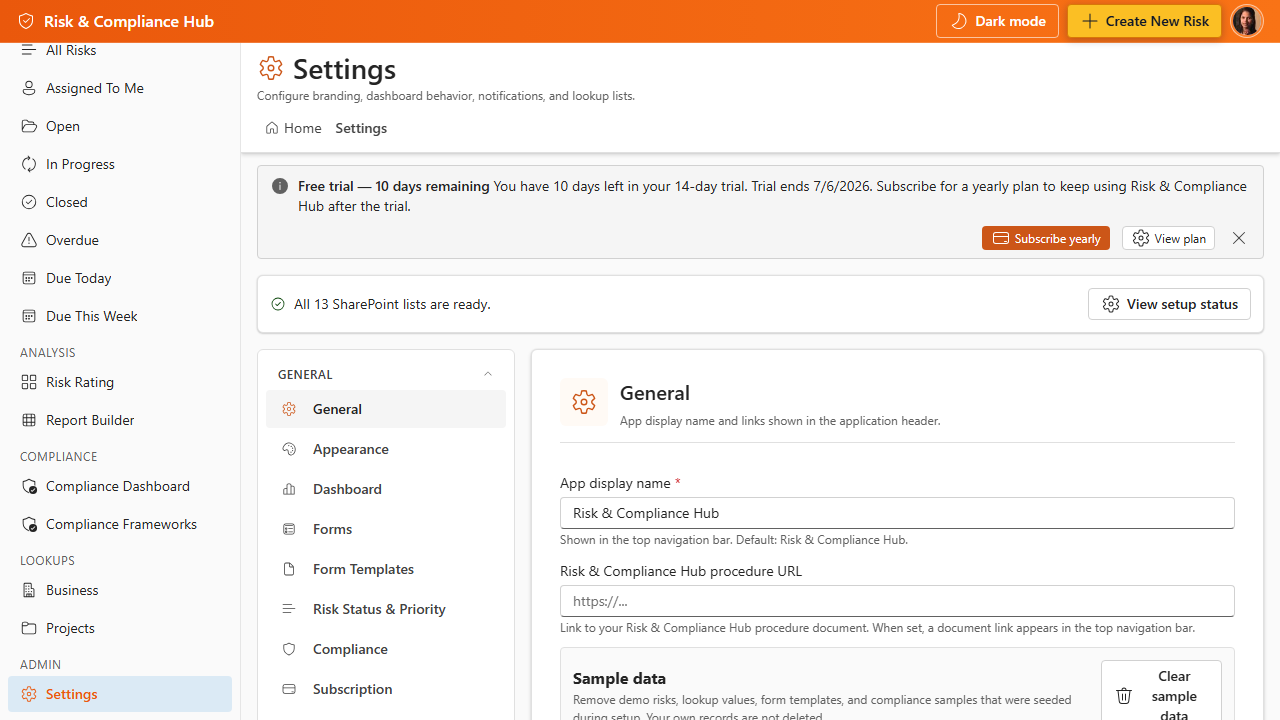
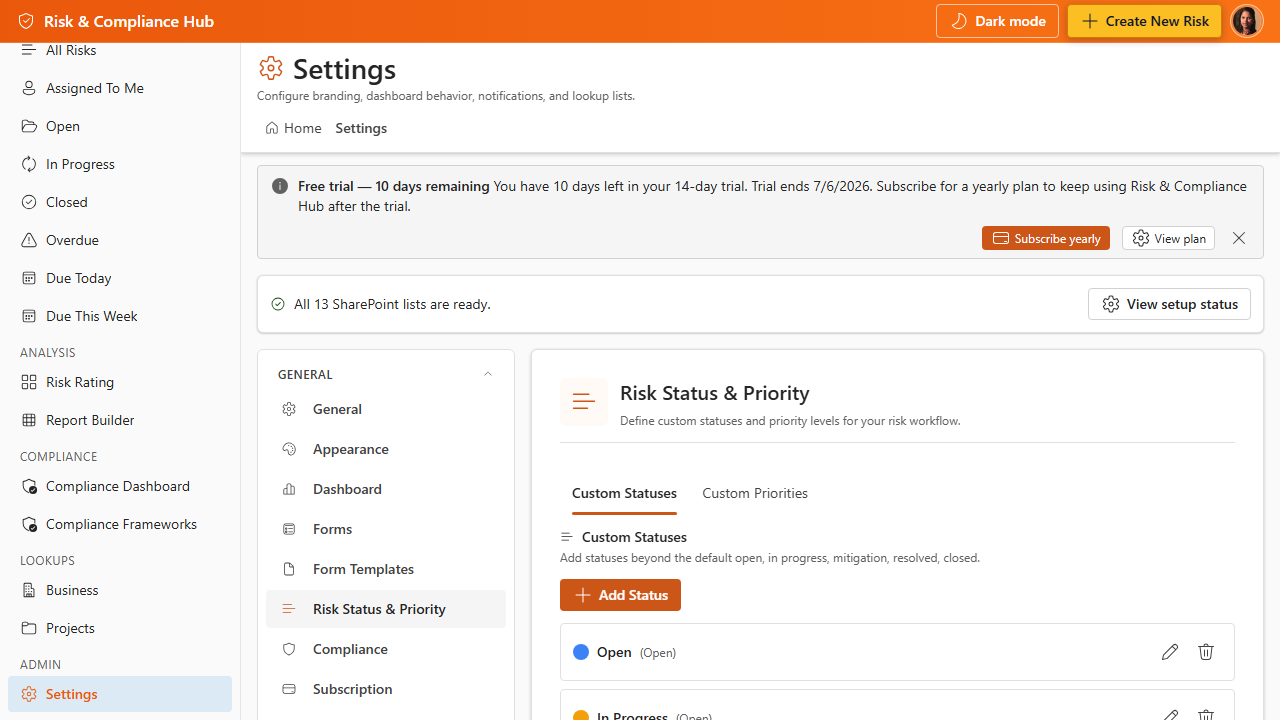
Additional App Functionality
Power Automate Companion Architecture
Power Automate flows are optional companion automation. They are not embedded in the SharePoint Framework package. The app stores workflow settings and email templates in SharePoint AppSettings, and customer-managed flows can read those settings to send notifications, overdue alerts, scheduled reports, and workflow-rule messages.
- Deploy flows separately in the customer tenant when shared mailbox delivery or scheduled automation is required.
- Keep each flow's Site URL variable aligned with the SharePoint site that hosts the app.
- Disable app-based Graph email delivery when Power Automate owns the same notification events.
Audit, Security, and Data Boundaries
Operational data is stored in SharePoint lists in the customer tenant. The app audit log records app-level changes for transparency, while Microsoft 365 remains the system of record for tenant-wide identity, permissions, retention, and compliance audit controls.