Business units and projects are master data used to classify risks and drive the portfolio filters.
6.1 Add a Business Unit
- Open Lookups → Business in the sidebar and click Add new.
- Enter the Title and complete the visible fields (industry, region, criticality, owner).
- Click Save. The new business unit appears in risk forms and portfolio filters.
6.2 Add a Project
- Open Lookups → Projects and click Add new.
- Enter the Title, select the linked Business, and complete the status, priority, type, and project manager fields.
- Click Save.
Additional App Functionality
Lookup Delete Warnings
Business units, projects, categories, sub-categories, and other lookup values can be referenced by existing risks and reports. When deleting a referenced lookup value, the app checks for usage and prompts administrators before proceeding.
- Prefer deactivating or renaming values when historical reporting depends on them.
- Review referenced risks before deleting a lookup value that has already been used.
- After changing lookup values, refresh report filters so users see the latest master data.
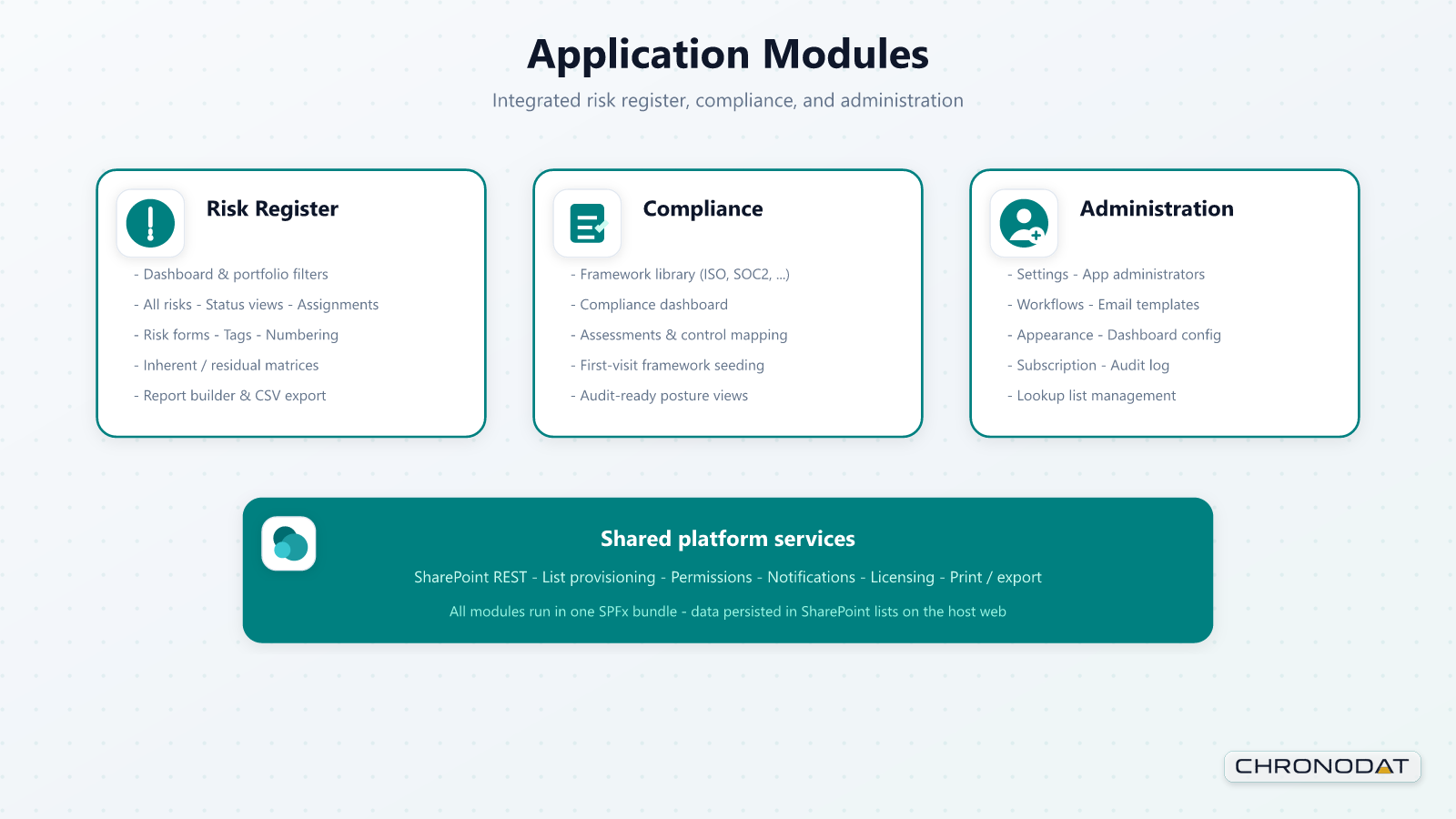
Configurable Master Data Forms
Form settings are not limited to risks. Administrators can also configure the forms used for business, project, and lookup list records so the master data model matches local governance needs.