1.1 Requirements
- Microsoft 365 SharePoint Online (on-premises SharePoint Server is not supported).
- A modern browser: Microsoft Edge, Google Chrome, Mozilla Firefox, or Safari.
- SharePoint Administrator or Global Administrator role to upload the .sppkg and approve Graph permissions.
- Site owner permission on the target site to configure web parts and publish pages.
- Recommended: a dedicated site or subsite (for example /sites/people) for the directory and org chart pages.
1.2 Deploy the App (Tenant Administrator)
- Build or obtain the production package sharepoint/solution/people-hub.sppkg (run npm run ship in the solution).
- Open SharePoint Admin Center → Apps → App Catalog and upload the .sppkg file.
- When prompted, deploy the package and make it available to all sites (skipFeatureDeployment is enabled).
- On the target site, confirm the app is available from the tenant catalog.
1.3 Approve Microsoft Graph Permissions
People Hub Enterprise reads directory data through Microsoft Graph. Approve these scopes after app catalog deployment (SharePoint Admin Center → Advanced → API access):
| Scope | Purpose |
|---|---|
| User.Read.All | Directory profiles and org chart hierarchy |
| User.ReadBasic.All | Lightweight user lookups |
| Presence.Read.All | Teams presence in directory and org chart |
| People.Read.All | Manager and direct reports for org chart |
| ProfilePhoto.Read.All | Profile photos in cards and profiles |
| GroupMember.Read.All | Security group membership for access control |
1.4 Add Web Parts to SharePoint Pages (Site Owner)
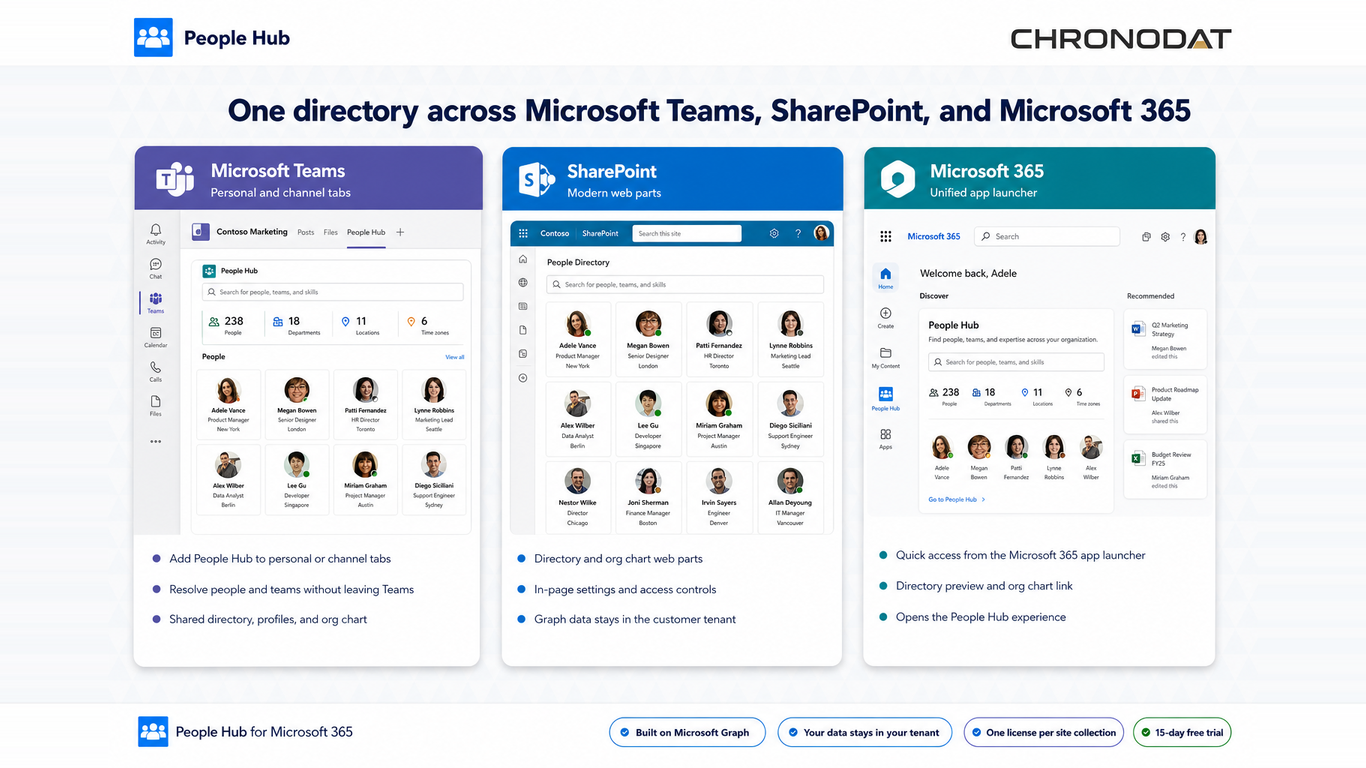
- Navigate to your target site and create or edit a modern page.
- Add People Hub Enterprise Directory for the employee directory (for example SitePages/PeopleHub.aspx).
- Add People Hub Enterprise Org Chart on a separate page for hierarchy views (for example SitePages/PeopleHub-OrgChart.aspx).
- Open the property pane and turn off Use sample data for production.
- Publish the page. Users can open the directory immediately after Graph permissions propagate.
1.5 Optional — Teams and Viva Connections
- Build teams/dist/people-hub-teams.zip with npm run package:teams and upload to Teams Admin Center for channel tabs.
- Add the People Hub Enterprise adaptive card extension to a Viva Connections dashboard.
- Complete SharePoint page setup before adding Teams tabs so the backing site is ready.
Additional App Functionality
Visual Setup Walkthrough
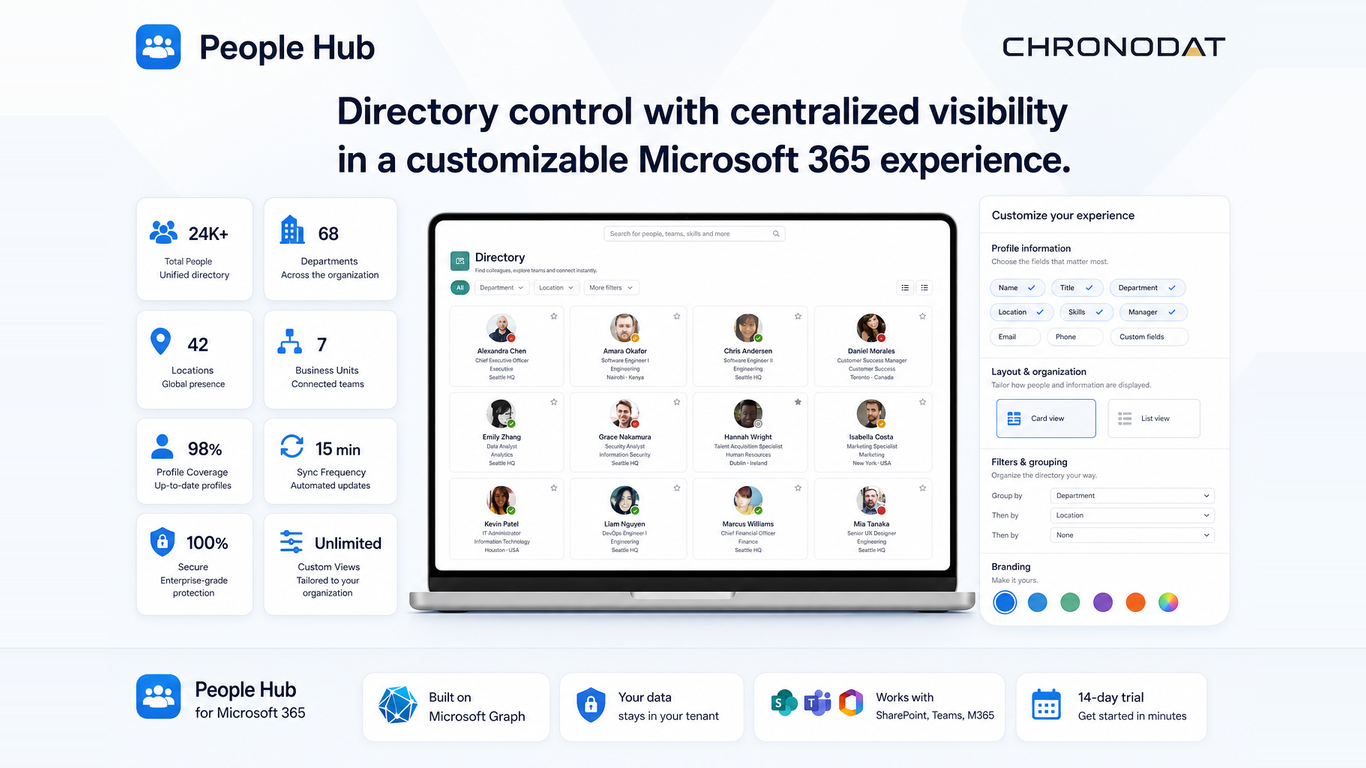
The screenshots below show a typical first-time deployment: adding the People Hub Enterprise Directory web part to a SharePoint page, configuring the property pane, and publishing for users.
Subscription, Trial, and Access
People Hub Enterprise includes a 14-day free trial per site collection ($299/year after trial, unlimited users). During a trial, users may see subscription banners after the first two days. If a subscription expires, the app shows a lock screen until an administrator renews.
Site owners or delegated app administrators manage licensing from Settings → Subscription after configuring the subscription API URL.