
People Hub Enterprise
A modern employee directory & org chart for Microsoft 365
- Live Microsoft Graph data
- SharePoint, Teams & Viva
- One license per site collection
- 14-day free trial
A modern employee directory & org chart for Microsoft 365
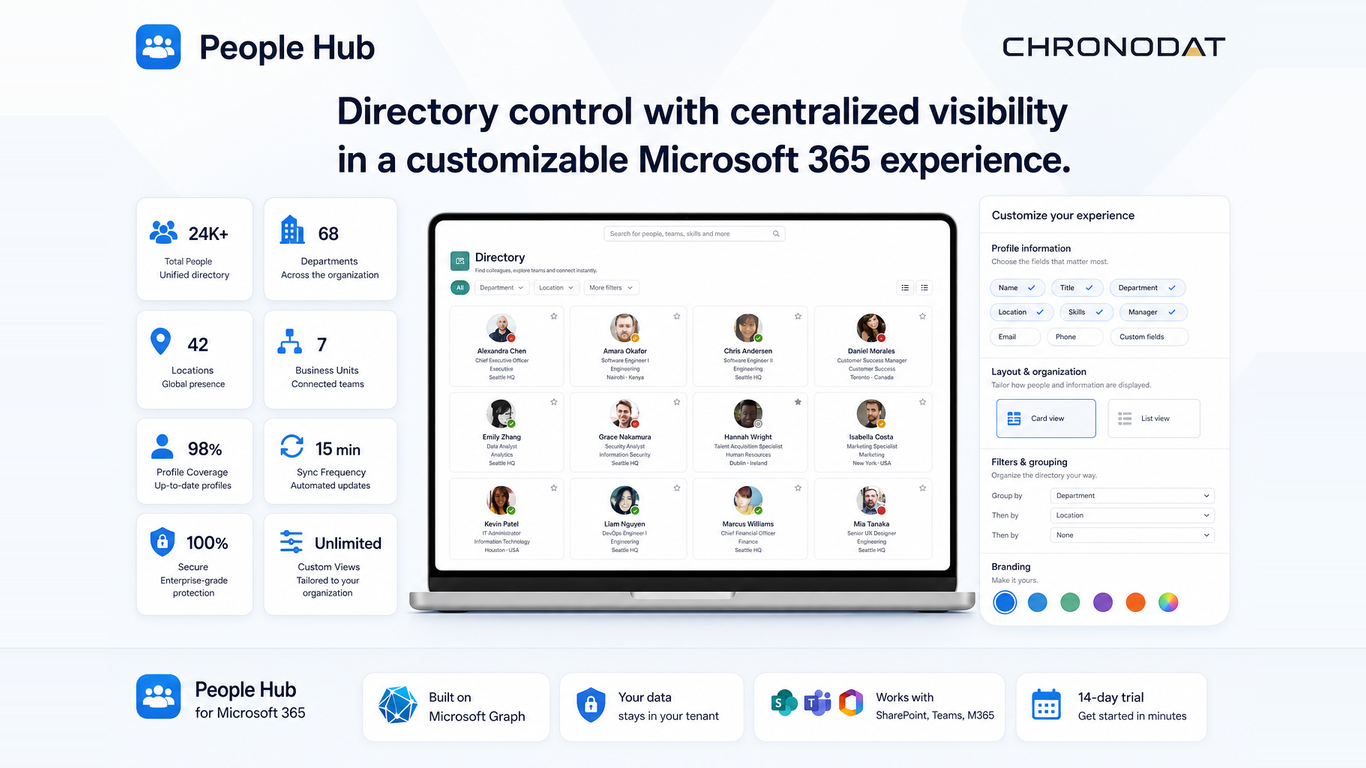
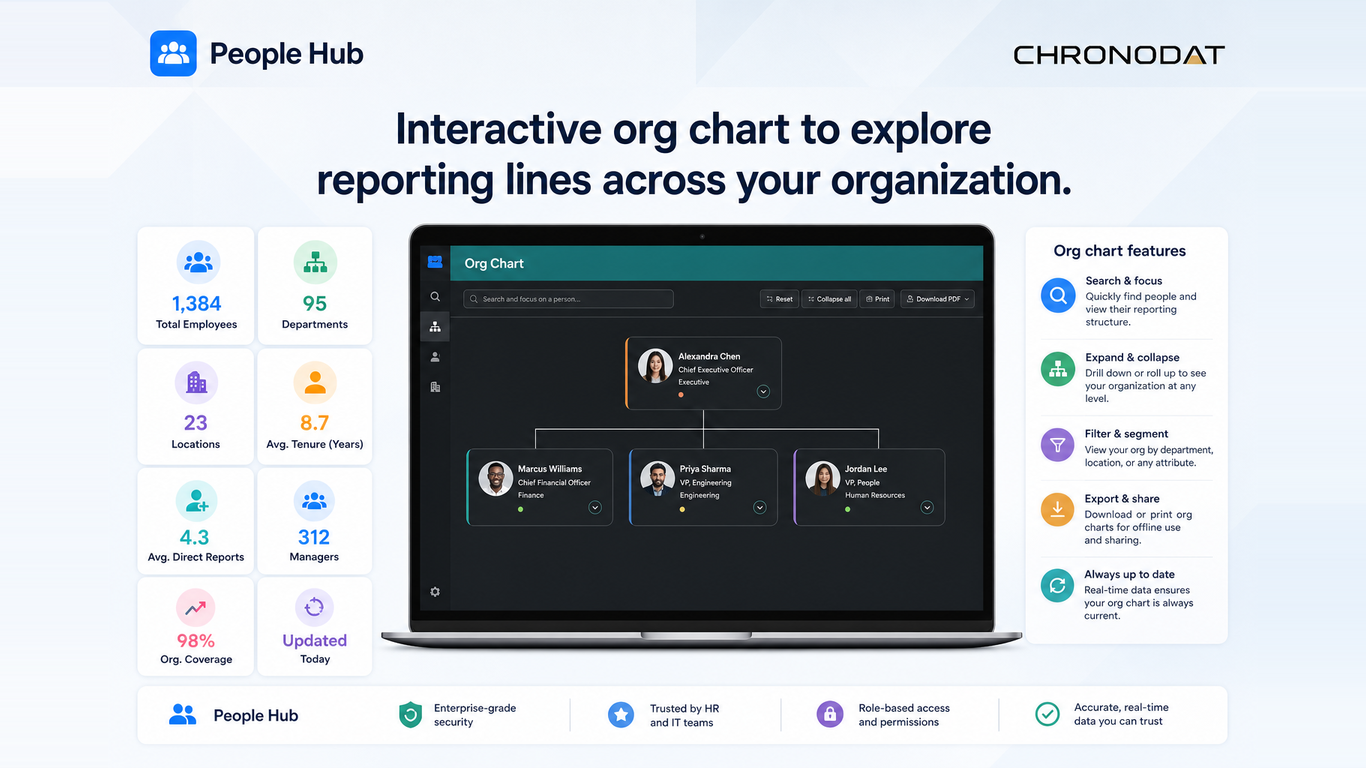
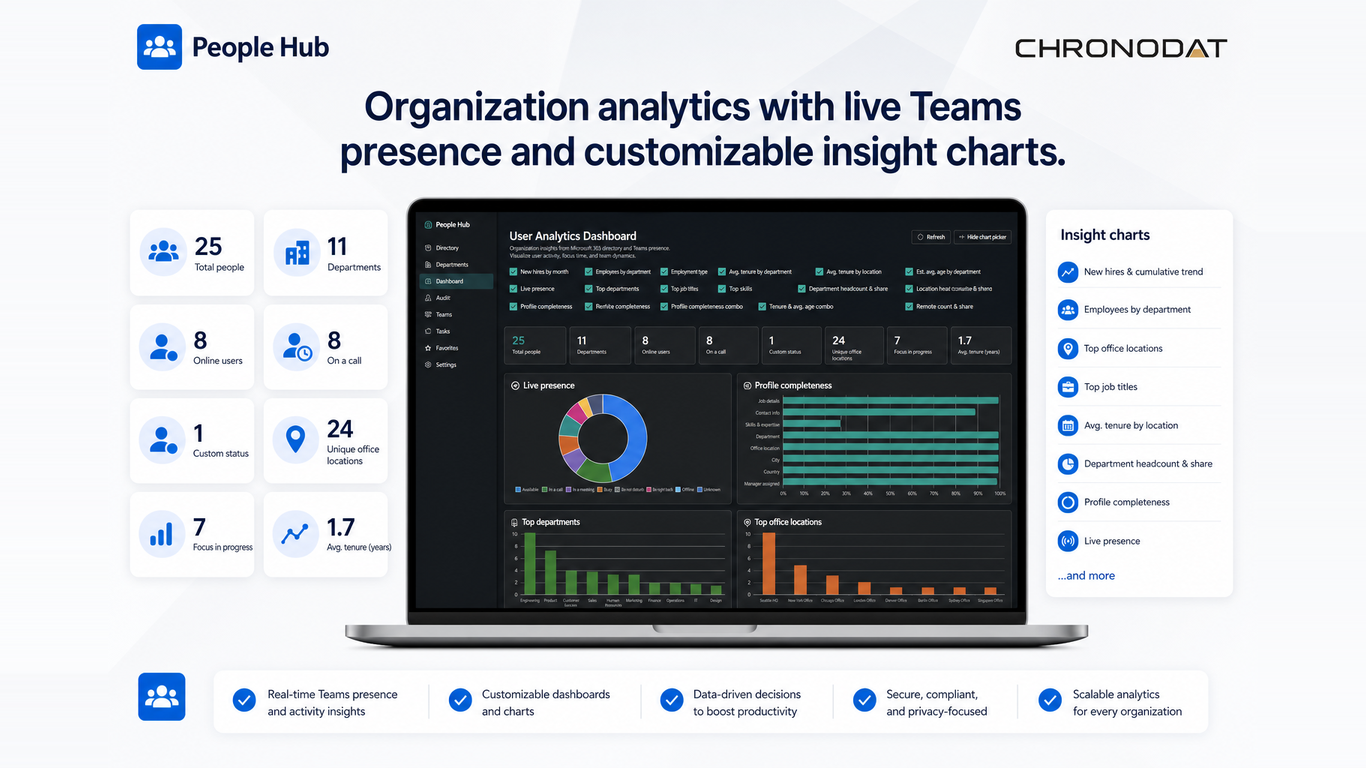
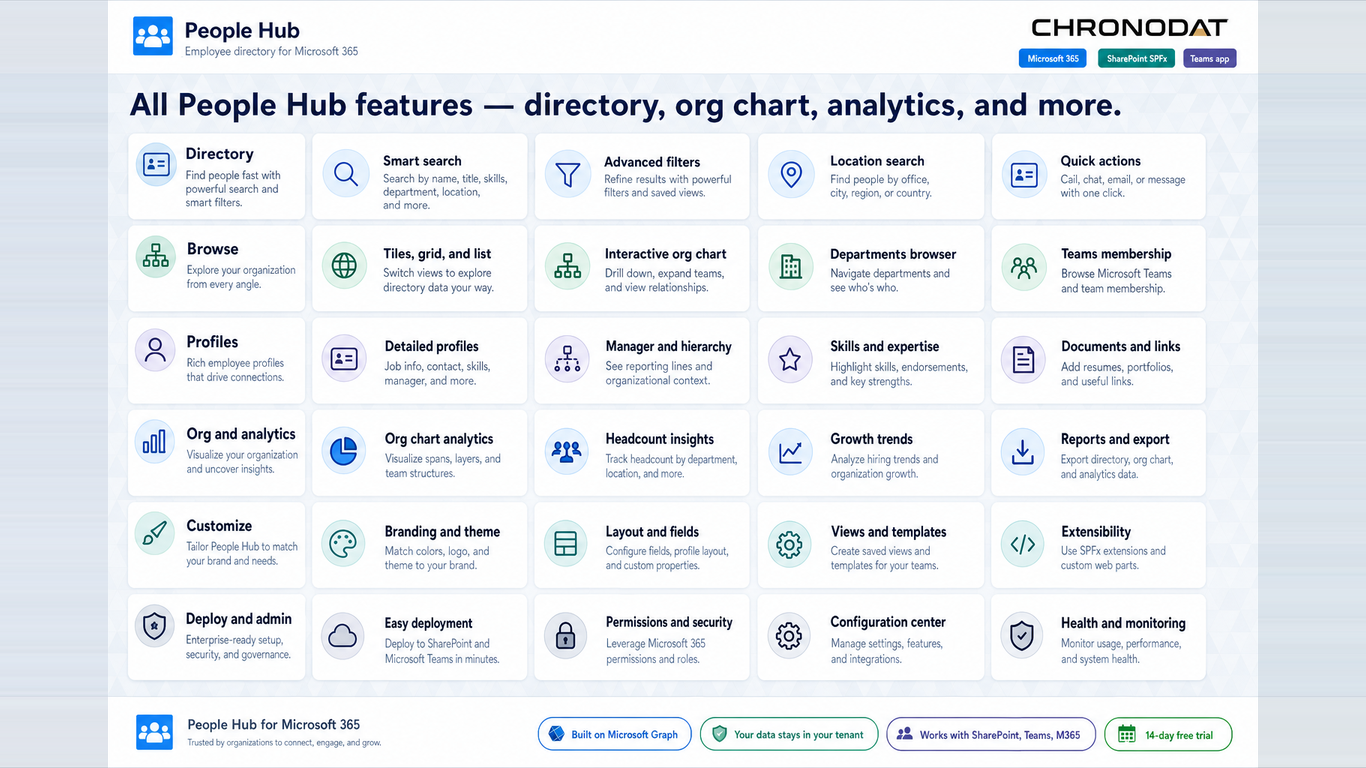
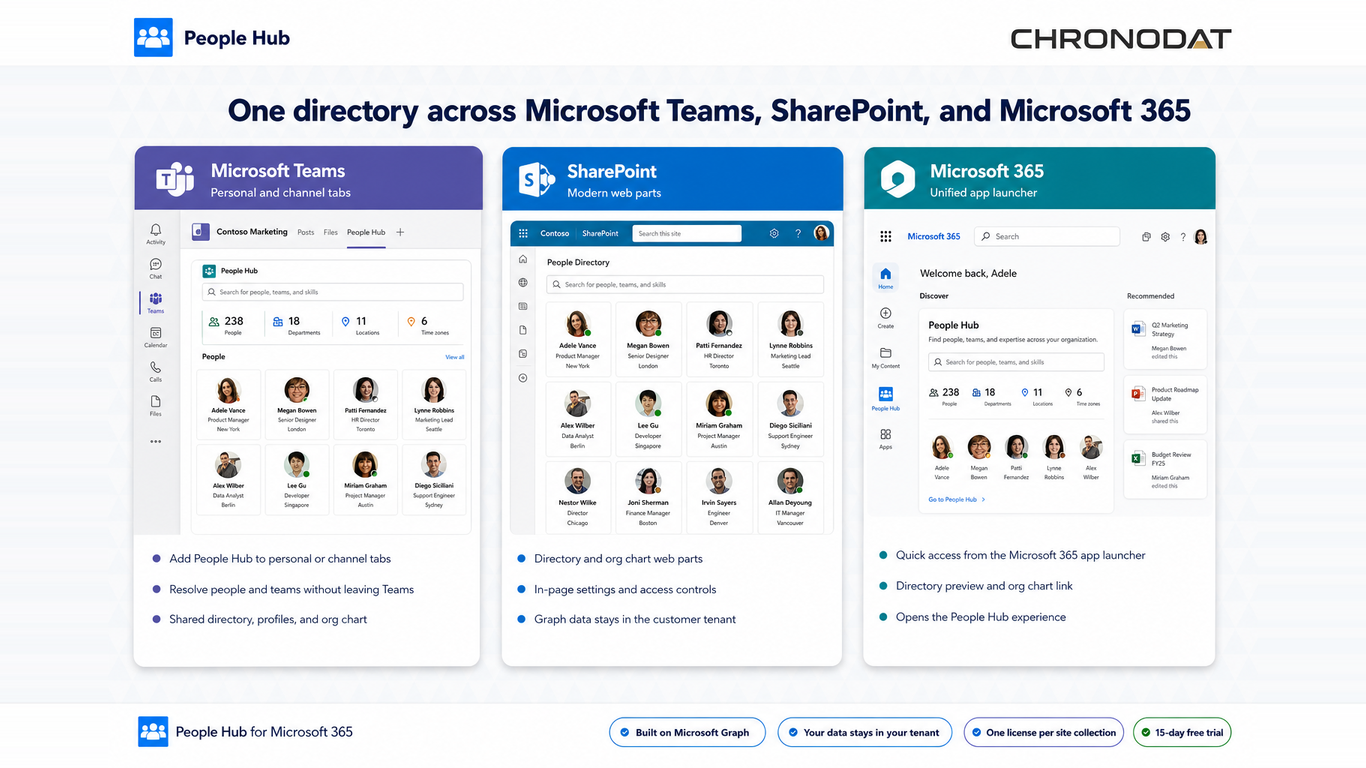
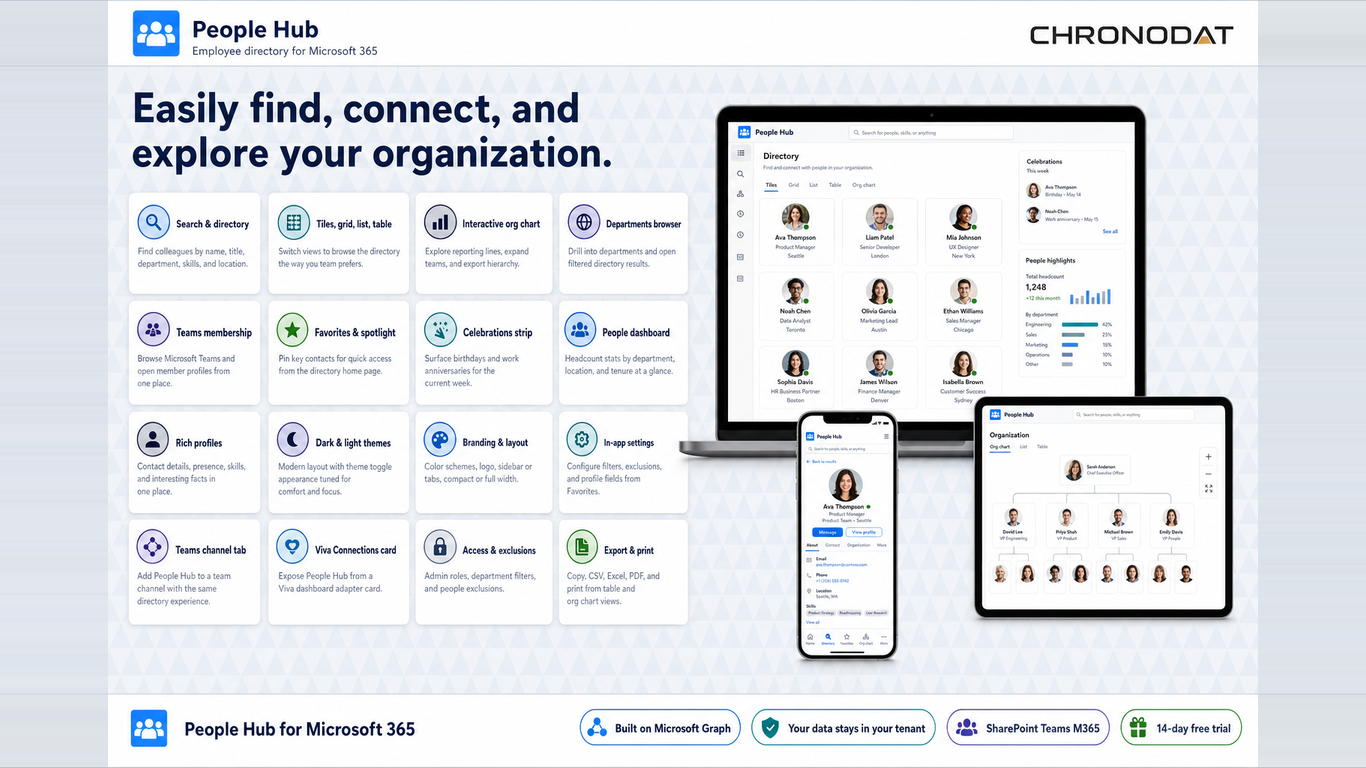
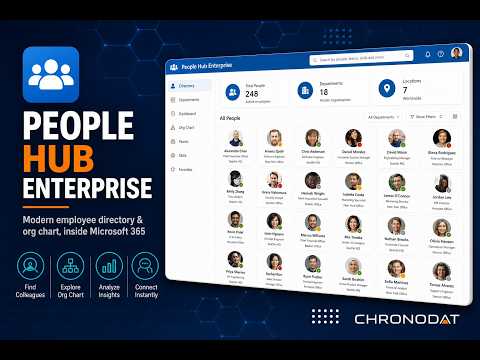
Watch a walkthrough of People Hub Enterprise — directory search, interactive org chart, live Teams presence, and analytics, all inside Microsoft 365.
Search colleagues by name, title, department, or keyword. Card, grid, list, and table views with filters, A-Z browse, favorites, and CSV export.
Explore reporting lines with expand/collapse, zoom and pan, and quick navigation to managers and direct reports across your organization.
See availability status (Available, Busy, Away, and more) next to every person in the directory, org chart, and team views.
Use natural-language search to find colleagues — for example, "React engineers in Seattle" or "Finance managers in Houston."
Surface Microsoft 365 group and team membership so channel tabs show the right people for each team context.
Pin a People Hub adaptive card to the Viva dashboard so employees can open the full directory in one tap.
Track directory usage, popular searches, and engagement with a built-in analytics dashboard for administrators.
Run the same hub on SharePoint pages, Teams channel tabs, and Viva Connections — one SPFx solution.
Deploy People Hub Enterprise once to your tenant App Catalog and give employees a consistent people-finding experience across Microsoft 365 — without copying profile data to an external database.
Start a 14-day free trial or get a guided walkthrough from our team.