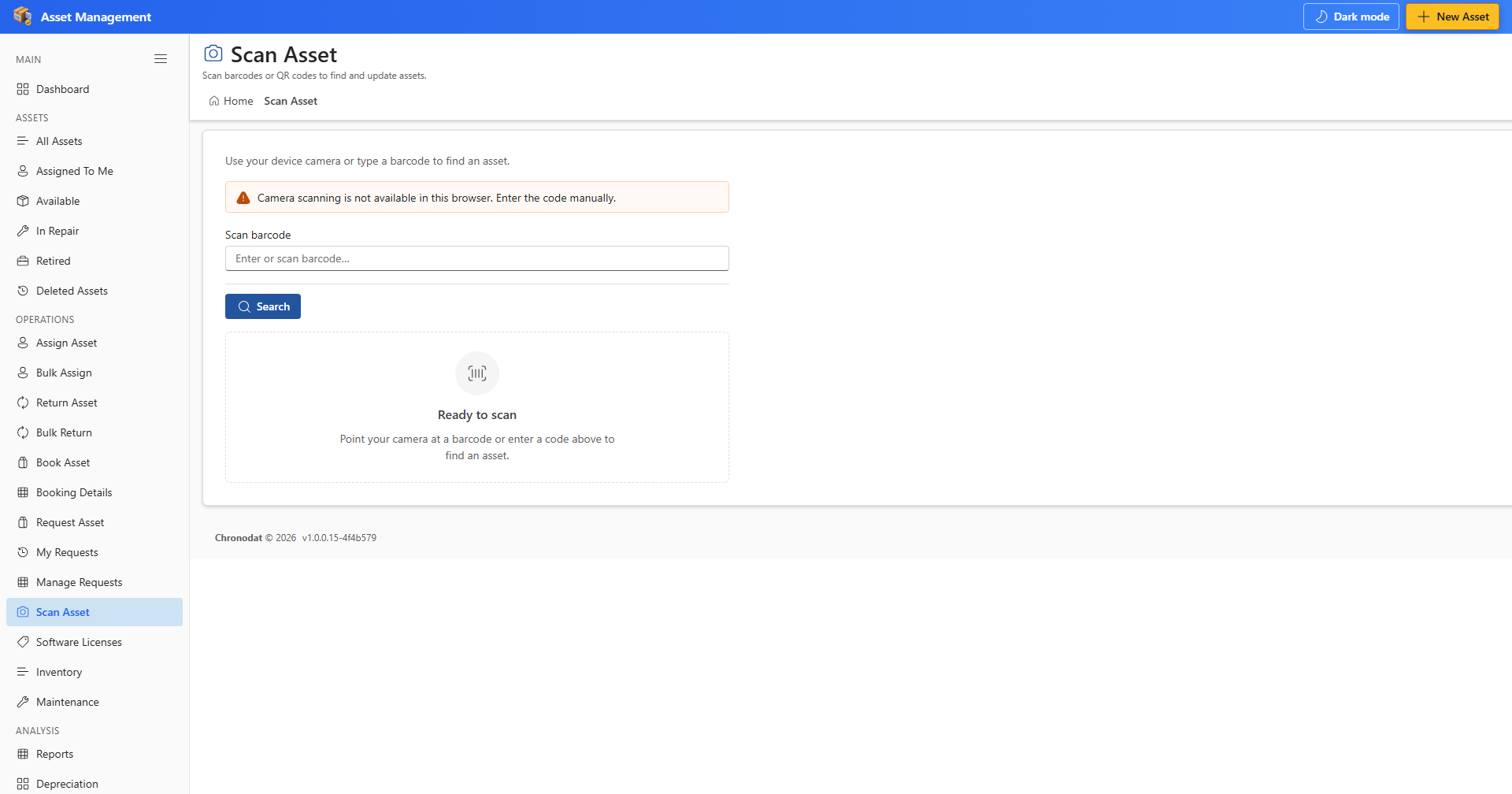
8.1 Scan an Asset
- Open Scan Asset from OPERATIONS.
- Enter or scan a barcode/QR label to locate an asset quickly.
- Open the asset record from the scan result to assign, return, or update.
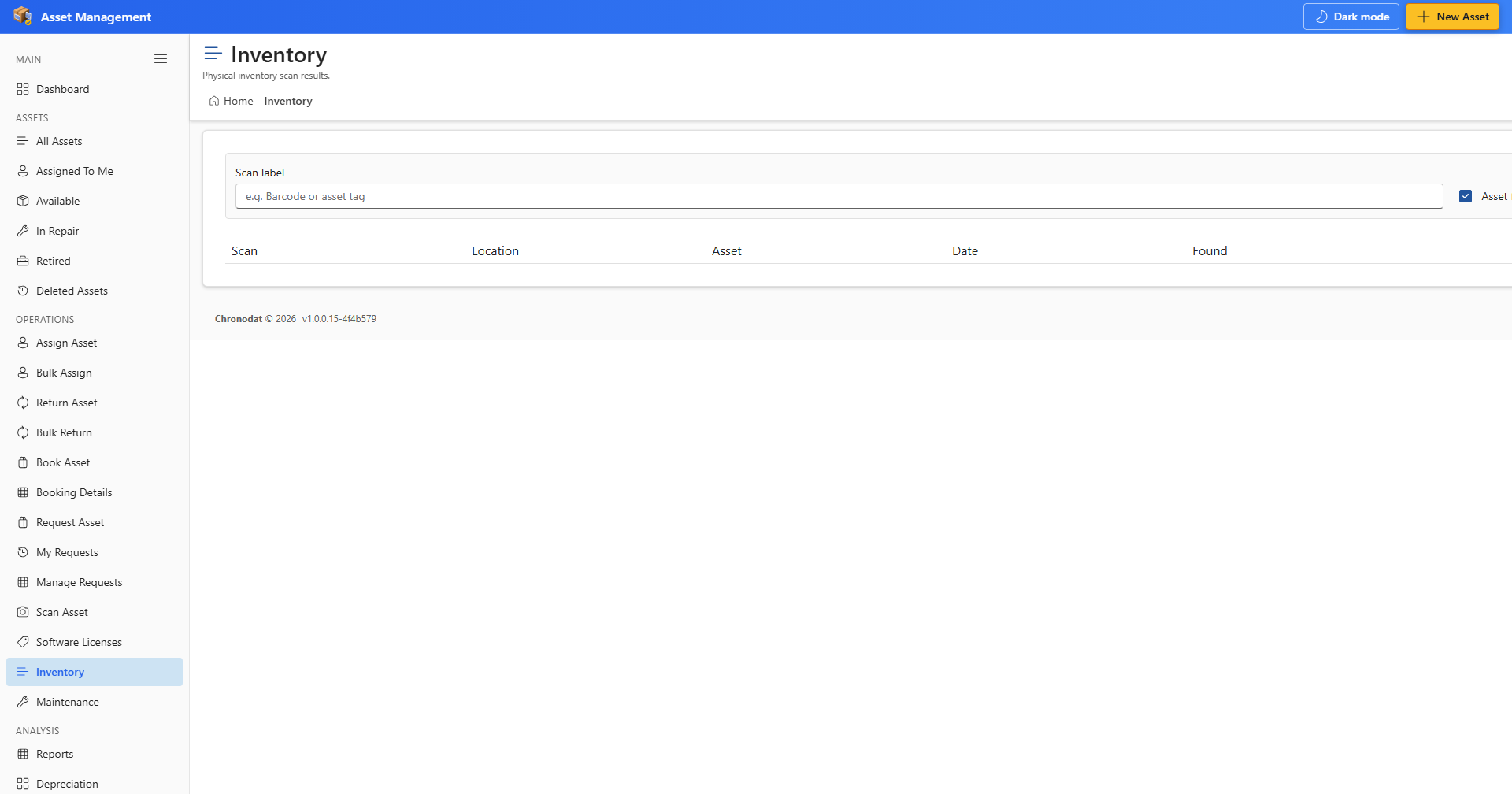
8.2 Physical Inventory
- Open Inventory to record a physical scan during an inventory cycle.
- Enter a value in Scan label before Record scan becomes active.
- Review scan history to reconcile floor counts with the register.