Product / Knowledge Base / 10. Reports and Analysis

10. Reports and Analysis

User & Administration Guide — Version 1.0.0.15

Guide summary

Build custom reports, review depreciation, and export CSV from SharePoint list data.

On this page

10.1 Report Builder

  • Open Reports from the ANALYSIS section.
  • Choose a data source (Assets, Vendors, Locations, and other lists).
  • Select columns and optional filters.
  • Click Generate Report to preview, then Download CSV to export.
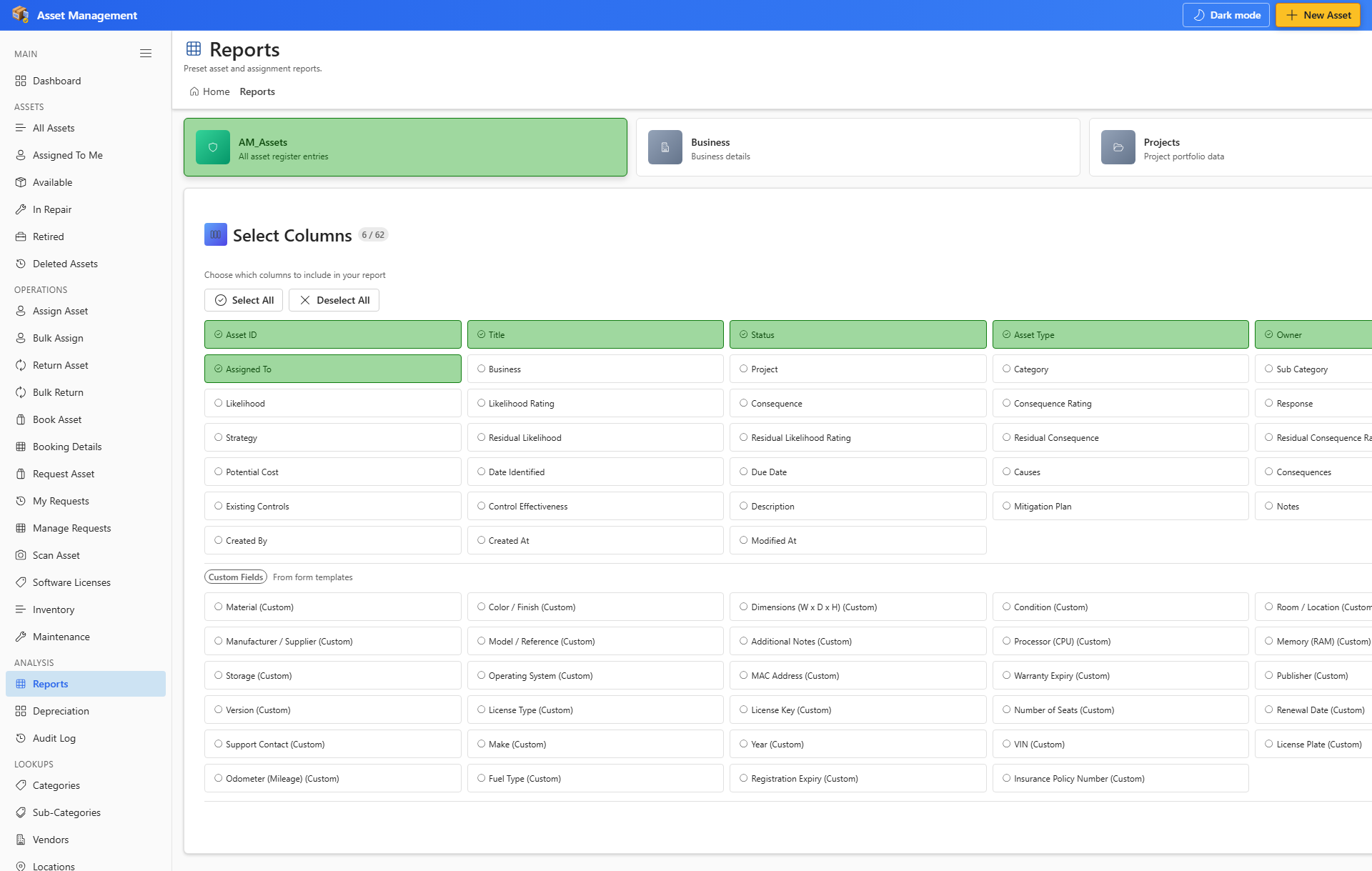
Report Builder column picker
Report Builder — pick columns and export CSV.

10.2 Depreciation

  • Open Depreciation to review schedules for assets with purchase cost and useful life.
  • Add purchase cost and useful life on asset financial tabs to enable calculations.
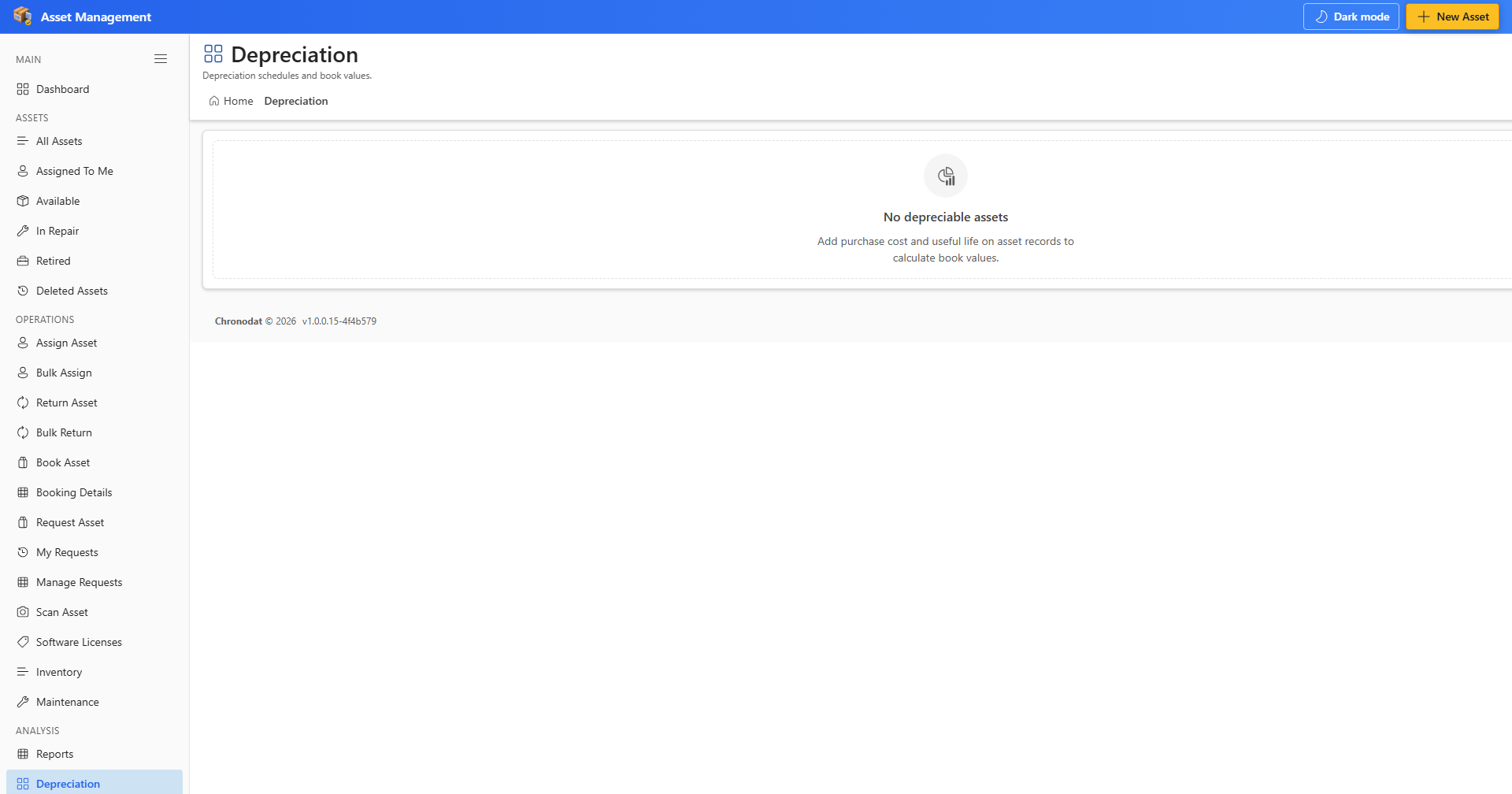
Depreciation schedules
Depreciation — book values when financial fields are configured.
Data flow infographic
Data flow — user actions update SharePoint lists in your tenant.