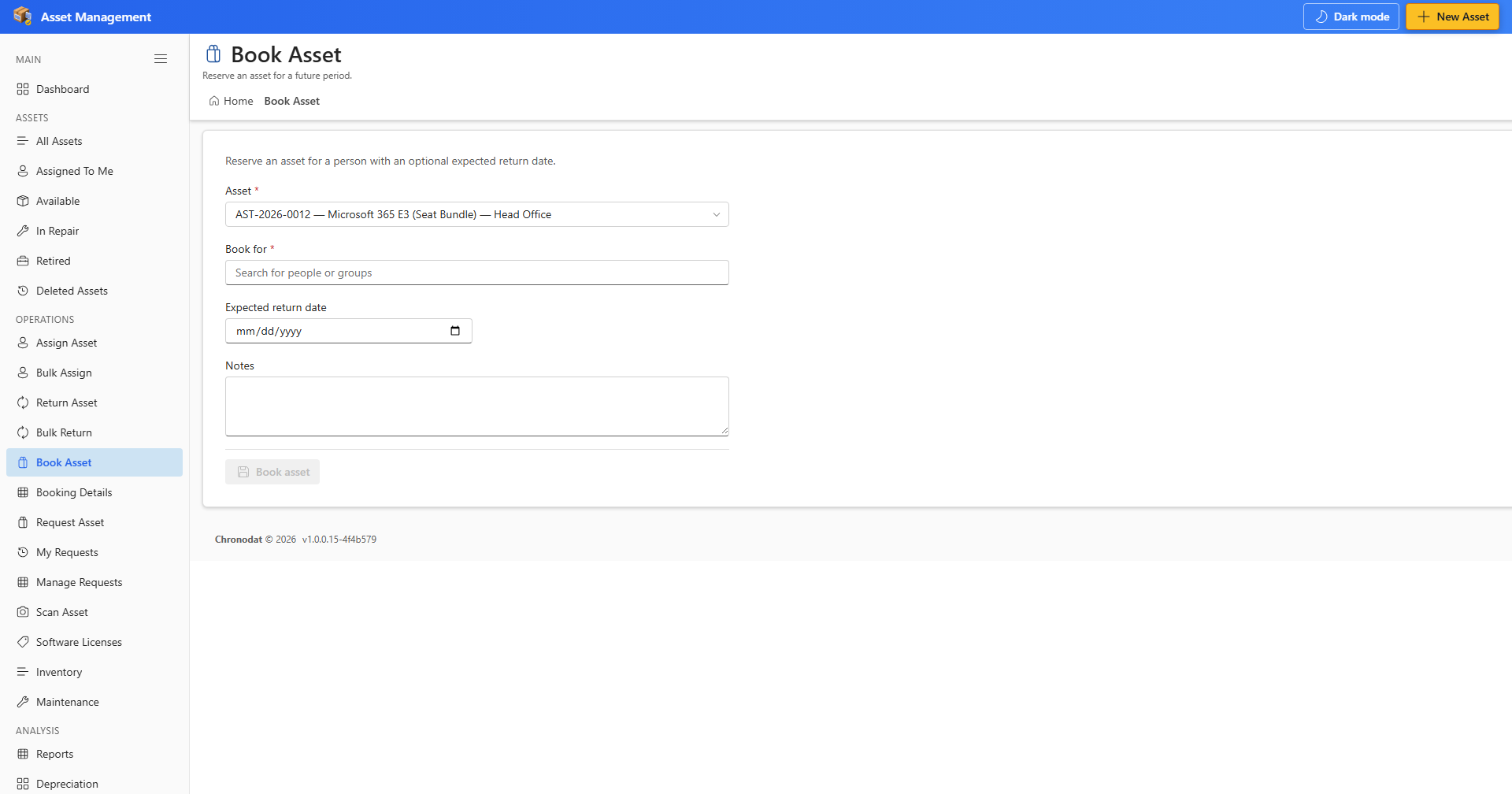
7.1 Book an Asset
- Open Book Asset from OPERATIONS.
- Select an available asset and choose start and end dates for the reservation.
- Confirm the booking. The asset remains available or shows as booked per your configuration.
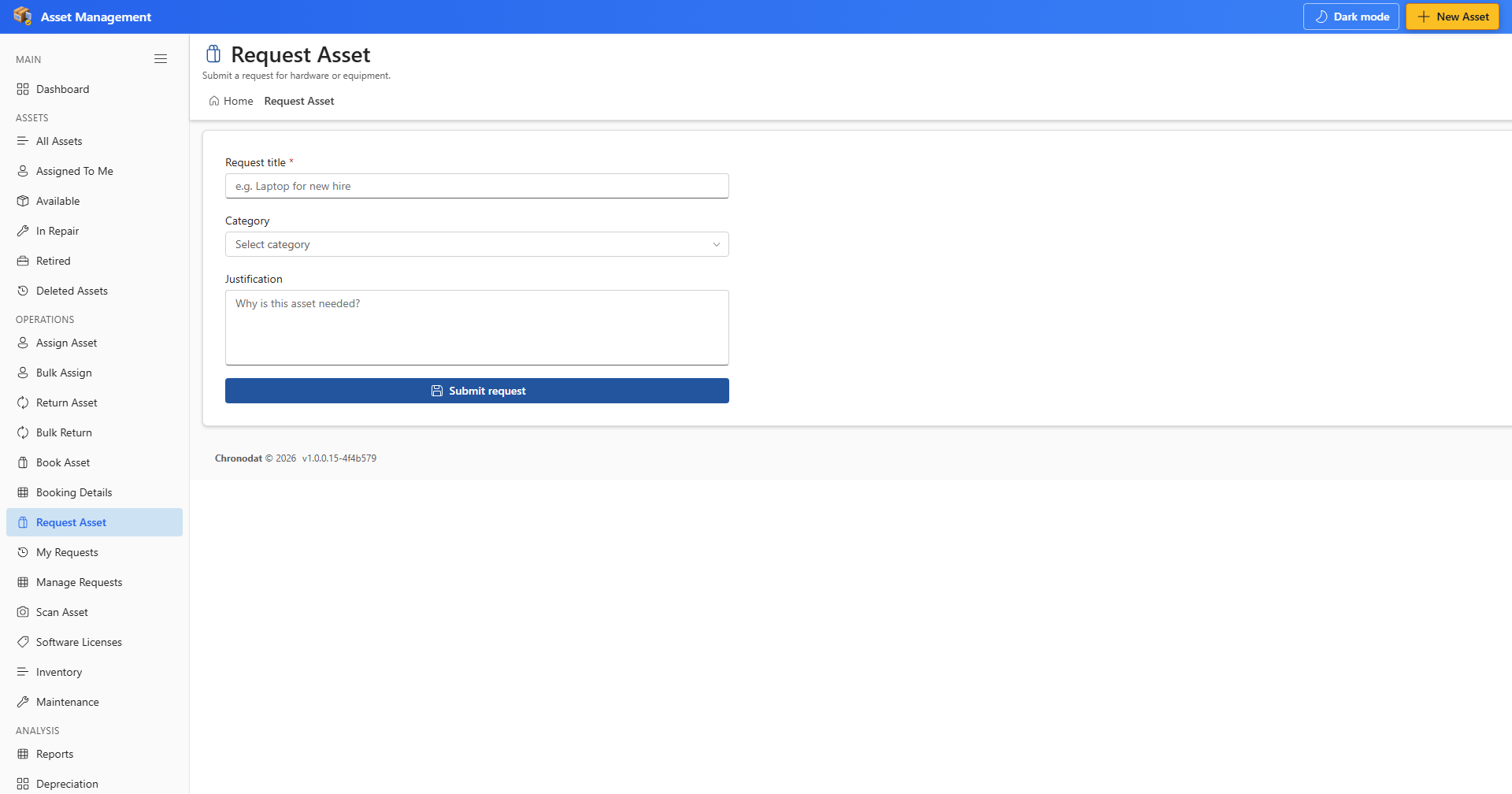
7.2 Request an Asset
- Open Request Asset when you need equipment that is not yet assigned to you.
- Describe the request and submit for approver review.
7.3 Track Requests
- My Requests — track requests you submitted.
- Manage Requests — approvers review and action pending requests.