Open Settings from the sidebar (Admin section). Administrators and users with settings.view permission see the full settings workspace. Non-admins may see Help only.
12.1 Settings Navigation
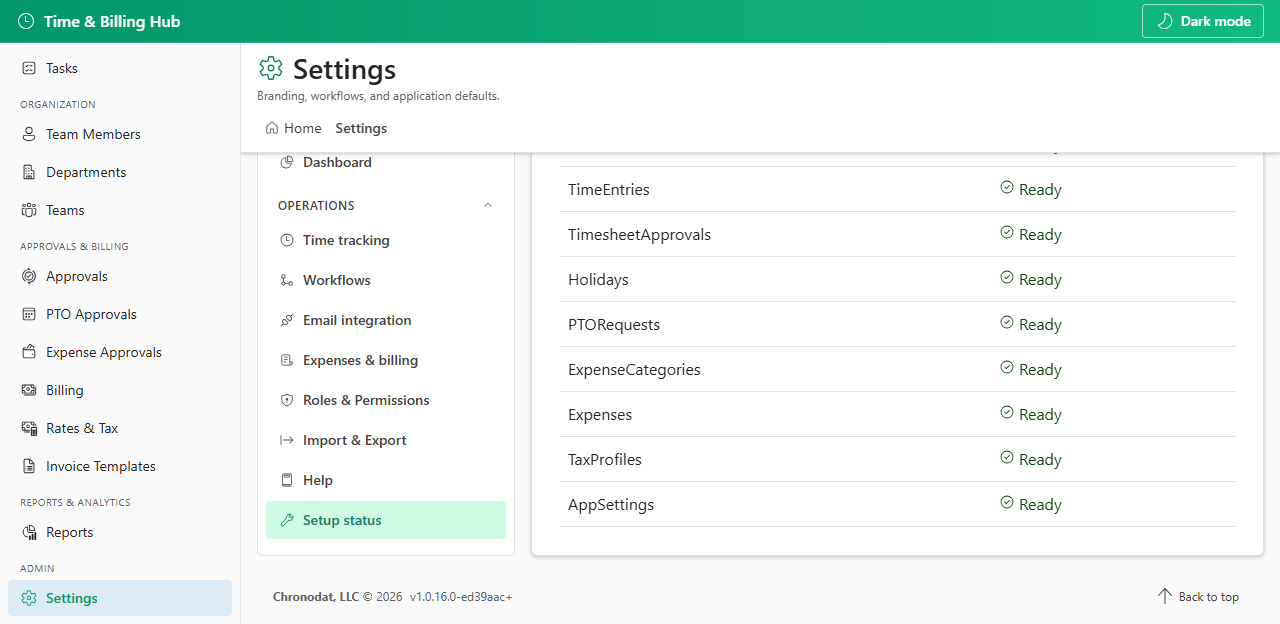
Settings are grouped into General (app identity and appearance) and Operations (time rules, workflows, email, billing, roles, data tools, help, and setup).
| Tab | Section | Purpose |
|---|---|---|
| General | General | App name, company details, support email, sample data default |
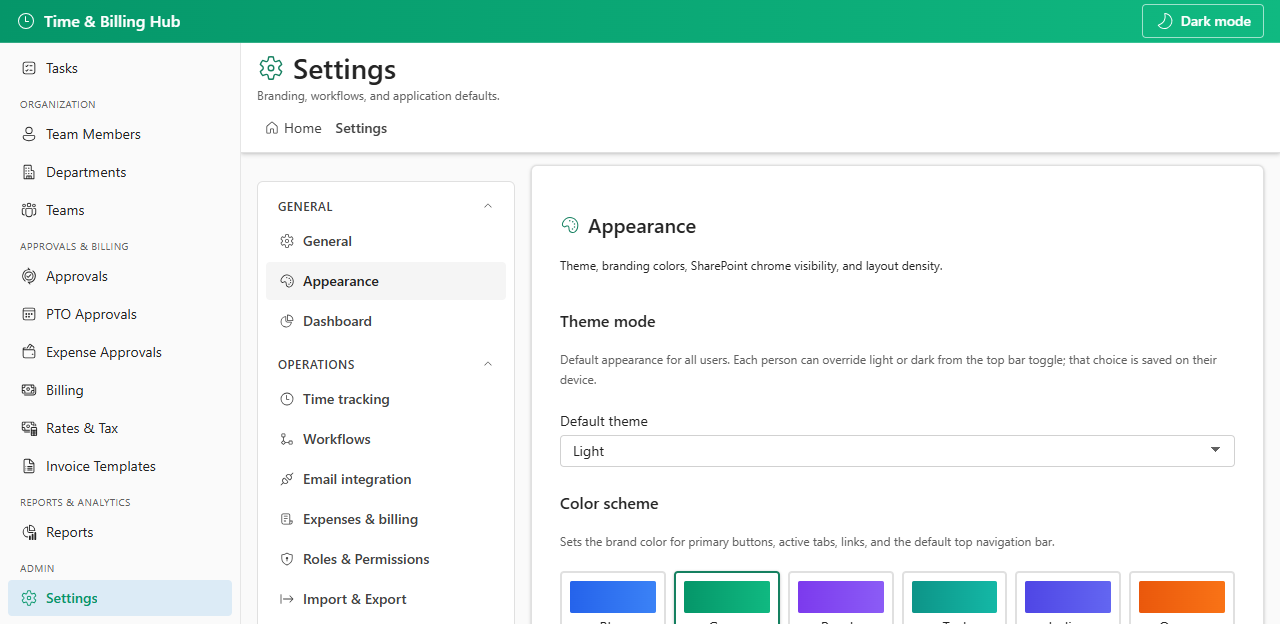
| Appearance | General | Theme, colors, SharePoint chrome, layout density |
| Dashboard | General | Dashboard label and dynamic naming |
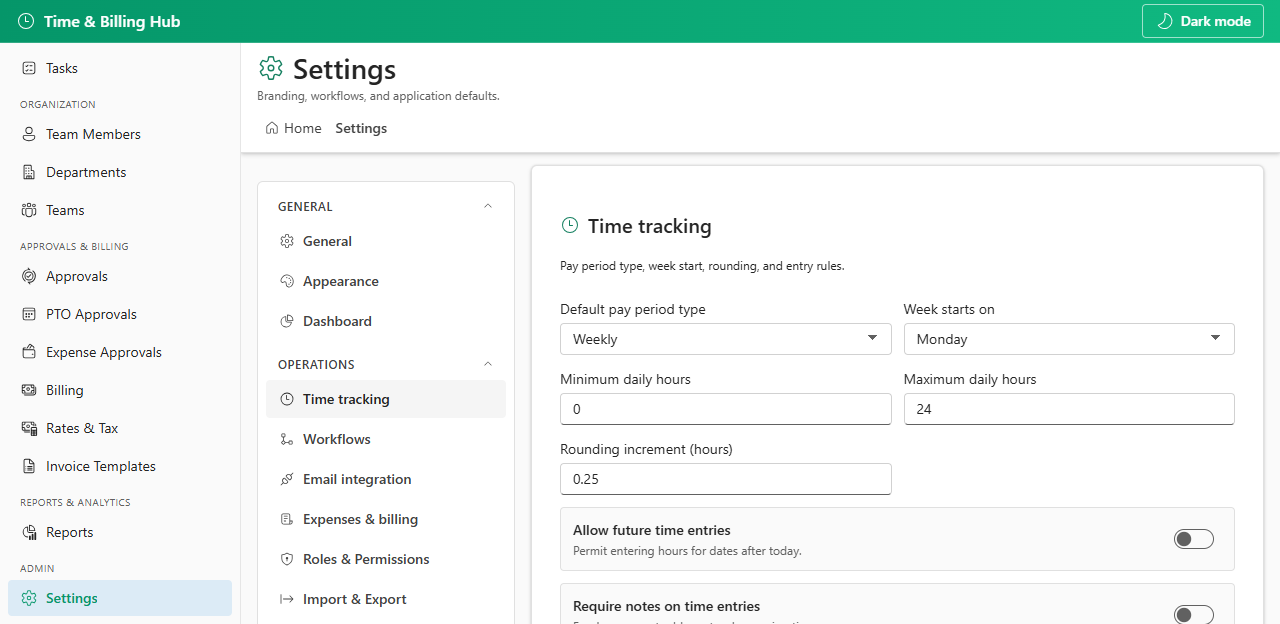
| Time tracking | Operations | Pay periods, hour limits, rounding, lock rules |
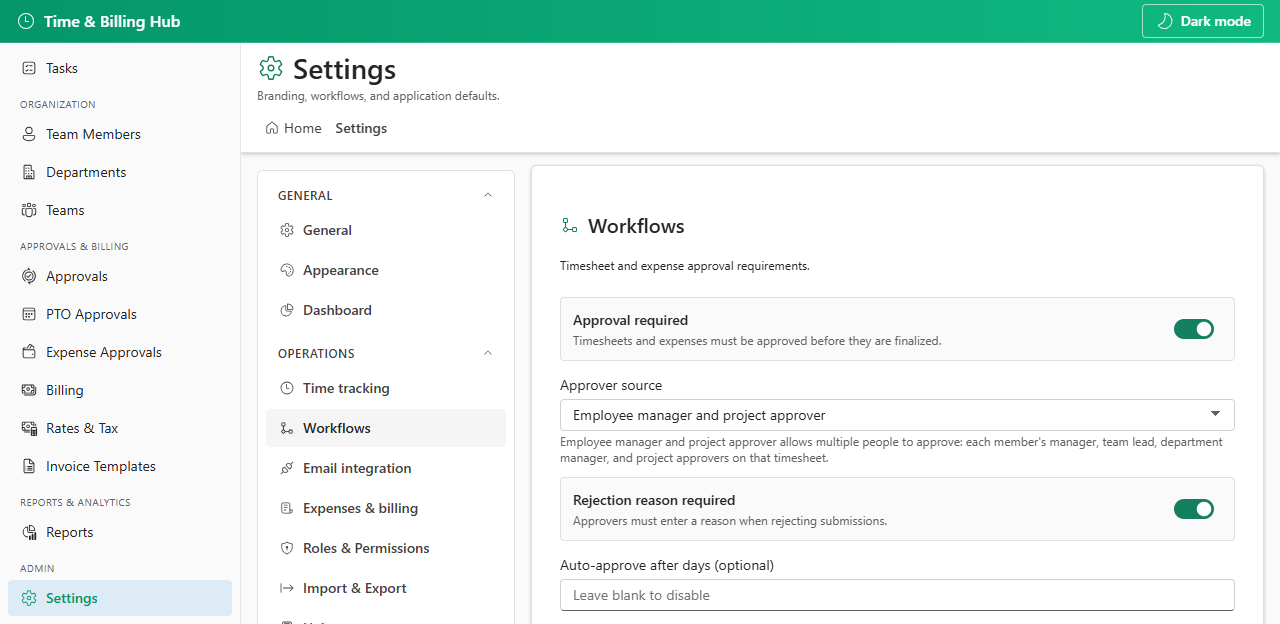
| Workflows | Operations | Approval routing and rejection rules |
| Email integration | Operations | Chronodat API, Graph, or Power Automate delivery |
| Email templates | Operations | Notification email subjects and HTML bodies |
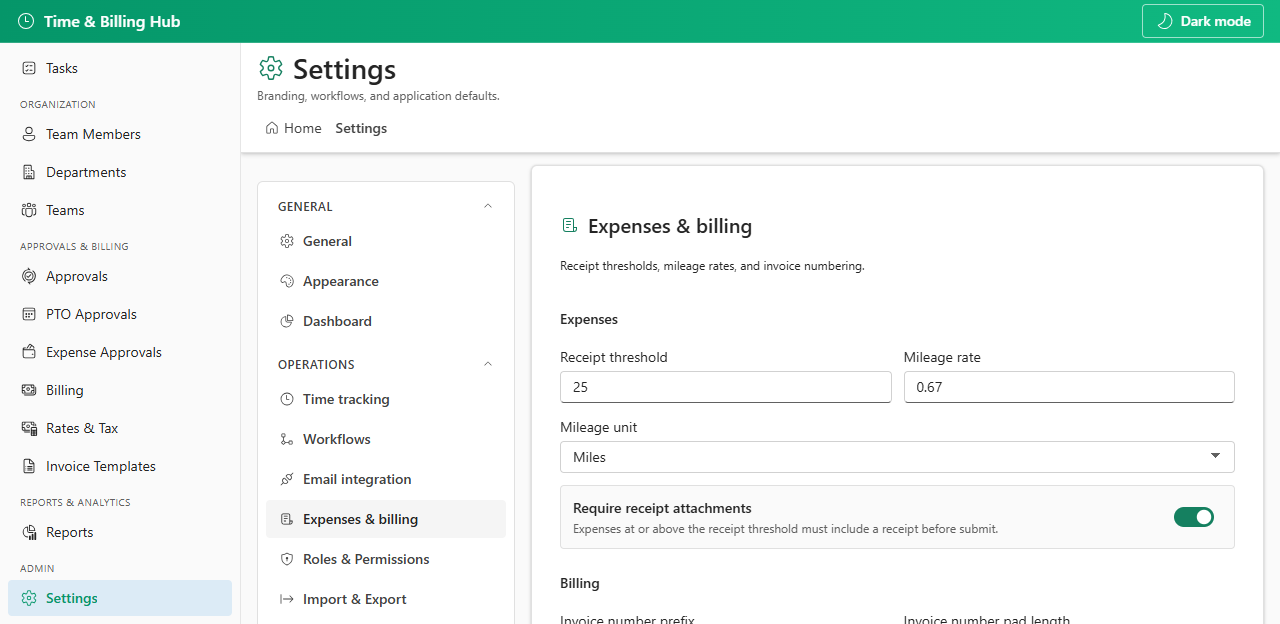
| Expenses & billing | Operations | Receipt rules, mileage, invoice numbering, tax |
| Roles & Permissions | Operations | User roles, permission matrix, pay periods, holidays, audit |
| Import & Export | Operations | Bulk CSV import and export |
| Help | Operations | In-app guidance for employees, managers, and admins |
| Setup status | Operations | SharePoint list provisioning health and re-run setup |
12.2 Save Behavior
- General, Appearance, Dashboard, Time tracking, Workflows, Email integration, and Expenses & billing use the Save settings footer button.
- Email templates save per template with Save template (writes to EmailTemplates SharePoint list).
- Roles & Permissions, Import & Export, Help, and Setup status save inline or are read-only — no global Save settings button.
Settings persist in the AppSettings SharePoint list as JSON columns. Dashboard name fields are stored as top-level AppSettings columns.
12.3 Quick Configuration Checklist
- General — set company name and company address (shown on invoice PDFs) and support email
- Email integration — choose Chronodat Mail API (default) or Microsoft Graph; approve Mail.Send if using Graph
- Email templates — customize Default Invoice Email before sending invoices
- Workflows — confirm approver source matches your org (manager, project approver, or both)
- Expenses & billing — set invoice prefix, payment terms, and default tax profile
- Roles & Permissions — assign admin/manager roles and review permission matrix
For the complete field-by-field reference with defaults and JSON storage keys, open Settings Reference in this knowledge base.