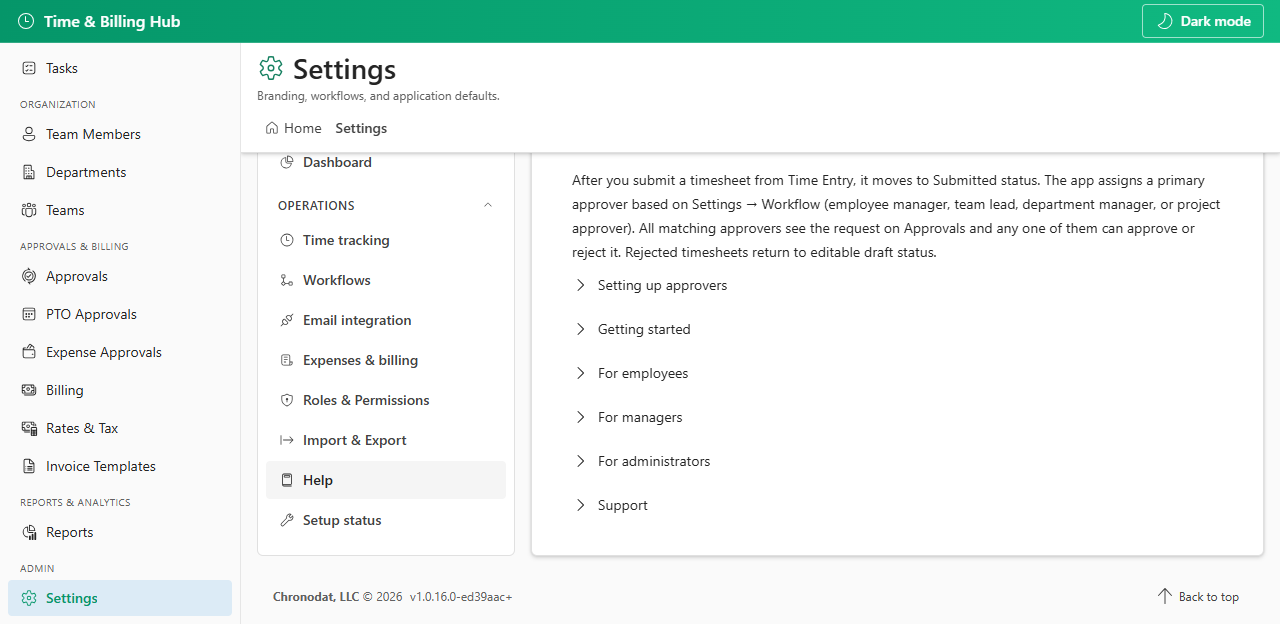
Open Settings → Help (or the Help tab when visible). In-app help covers roles, approval flow, and getting started.
Configure Support email under Settings → General for site-specific questions, or contact support@chronodat.com for product support.
- Product page: https://www.chronodat.com/time-billing-hub
- Knowledge base: https://www.chronodat.com/wiki/time-billing-hub