The dashboard summarizes your scope of data. Members see personal metrics; team leads and managers see team and project metrics; admins see organization-wide KPIs.
- Summary cards — hours, submissions, expenses, PTO
- Charts — timesheet status, hours by period/project, billable split
- Recent activity — latest timesheet and time-entry events
- Budget alerts — project budget warnings (org view)
Use Open portfolio filters in the header to narrow dashboard and list views by client, project, and date range.
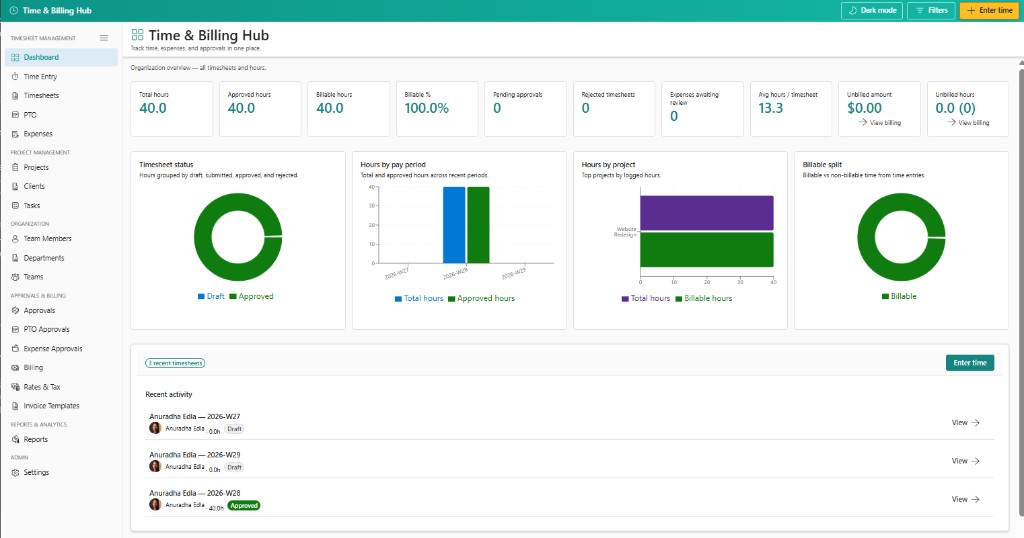
Portfolio filters in the header apply across dashboard tiles and many list pages so managers can focus on a client or project without changing pages.