10.1 Billing / Invoices
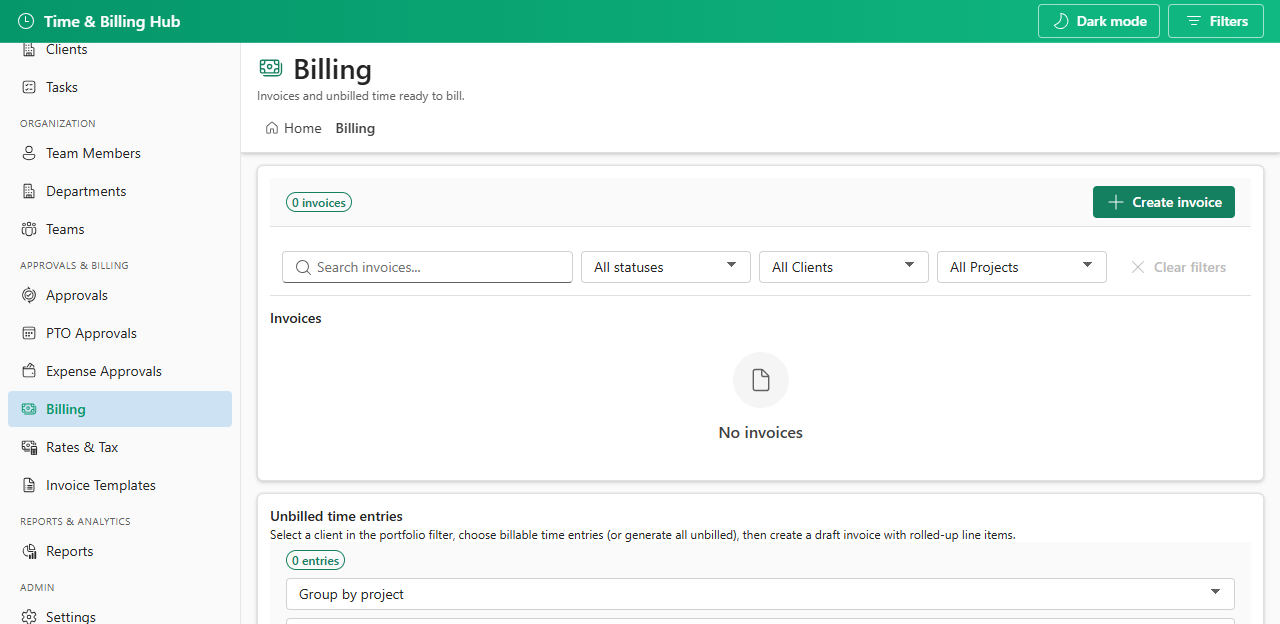
Create and manage client invoices. Generate draft invoices from unbilled approved time, or create manual invoices.
- Select unbilled time entries for a client or create a manual invoice
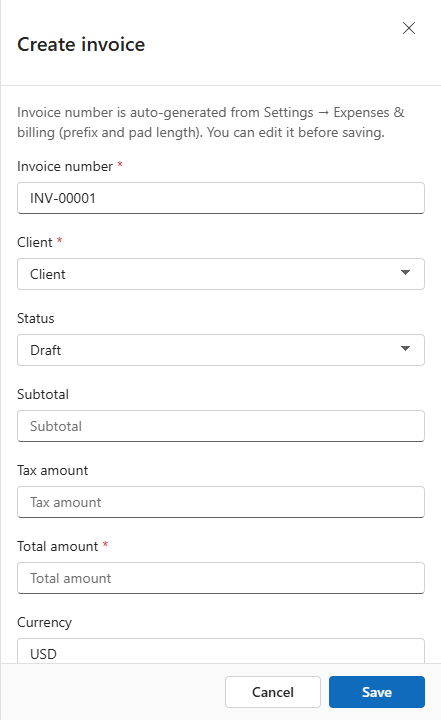
- Invoice numbers are auto-generated and locked on create (reserved on save)
- Generate from unbilled time calculates line items and tax from tax profiles
- Manual create requires entering tax and total yourself
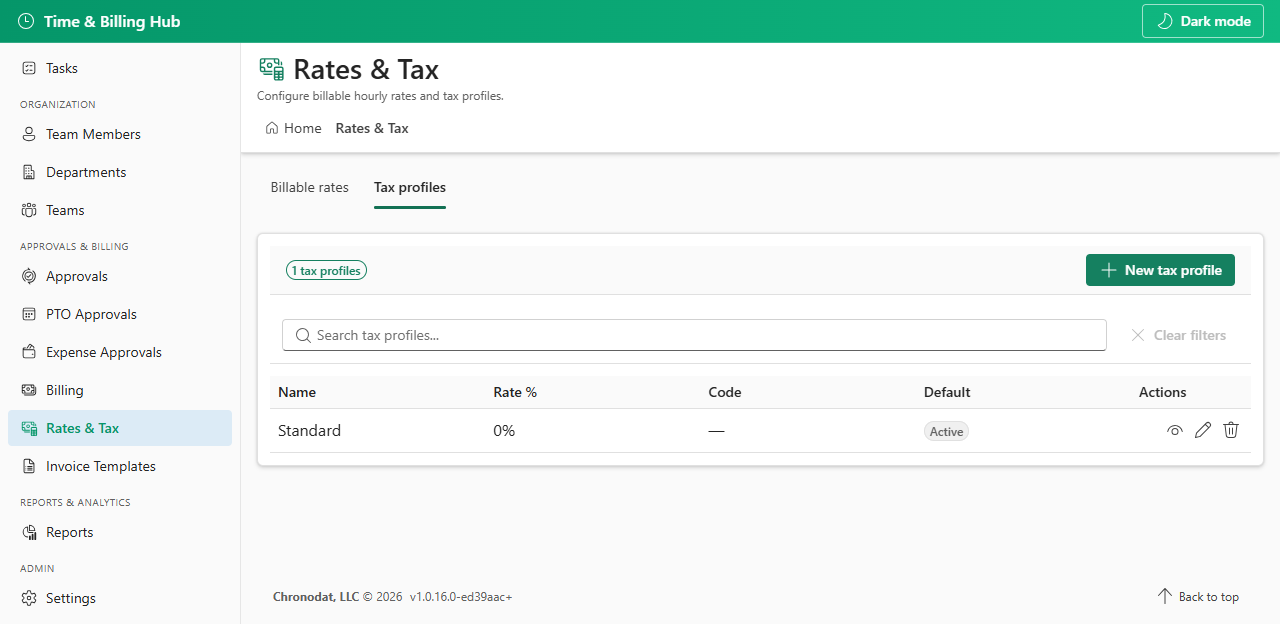
10.2 Rates & Tax
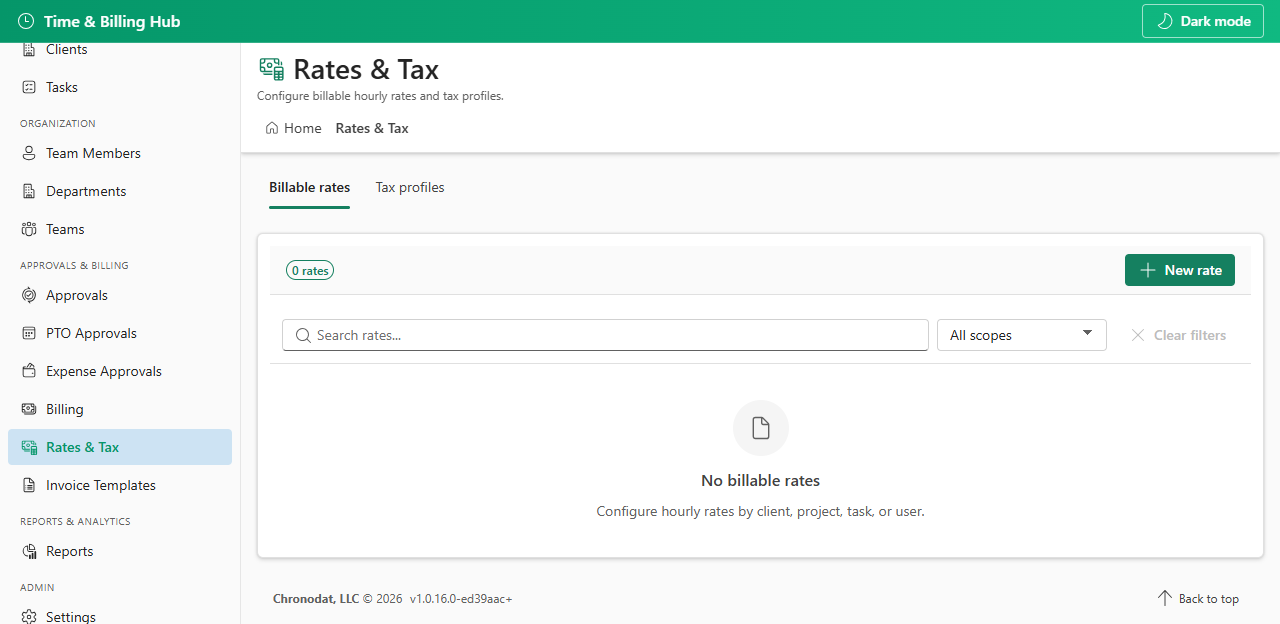
Configure billable hourly rates and tax profiles used when generating invoices from unbilled time.
10.4 Email Invoice
From the invoice detail panel, use Email invoice to send the PDF to the client's billing contact. The recipient is always the client Billing email field — there is no recipient picker on the invoice panel. Ensure the client record has a valid billing email before sending.
- Requires an active email delivery mode: Settings → Email integration → Chronodat Mail API or Microsoft Graph (not Power Automate-only).
- Subject and HTML body come from Settings → Email templates → Default Invoice Email (TemplateType: invoice).
- The generated invoice PDF is attached to the email automatically.
- Company name and address on the PDF come from Settings → General; client billing address from the Clients list.
Invoice placeholders: {ClientName}, {InvoiceNumber}, {CompanyName}, {Total}, {Currency}, {DueDate}, {Subtotal}, {TaxAmount}.
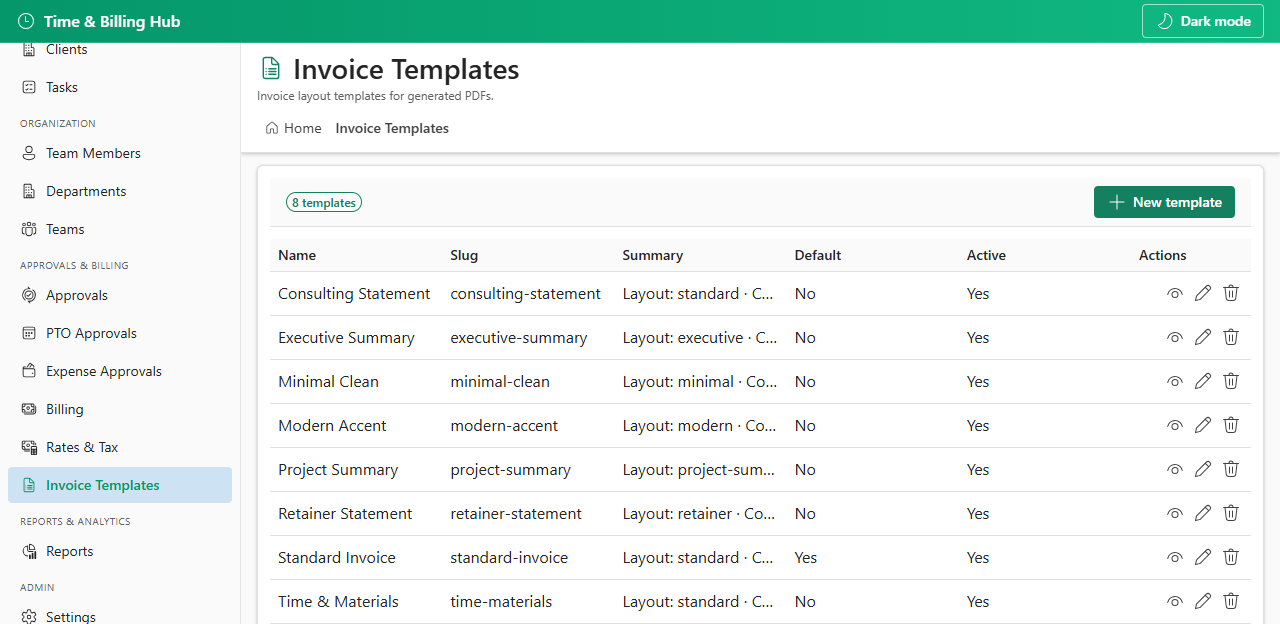
10.5 Invoice Templates (PDF layout)
Customize PDF layout and branding for invoices. This is separate from notification email templates under Settings → Email templates.