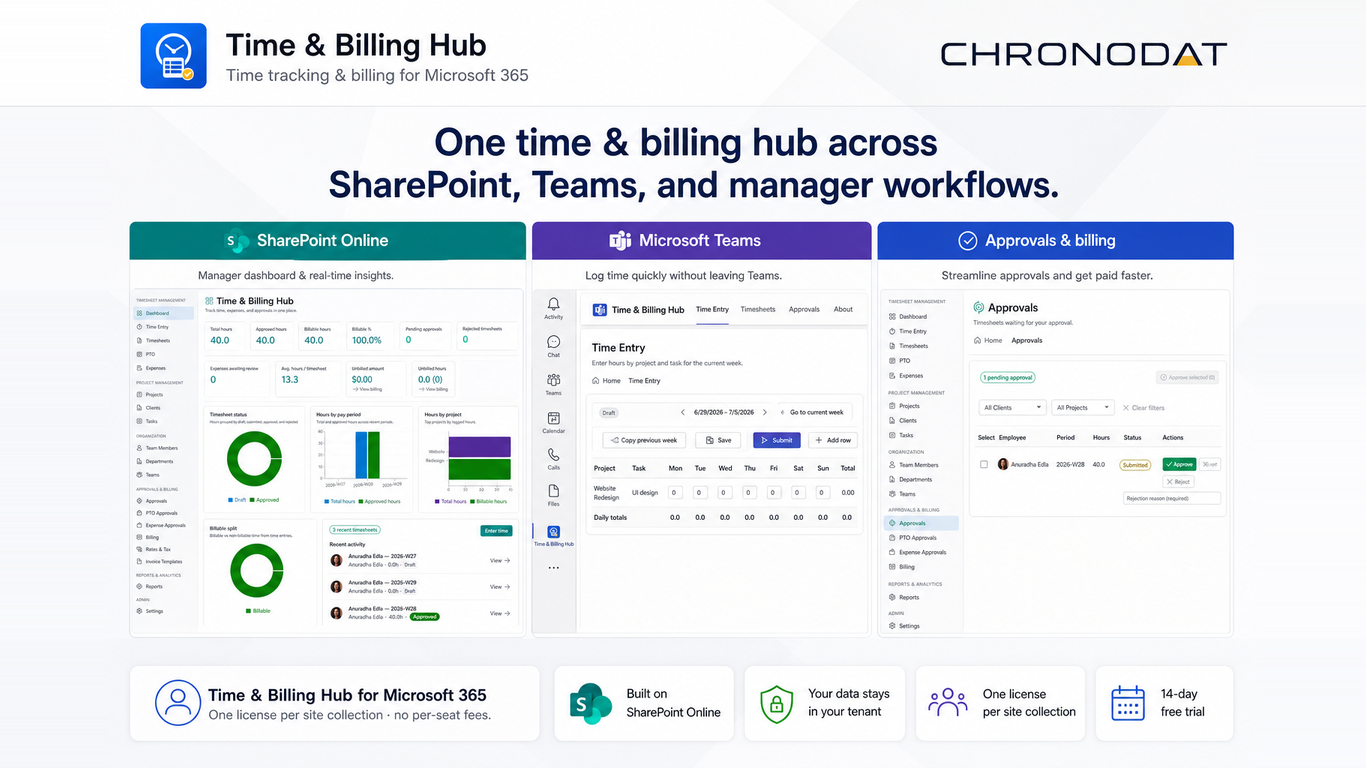
A. Employee Weekly Timesheet
- Open Time Entry
- Add row → select project/task
- Enter hours for each day
- Submit timesheet for the week
- Track status on Timesheets or Dashboard
- If rejected, fix entries and resubmit
B. Manager Approval
- Open Approvals
- Review submitted timesheets for your team/project scope
- Approve or reject with reason
- Optionally review Expense Approvals and PTO Approvals
C. Bill Client from Approved Time
- Ensure time entries are approved and billable
- Open Billing → select client and unbilled entries → Generate draft invoice
- Review tax (from tax profile) and lines
- Export PDF or email invoice; record payment when received
D. Administrator Onboarding
- Deploy .sppkg to tenant app catalog and add web part to a published SharePoint page
- Complete Setup — optionally check Add sample data for demo timesheets and invoices
- Settings → General — company name, company address, support email
- Settings → Email integration — Chronodat Mail API or Microsoft Graph
- Settings → Email templates — customize Default Invoice Email
- Create Clients (billing email + address), Projects, and Tasks — or Import & Export
- Team Members — add employees, managers, bill/cost rates
- Teams / Departments — org structure, team leads, department managers
- Settings → Roles & Permissions — assign roles and review permission matrix
- Settings → Workflows — approval required, approver source
- Settings → Expenses & billing — invoice prefix, payment terms, tax profile
- Configure SharePoint list permissions per recommended groups (see Roles and Permissions)
See Onboarding and Setup Reference and Settings Reference for exhaustive field-level detail.