Product / Knowledge Base / 11. Reports

11. Reports

User & Administration Guide — Version 1.0.16.0

Guide summary

Export and preview operational reports filtered by portfolio, period, and status.

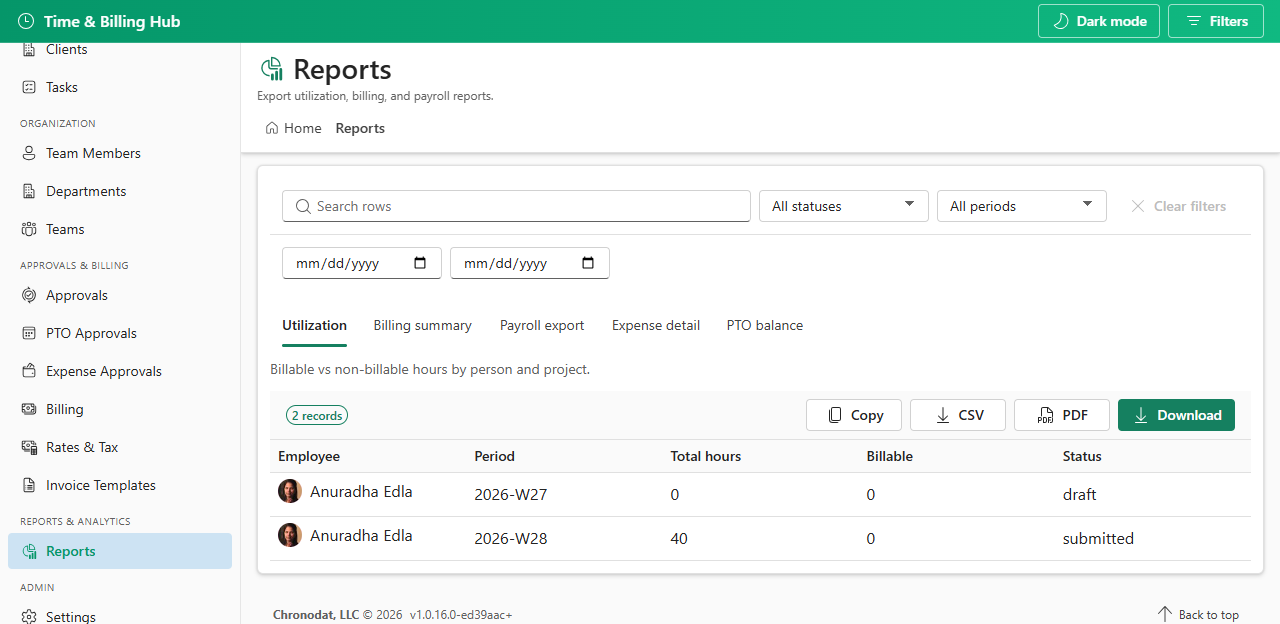
Open Reports from the sidebar. Filter by portfolio, period, status, and date range. Use Export CSV, Copy, or Export PDF when your role has export permission.

Report Purpose
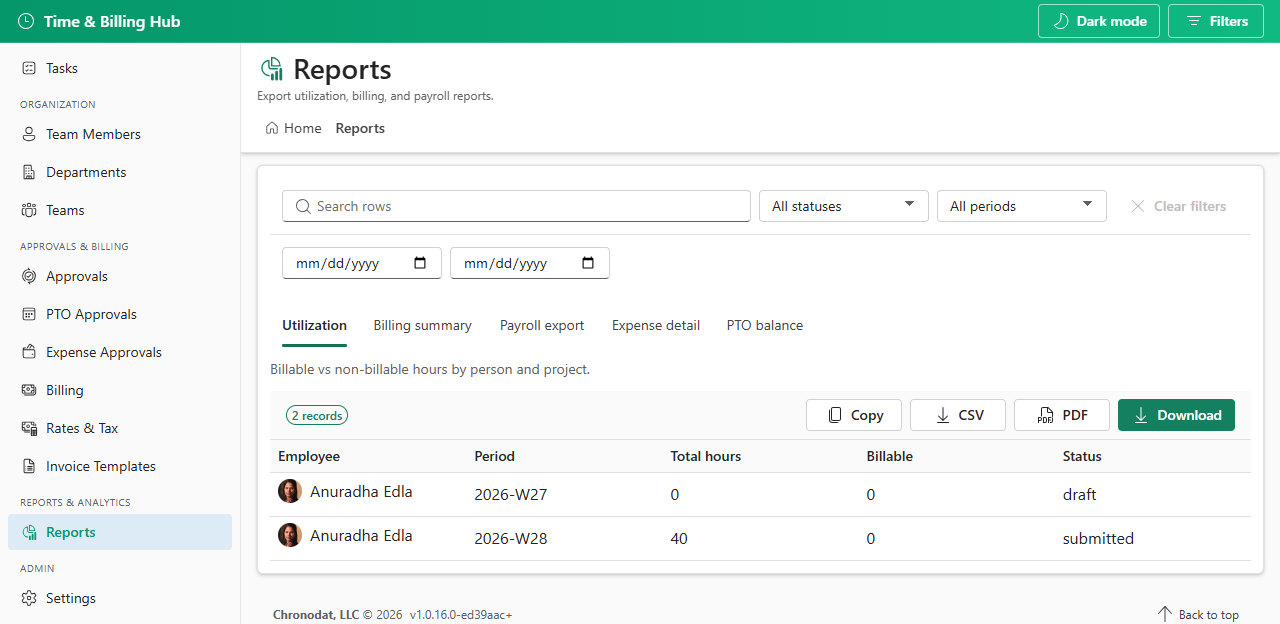
Utilization Billable vs non-billable hours by person and project
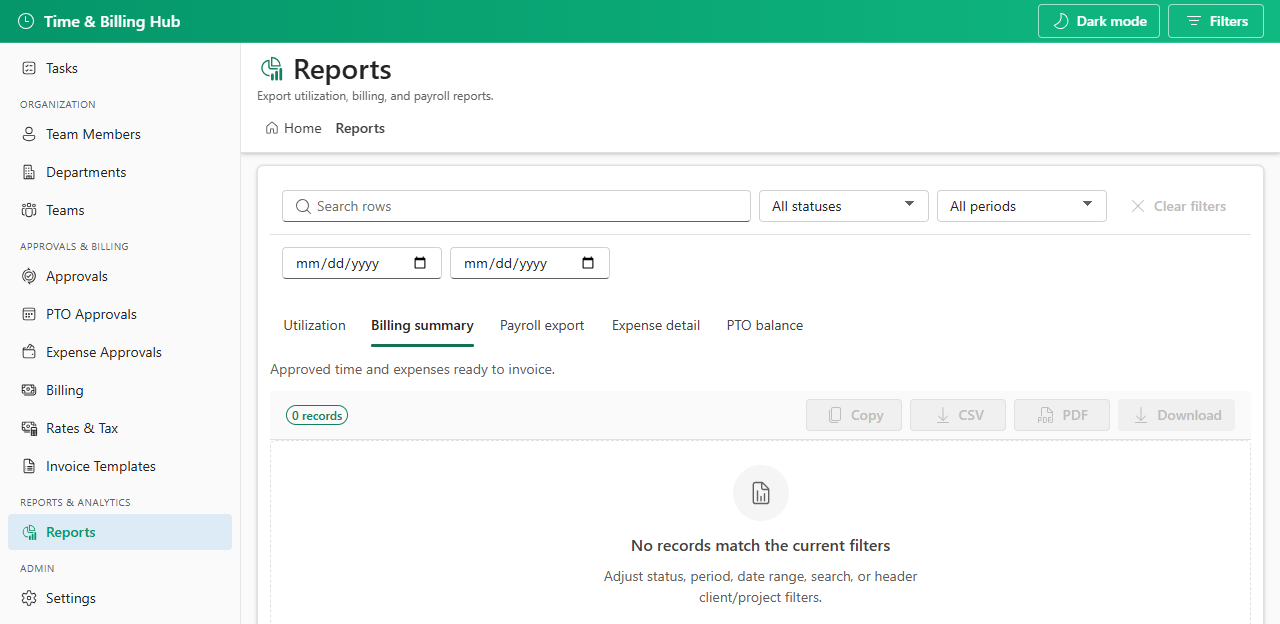
Billing summary Approved time and expenses ready to invoice
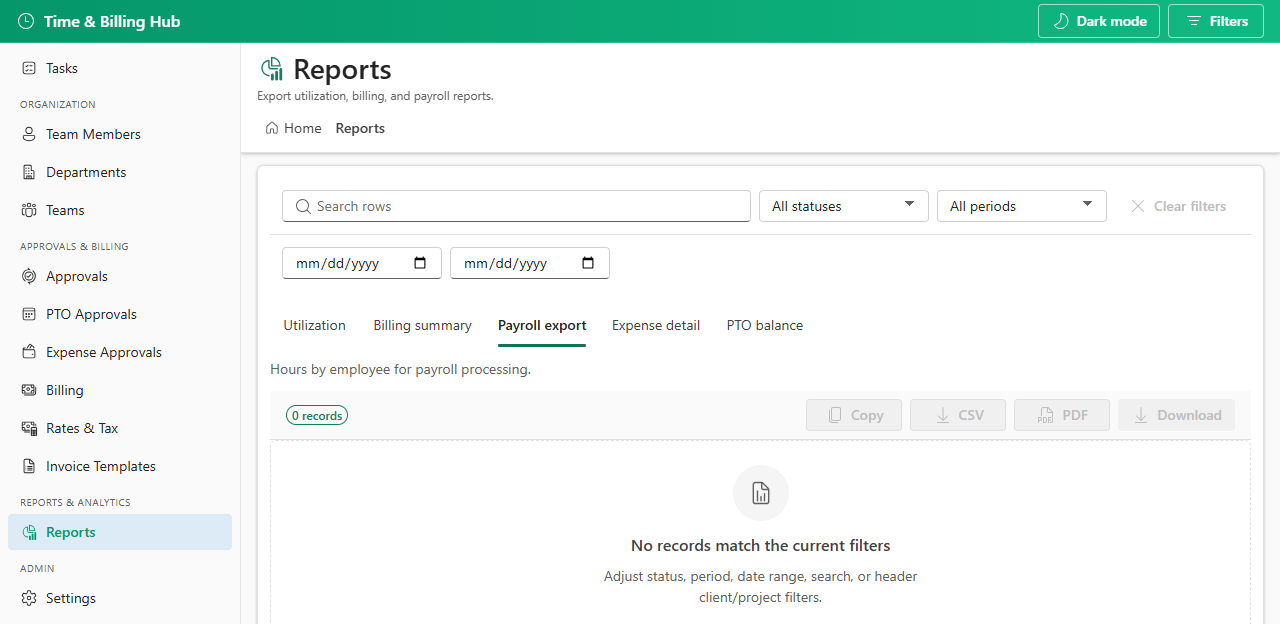
Payroll export Hours by employee for payroll
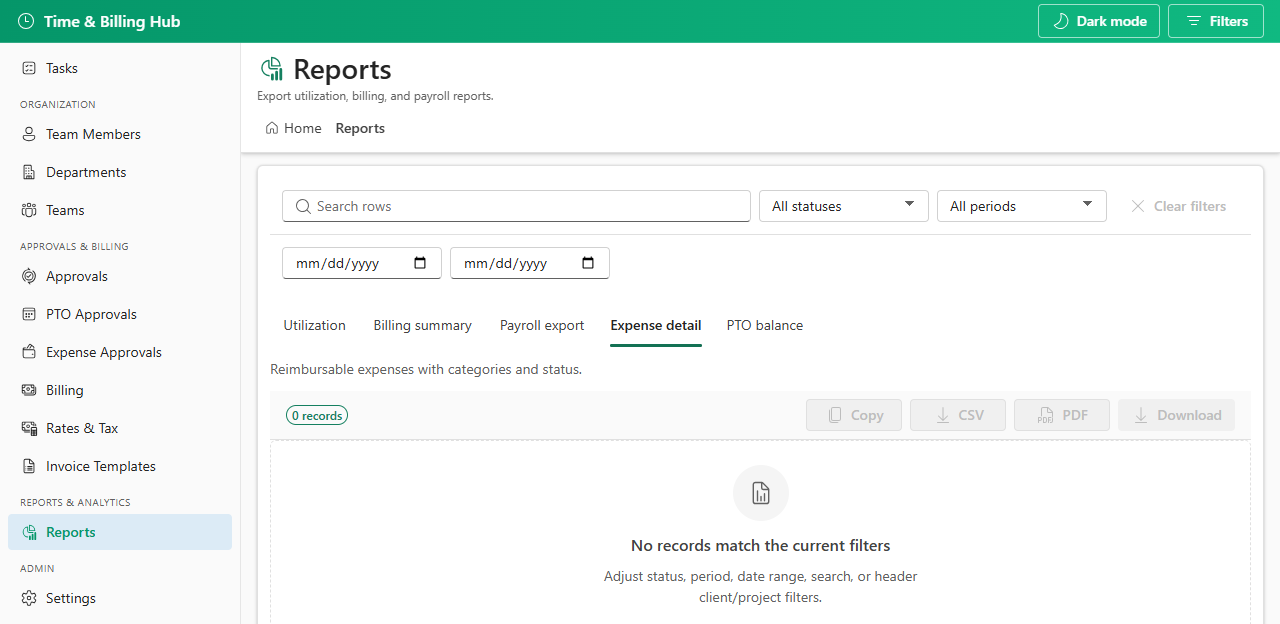
Expense detail Reimbursable expenses with categories and status
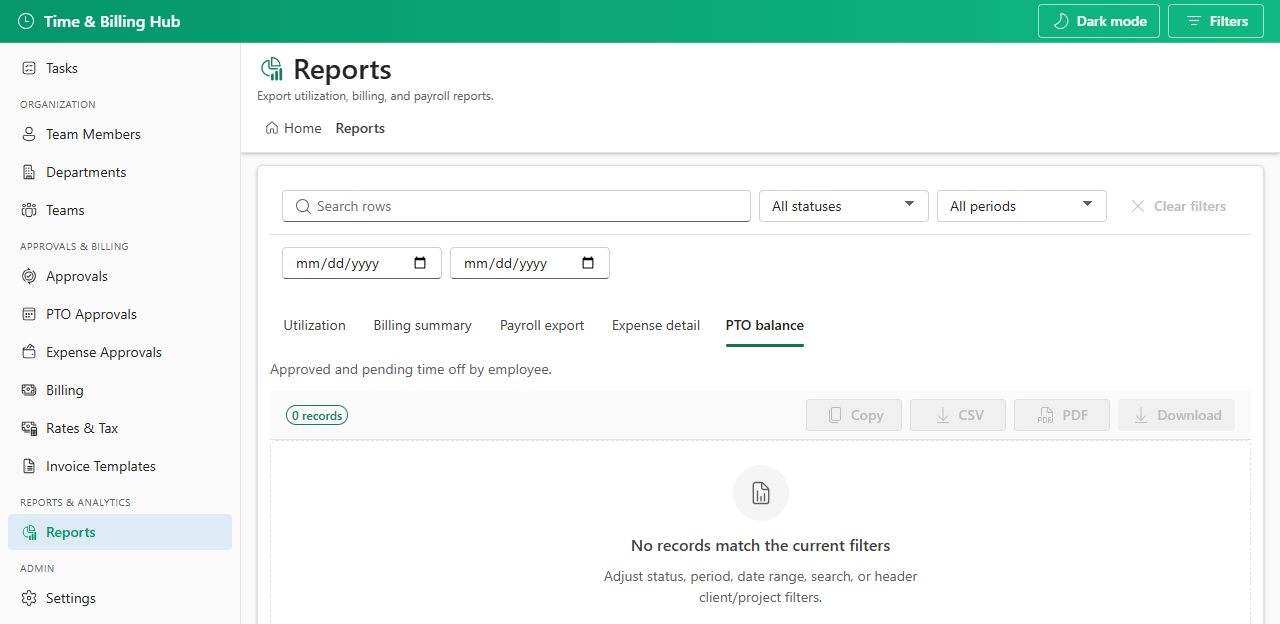
PTO balance Approved and pending time off by employee
Reports page default view
Reports — tabbed operational exports and previews.
Utilization report
Utilization — billable vs non-billable hours.
Billing summary report
Billing summary — approved time ready to invoice.
Payroll export report
Payroll export — hours by employee.
Expense detail report
Expense detail — reimbursable spend with categories.
PTO balance report
PTO balance — approved and pending time off.