5.1 Turn it on
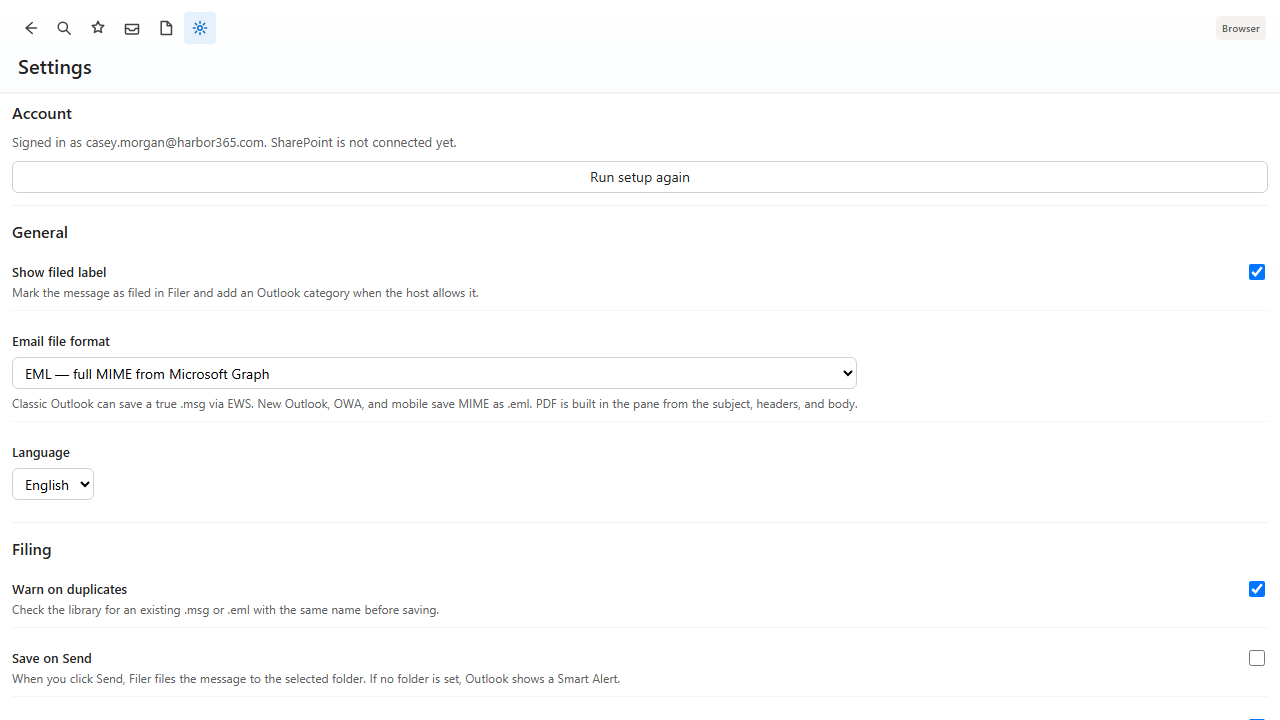
- On the File pane, enable Save when I send for this message.
- Or turn Save on Send on in Preferences → Alerts. Organization policy can enforce it for everyone.
5.2 Smart Alert
Save on Send uses the Outlook Smart Alert (LaunchEvent). If no folder is selected, Outlook prompts you to open Mailroom and pick a folder, or turn the setting off.
5.3 What gets filed
The sent message is written with the same format, naming, metadata, and after-file rules as a manual File. Required columns still block the save until they are filled.