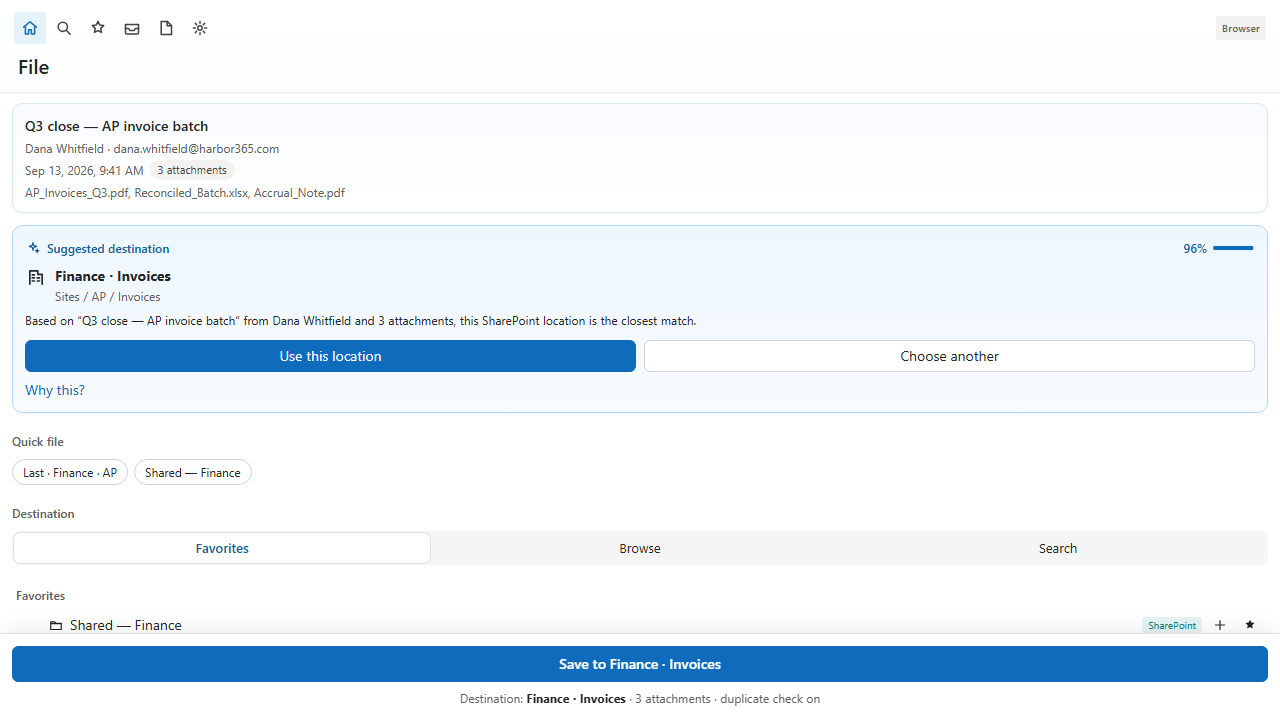
4.1 Favorites, Browse, and Search
- Favorites — starred sites and libraries. Empty until you star something in Browse or Search.
- Browse — expand sites, libraries, and folders. Large tenants load libraries when you expand them.
- Search — type a site name. Mailroom searches the whole tenant, then you can star a result.
4.2 Location menu
- Use as destination — select the library or folder for the current save.
- Add new folder — create a folder under the selected library (off by default in Preferences).
- Add to favorites / Remove favorite.
- Collapse or expand the node.
- Open in Microsoft 365 — open the library in the browser.
4.3 Teams files and OneDrive
Microsoft Teams files libraries appear as SharePoint libraries the user can access. Personal OneDrive is available for this user. Organization policy should not be stored in OneDrive if other people need the same defaults.
4.4 Common library
The common library is used when you select several messages and click File selected. Set it from Preferences → Filing or from the batch panel.