6.1 How matching works
Cleanup lists conversations that are not already filed. A row matches when a filing rule fires, or when Mailroom has learned that sender or domain from a previous save.
| Reason | Meaning |
|---|---|
| Filing rule | An active rule matched sender, subject, recipient, domain, or keyword |
| Learned sender | You filed this address before |
| Learned domain | You filed this domain before |
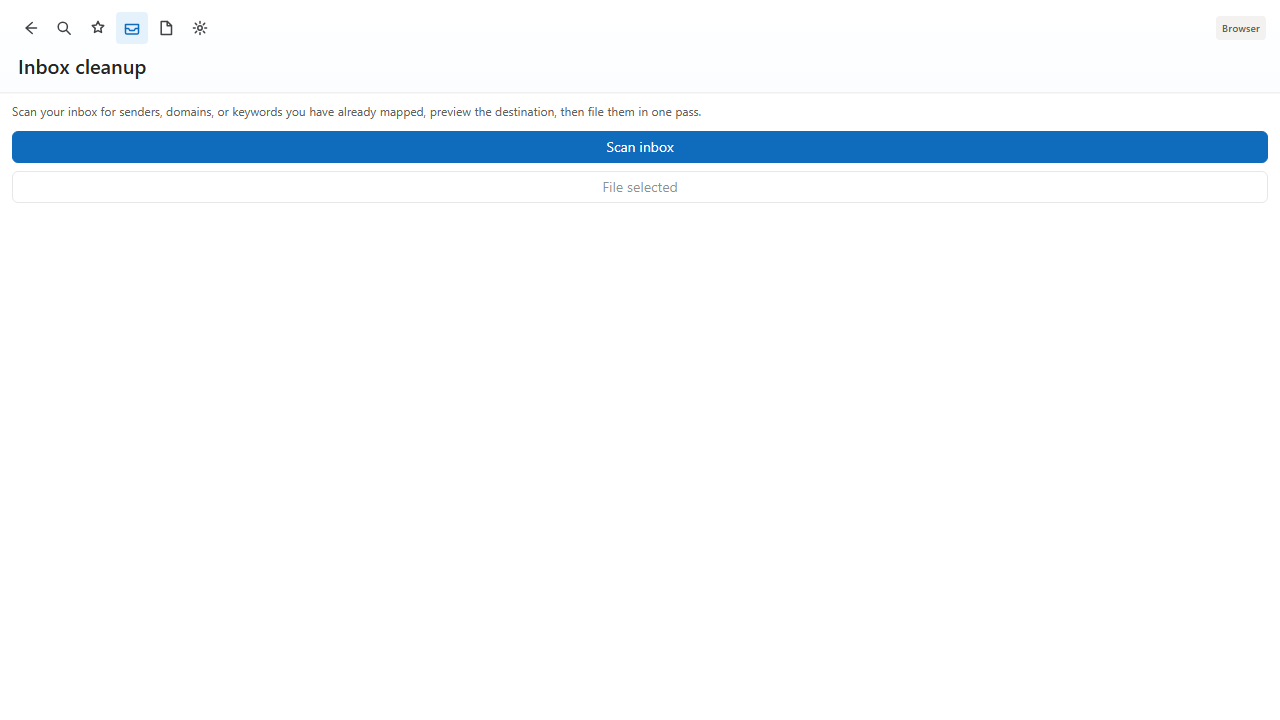
Threads appear once. Mail is saved to SharePoint or OneDrive either way. Archive, read, or move only changes the Outlook copy.
6.2 Scan options
- Date range — newest page, last 7 days, or last 30 days.
- After file — leave in Inbox, mark read, archive, or move to an Outlook folder.
- Ignore list — add sender@domain.com or domain.com in Preferences so cleanup does not keep listing them.
6.3 File from cleanup
Select conversations, confirm the destination (and required library columns), then File. Cleanup uses the same naming, header mapping, duplicate check, and retention as a single File.
6.4 Auto-archive
- Auto-archive while Out of Office — when Automatic Replies are on, matching inbox mail files the next time you open the pane.
- Always auto-archive matching mail — file mapped senders when you next open Mailroom. Filing while Outlook is closed is optional and not part of the default App Source experience.