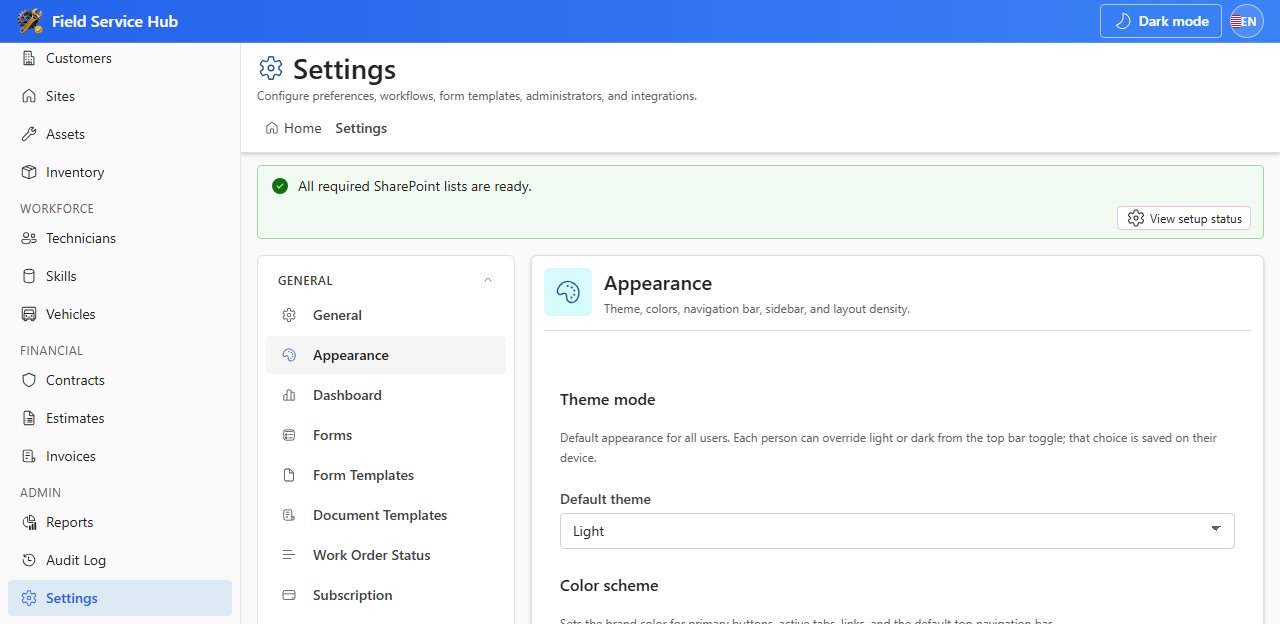
Open Settings from the sidebar Admin section. Use the settings sidebar to switch tabs and click Save Settings on most tabs.
| Tab | What you configure |
|---|---|
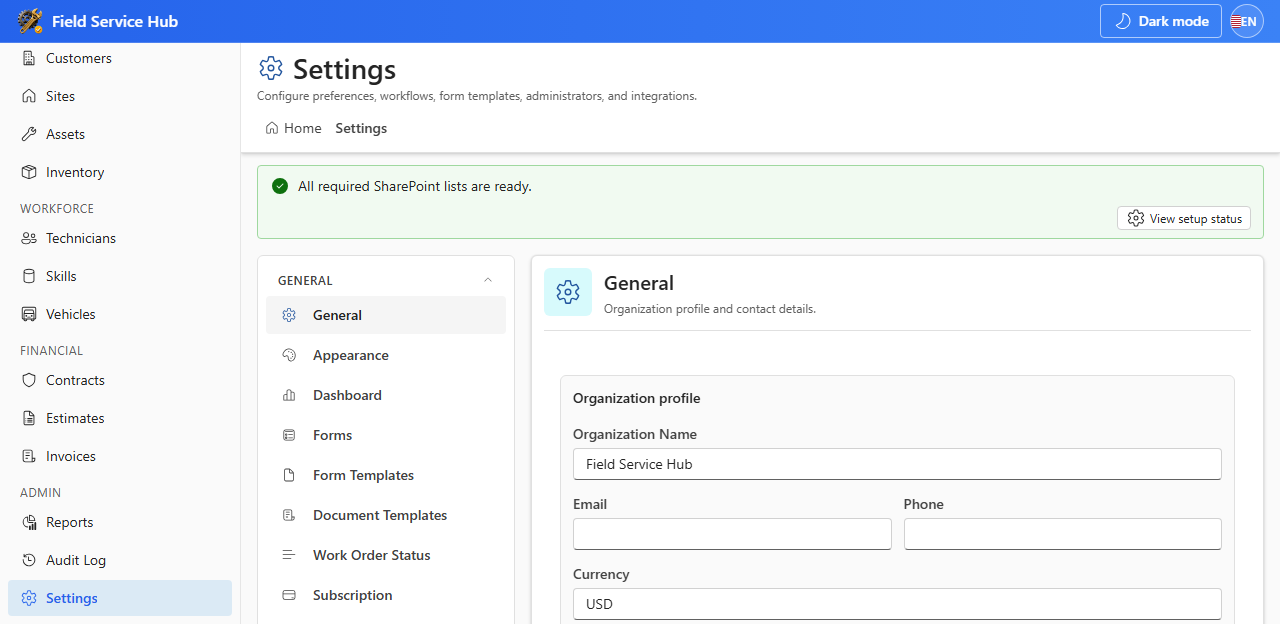
| General | Organization name, contact email, phone, address |
| Appearance | Theme, accent color, hide SharePoint chrome |
| Dashboard | Dashboard title and widget options |
| Forms | Field visibility and labels per entity |
| Form Templates | Extra fields on create/edit forms |
| Document Templates | Invoice and estimate print layouts |
| Work Order Status | Custom statuses and workflow buckets |
| Subscription | Trial and subscription status |
| App Administrators | Users who can open Settings |
| Language | Default display language |
| Dropdown Options | Choice values for form dropdowns |
| Numbering | WO, estimate, and invoice prefixes |
| Tags | Colored tags for categorization |
| Email Integration | Graph vs Power Automate delivery |
| Notification Workflows | Which events send email |
| Audit Log | In-app change history search |
9.1 Notification Workflows
Email notifications require Mail.Send approved in SharePoint Admin Center, Email Integration configured, and events enabled under Notification Workflows.
- Graph mode sends from the signed-in user's mailbox — users need Exchange Online mailboxes.
- Power Automate mode delegates delivery to your existing automation flows.
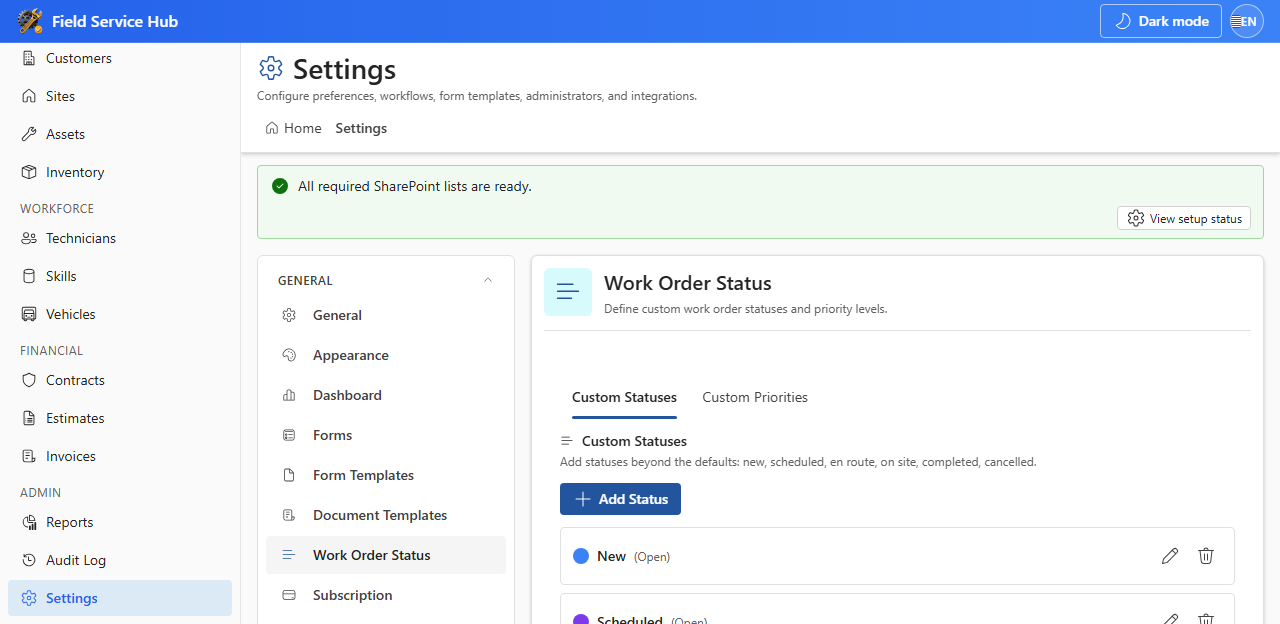
Buckets map statuses to Scheduler columns (New, Scheduled, En Route, etc.). Save settings to sync names to the SharePoint list.