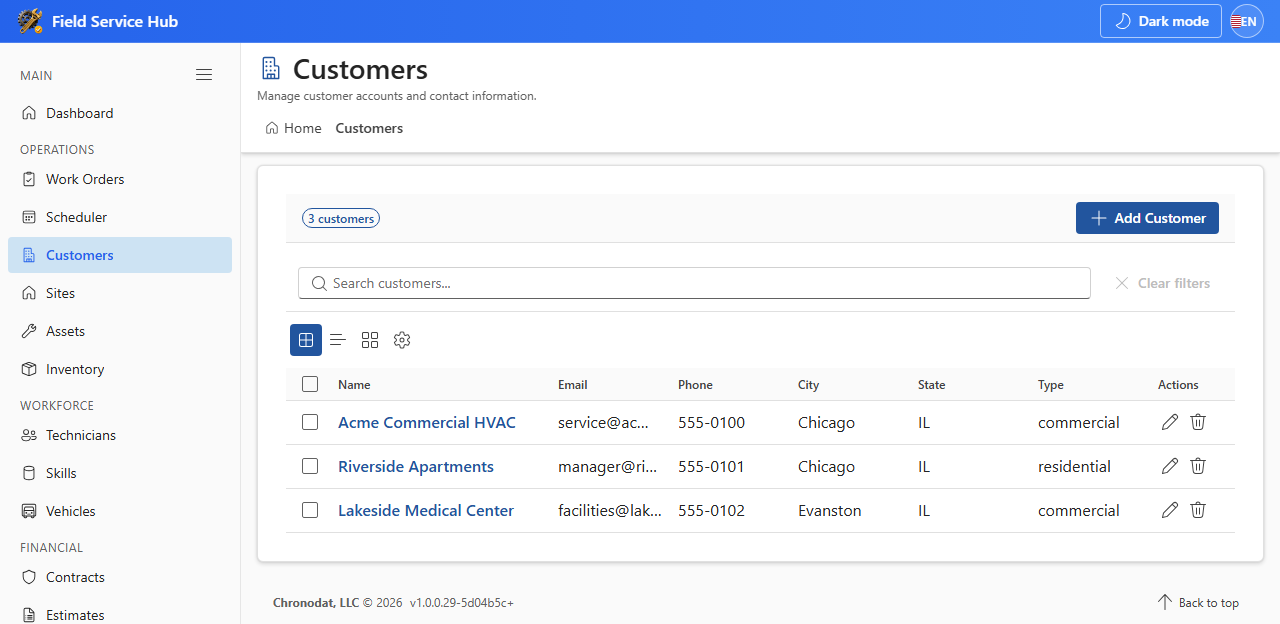
6.1 Customers
- Open Customers and click Add Customer.
- Enter name, type (Commercial or Residential), and contact fields.
- Save. Link work orders, sites, and contracts to the customer record.
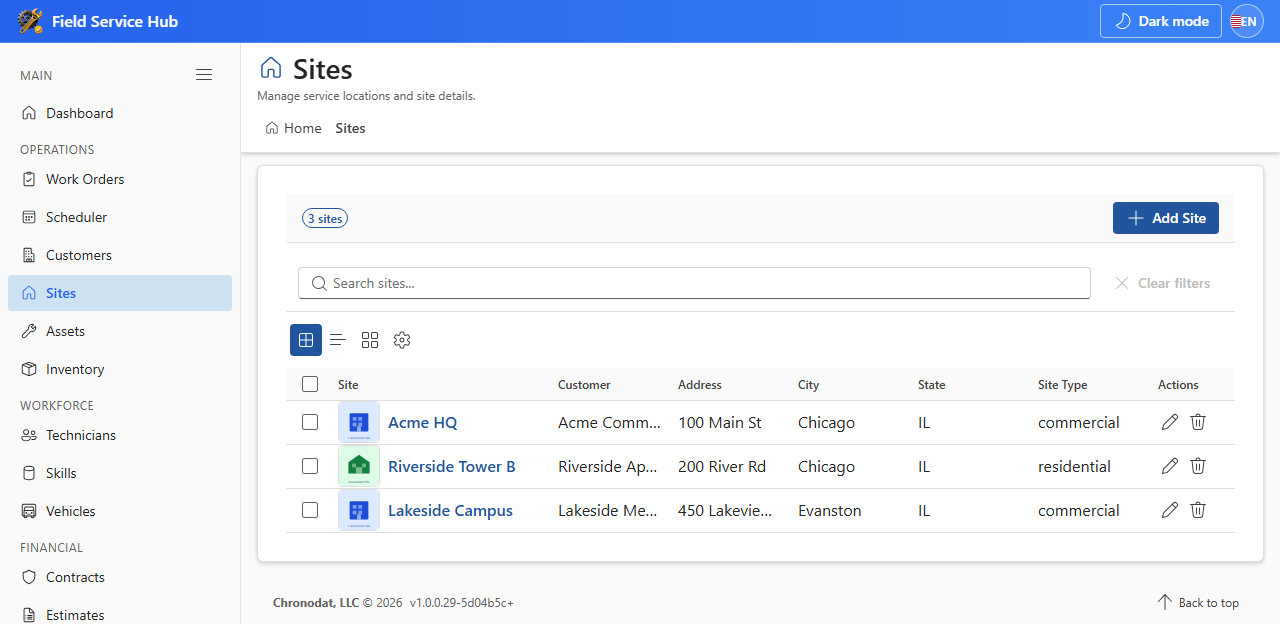
6.2 Sites
- Open Sites and click Add Site. Link a Customer and enter the service address.
- Work orders usually link to both a customer and a site.
6.3 Assets and Inventory
- Assets — equipment installed at a site (HVAC units, furnaces, heat pumps).
- Inventory — parts and stock; link items to work orders as needed.
Maintain accurate site and asset records so technicians arrive with the right context and parts.