4.1 Register a Visitor
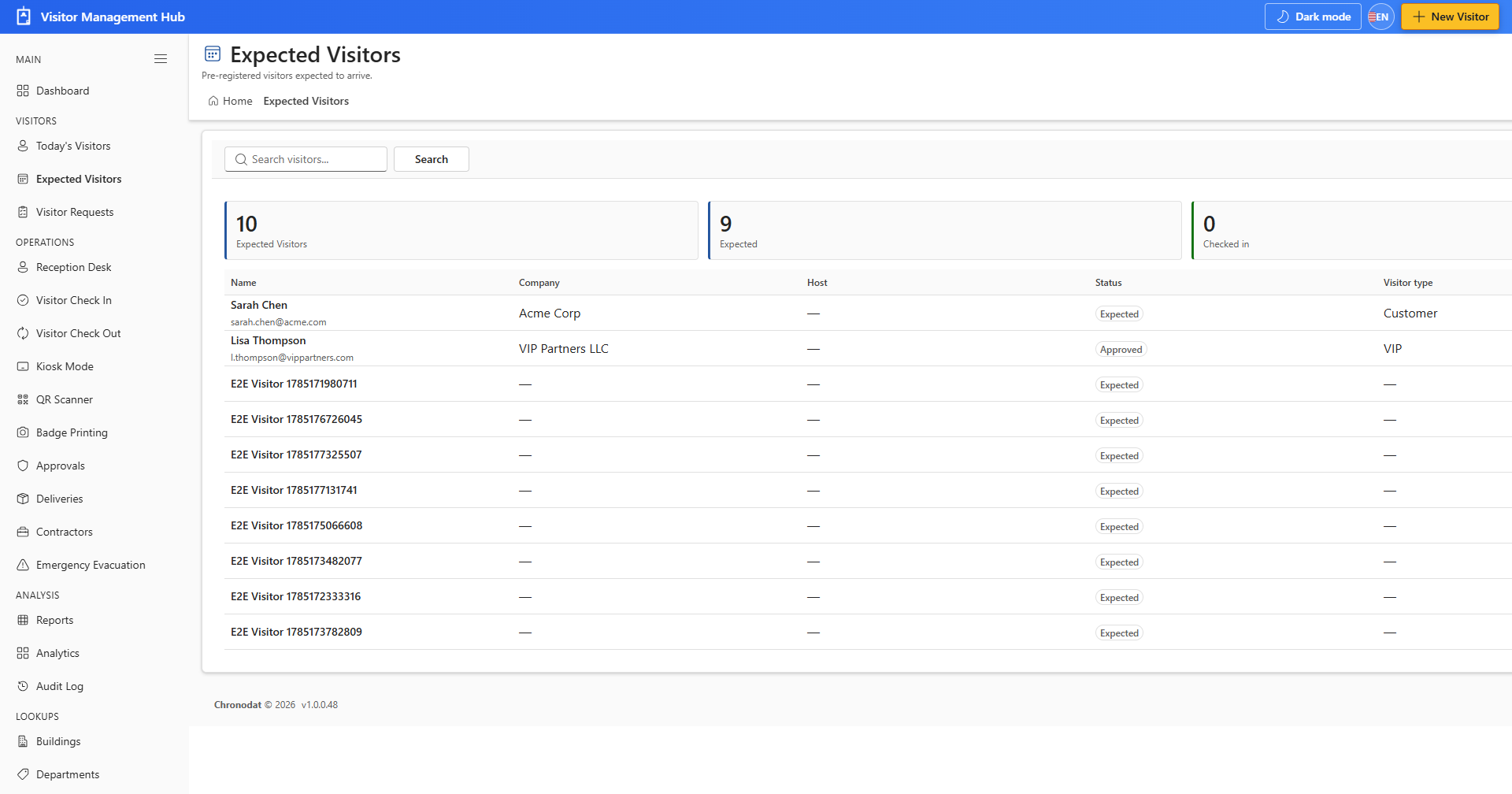
- Open Expected Visitors from the VISITORS section.
- Click New Visitor in the toolbar or top bar.
- Enter name, company, host, visit date, visitor type, and other required fields.
- Click Save to add the visitor to the register.
4.2 Visitor Requests
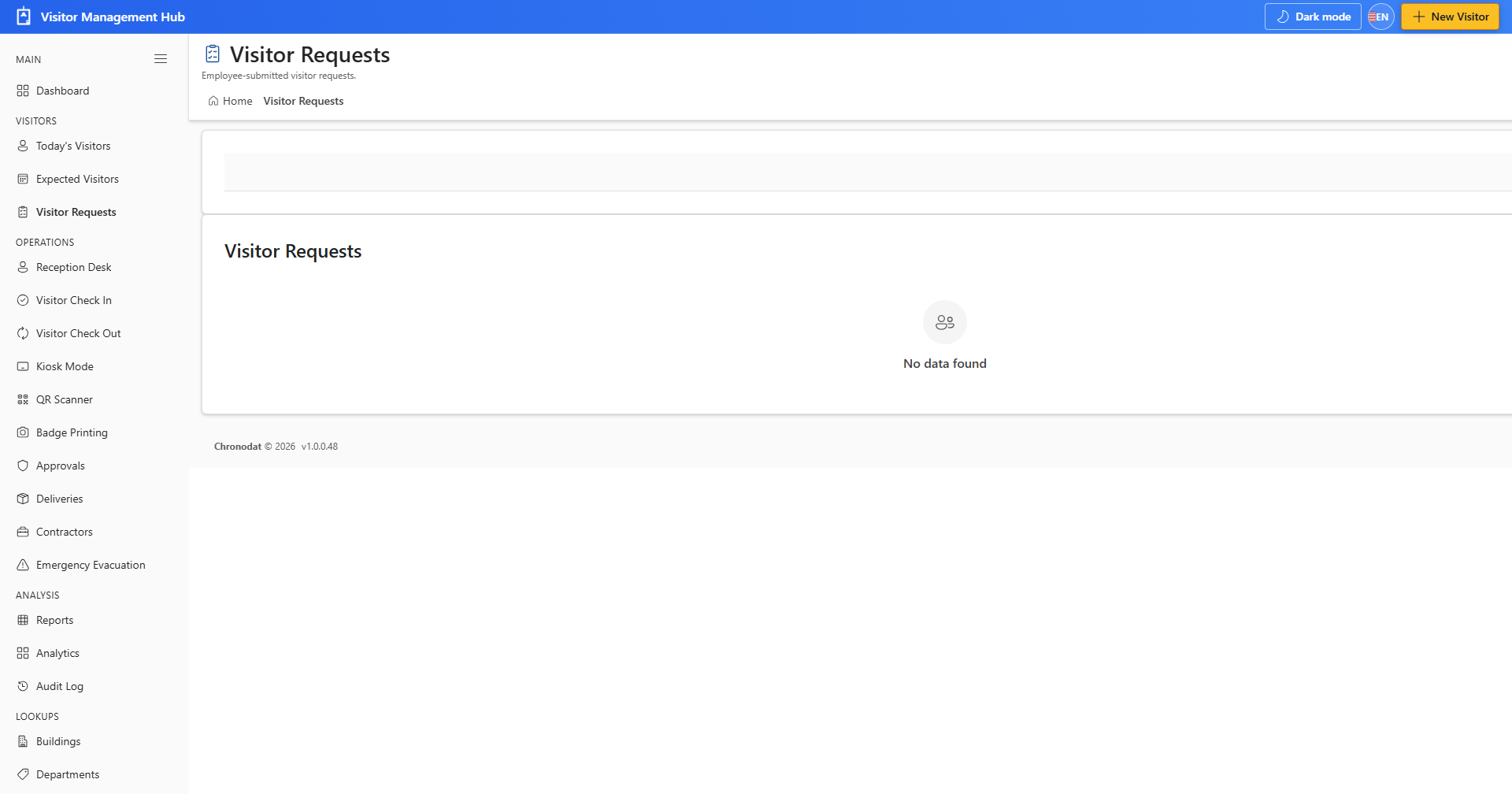
- Open Visitor Requests for pre-registration submitted by hosts or guests.
- Review pending requests and convert approved items to expected visitors.
4.3 Search and Filter
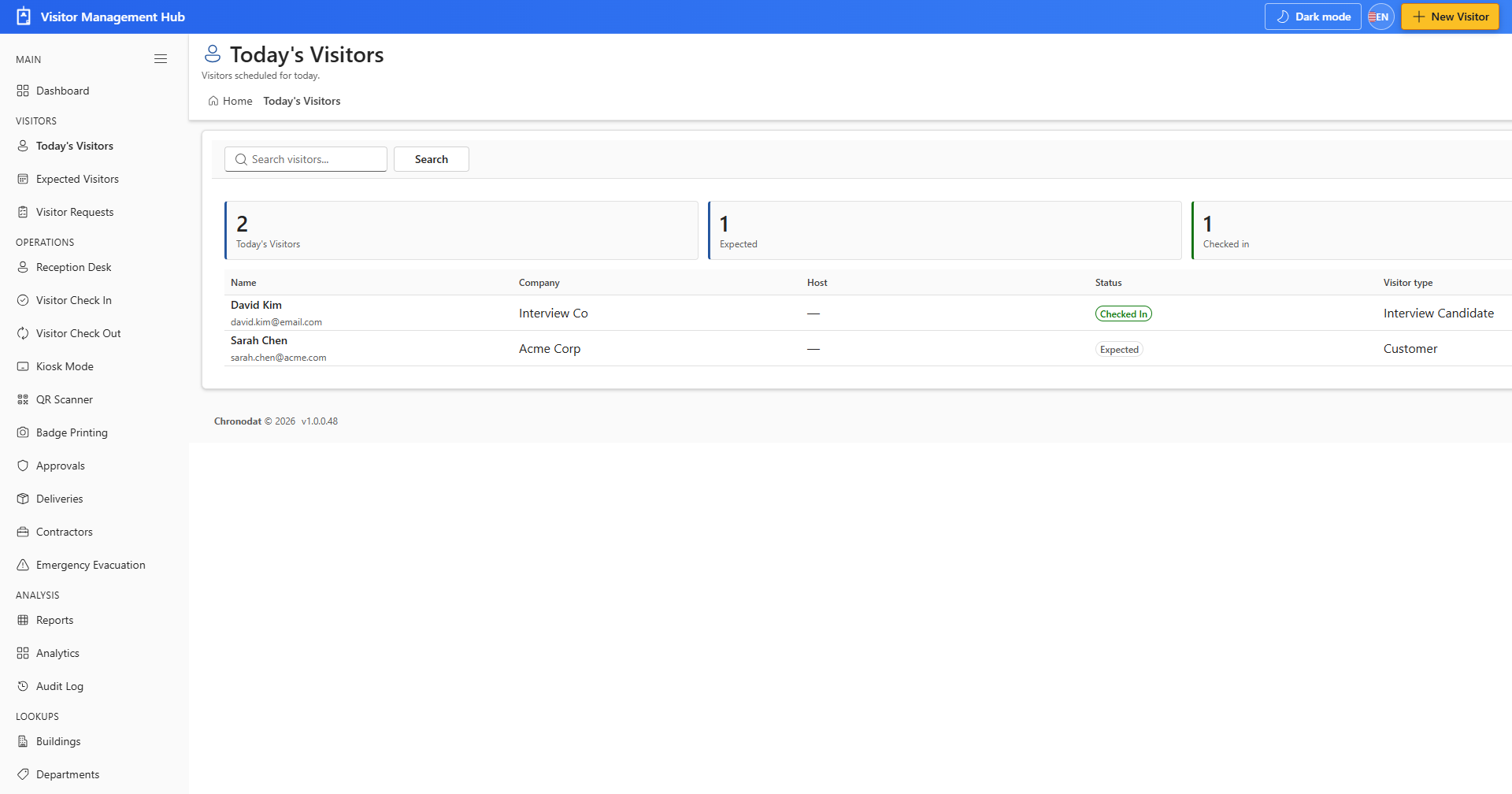
- Use the search box to find visitors by name or company.
- Switch between table, list, and card views when available.
- Click a visitor name to open the detail panel for view or edit.