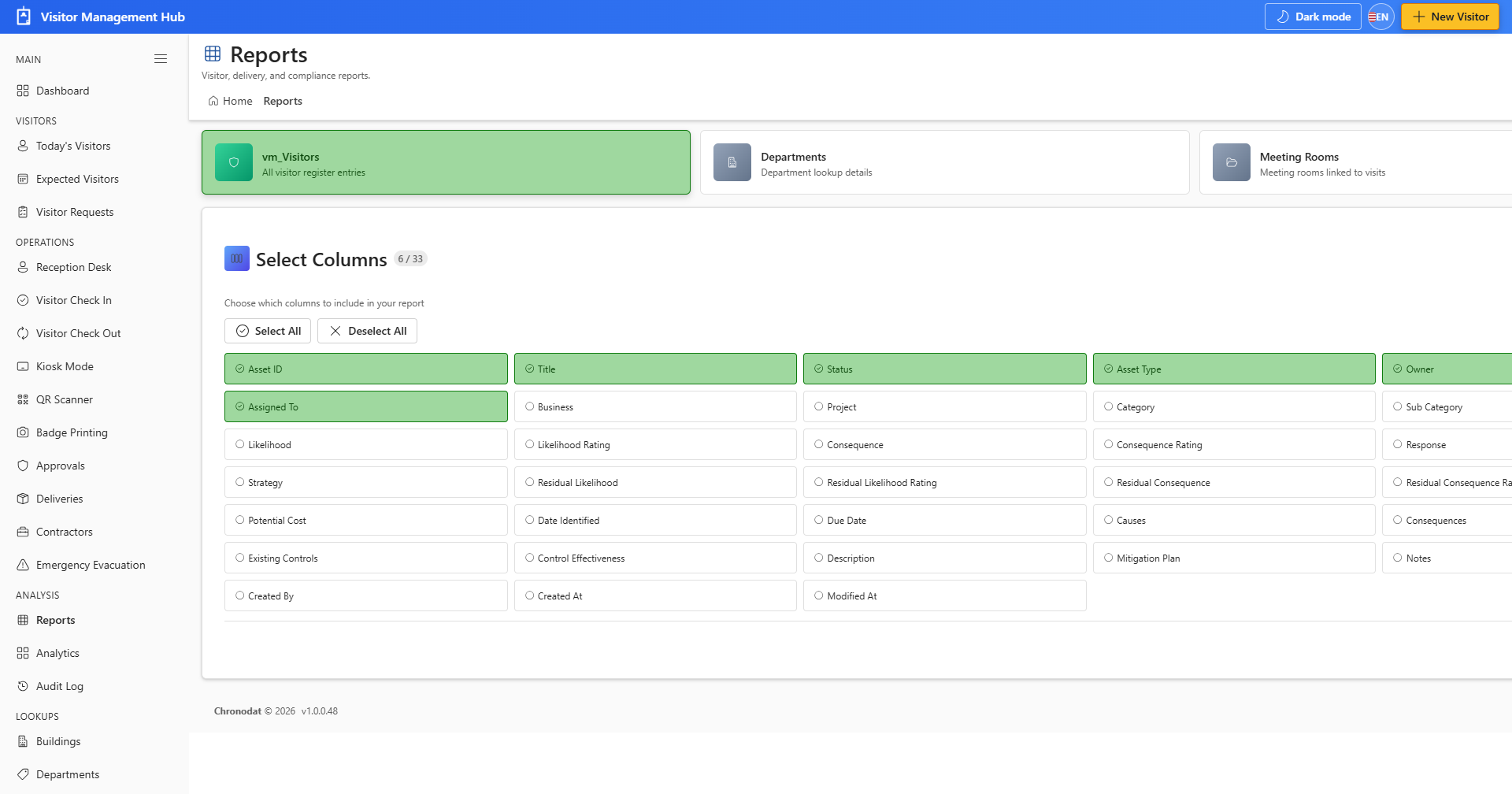
10.1 Report Builder
- Open Reports from the ANALYSIS section.
- Choose a data source (Visitors, Check-ins, Deliveries, and other lists).
- Select columns and optional filters.
- Click Generate Report to preview, then Download CSV to export.
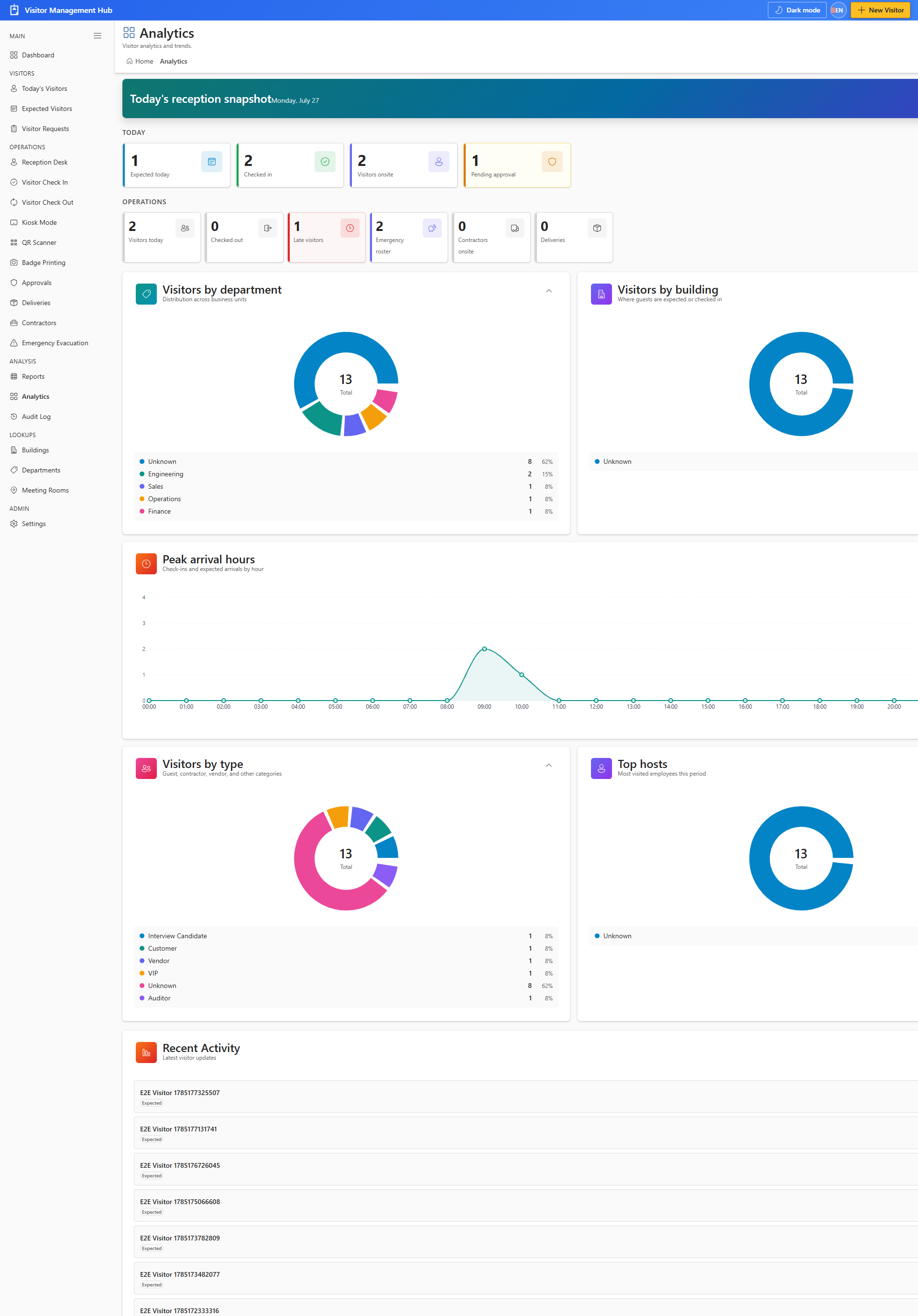
10.2 Analytics
- Open Analytics to review visitor trends over a date range.
- Use charts for total visitors, check-ins, and visitor types.