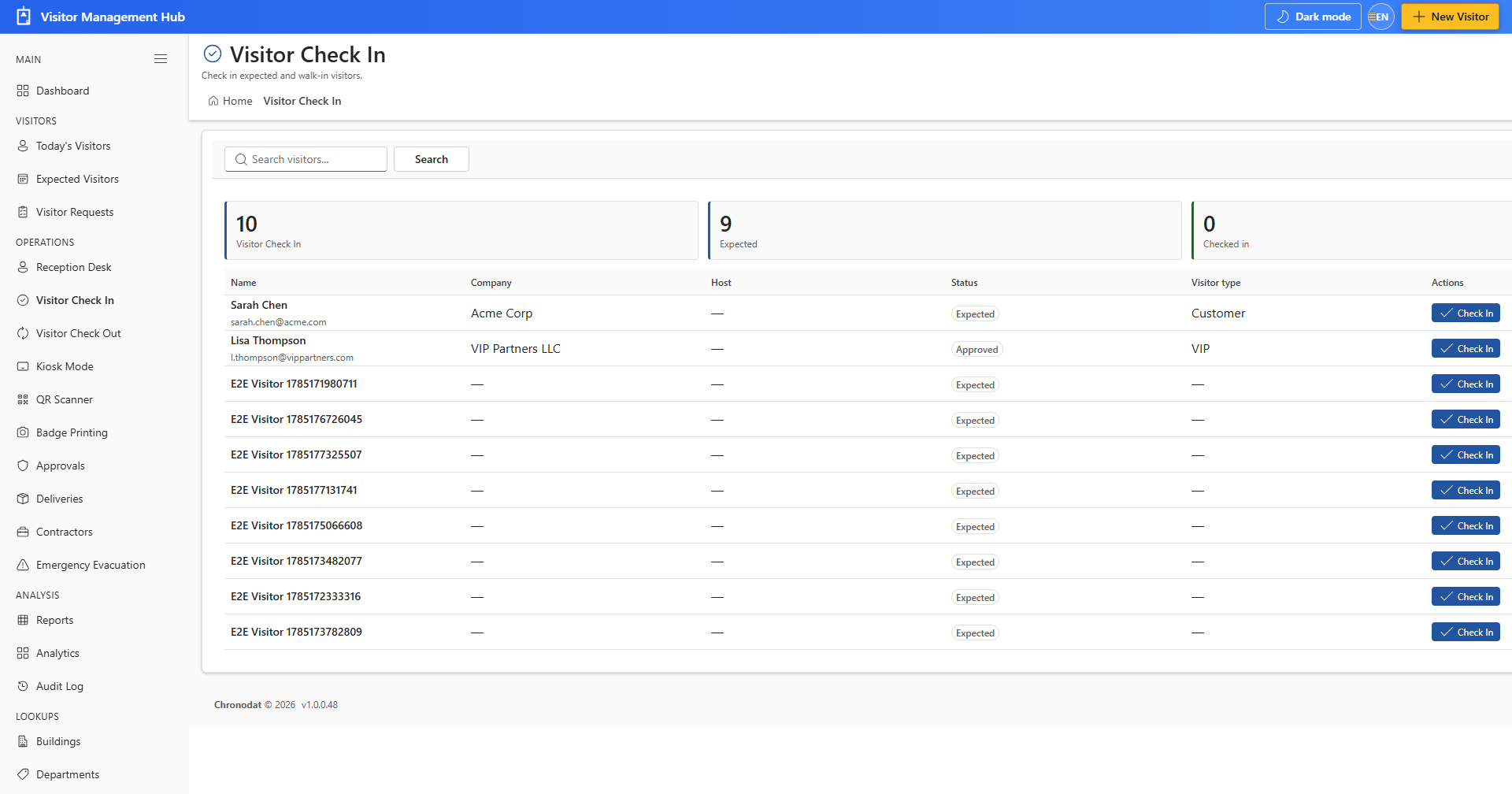
6.1 Check In
- Open Visitor Check In and locate the visitor.
- Assign a badge number or scan a QR code when configured.
- Click Check In to mark the visitor as onsite.
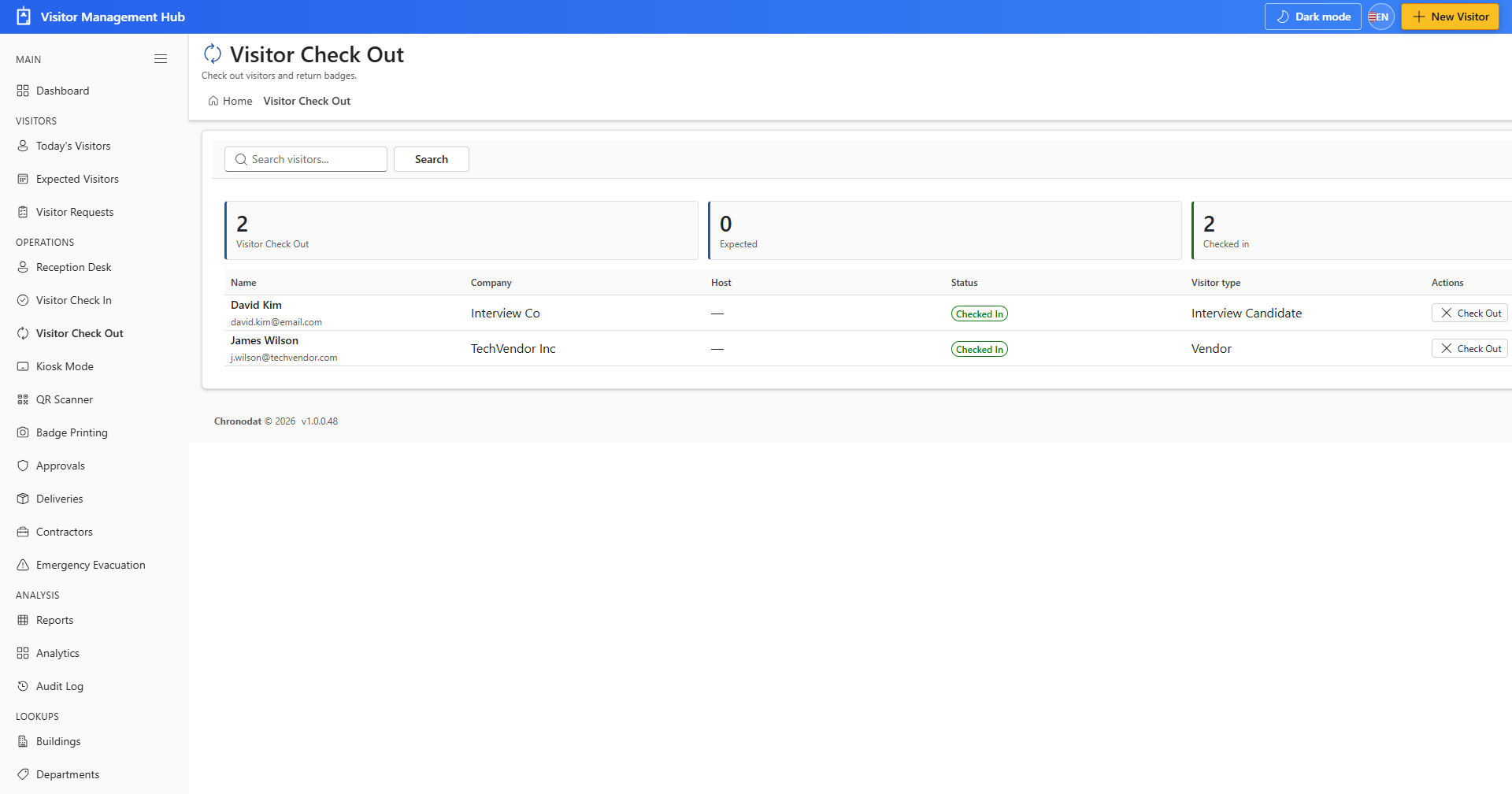
6.2 Check Out
- Open Visitor Check Out when the visitor leaves.
- Locate the checked-in visitor and confirm check-out.
- The visitor moves to checked-out status and leaves the onsite roster.