Requirements
- Microsoft 365 with SharePoint Online. SharePoint Server on-premises is not supported.
- A current browser: Microsoft Edge, Google Chrome, Mozilla Firefox, or Safari.
- SharePoint Administrator or Global Administrator permission to upload the package to the tenant app catalog.
- Site owner permission on the site where the timesheet page will live.
Deploy the app
- Obtain the Timesheets Lite package (.sppkg) for version 1.0.0.19 or later.
- Open the SharePoint admin center, go to More features, open Apps, then App Catalog, and upload the package.
- Deploy the package so it is available to sites in the tenant.
- On the target site, create or edit a modern page, add a full-width section, and insert the Timesheets Lite web part.
- Publish the page. People open the timesheet from that SharePoint URL.
Add it to Microsoft Teams
- Install Timesheets Lite as a personal app so each person can open their own timesheet from Teams.
- Add it as a channel tab when a team should open the same SharePoint timesheet page together.
First-time setup
A site owner runs setup once. Setup creates the SharePoint lists the app uses for time entries, clients, jobs, resources, and settings. Publish the page before setup. The wizard does not run while the page is in edit mode.
- Open the app as a site owner and complete setup when the app asks for it.
- Wait until provisioning finishes, then reload the page.
- Confirm the week start, weekly target, and weekly maximum under Settings before people start logging time.
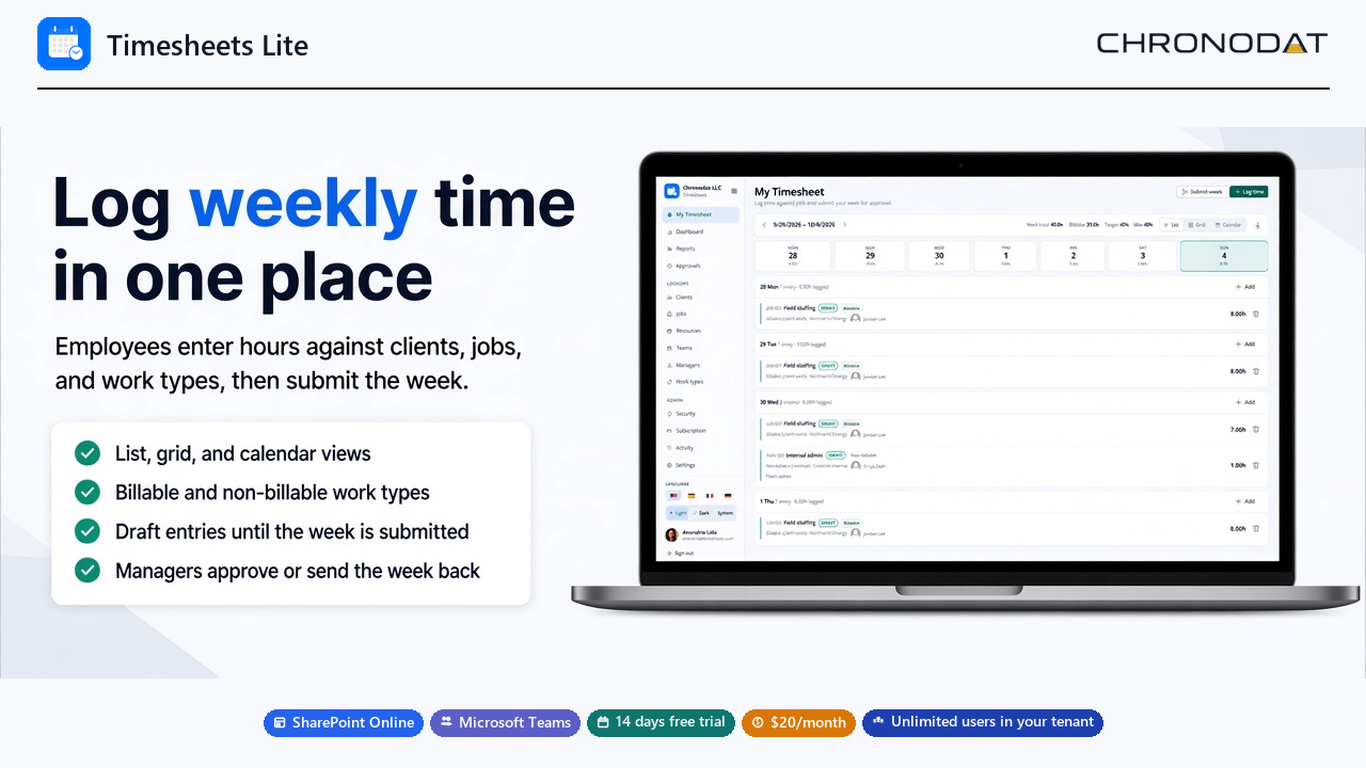
People log hours here, then submit the week. Managers use Approvals to review submitted weeks.
Additional notes
Trial and subscription
Timesheets Lite includes a 14-day free trial. After the trial, the subscription is $20 per month for unlimited users in the tenant.
Licensing is managed for the tenant. Time entries, clients, jobs, and resources remain in SharePoint lists on your site.