Layout
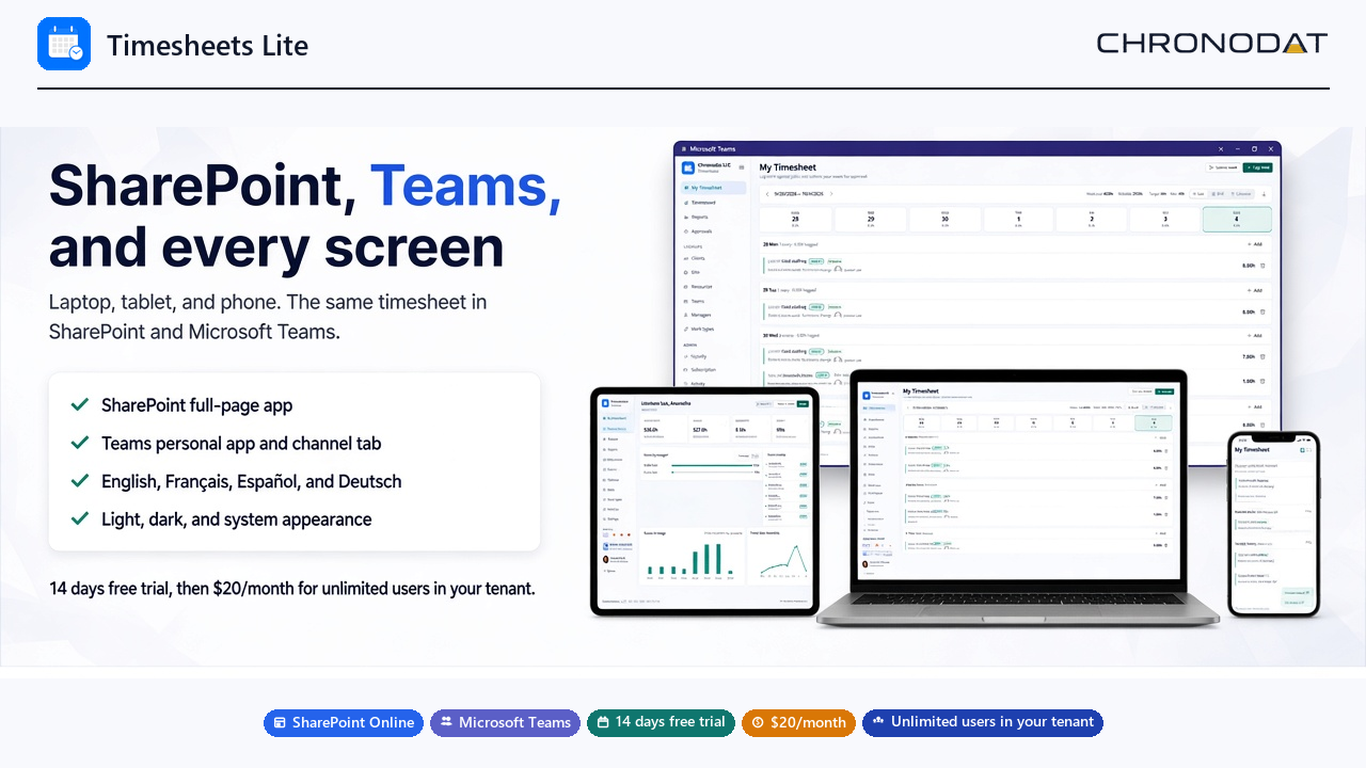
| Area | What it shows |
|---|---|
| Sidebar | Timesheet, Approvals, Dashboard, Reports, Clients, Jobs, Resources, and Settings |
| Page header | The current page name and the actions for that page |
| Main area | The weekly timesheet, a list, a chart, or a settings form |
| Sidebar footer | Language (English, French, Spanish, German) and the light, dark, or system theme, when the administrator leaves those controls visible |
Who sees which pages
- Employees see their own timesheet and the pages their role allows.
- Managers see submitted weeks that they can approve or reject.
- Admins, including site owners, can open settings, security, and the master lists.