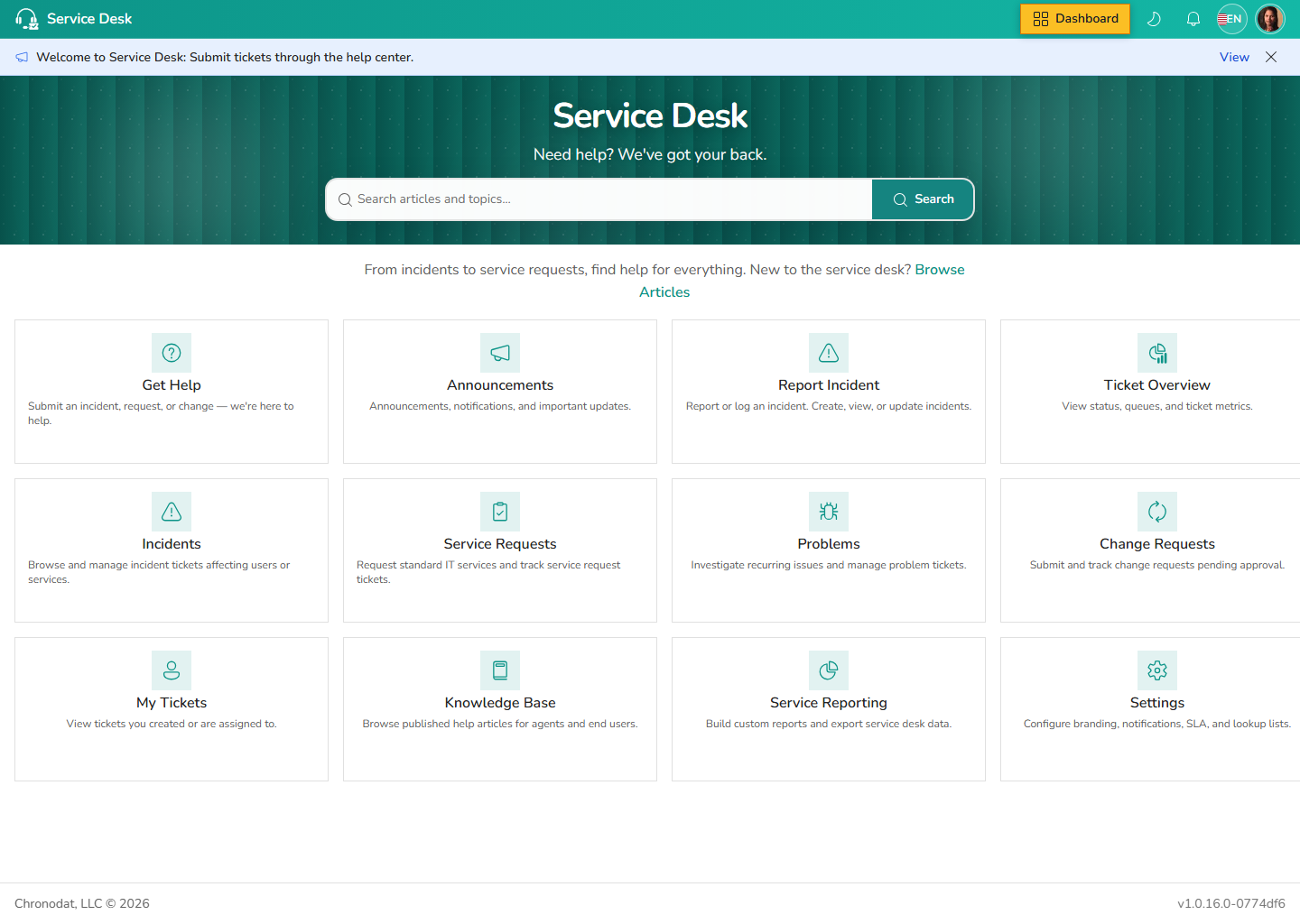
Open Help Center from the left navigation. Users search the knowledge base, read announcements, and launch the guided Get Help flow to create a ticket.
3.1 Get Help flow
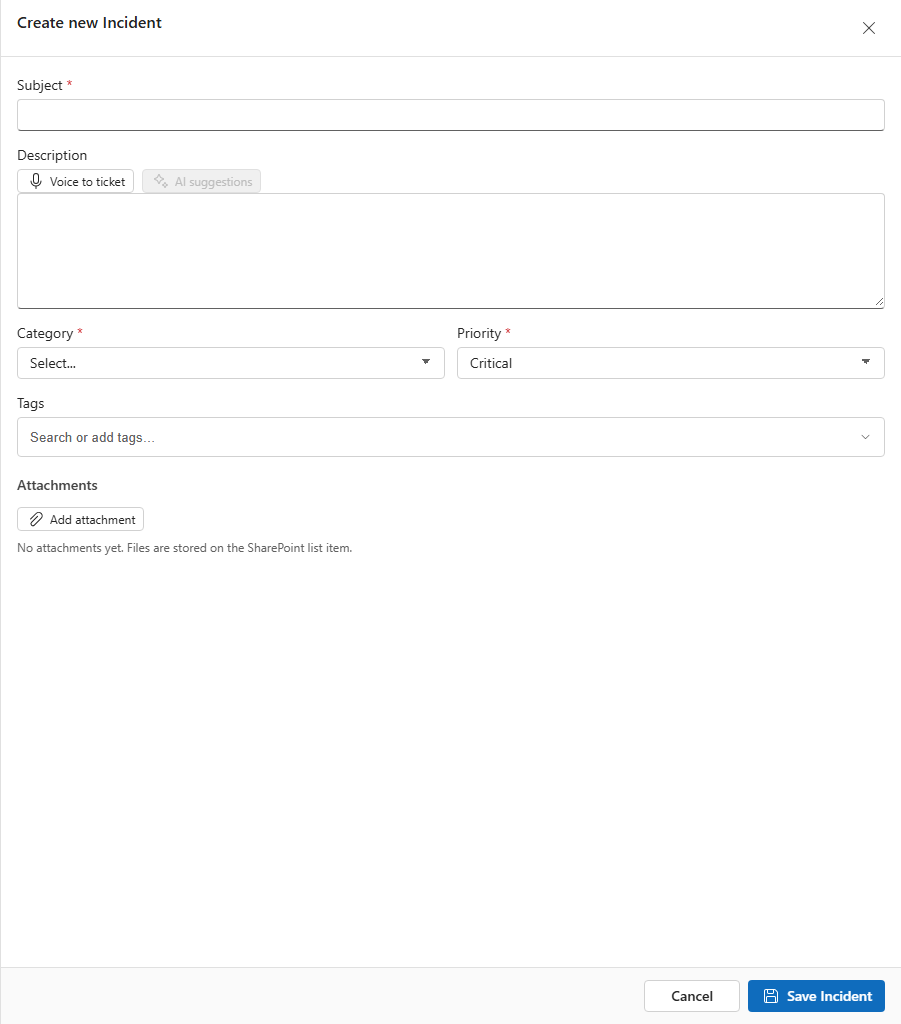
The Get Help wizard collects request type, subject, description, and optional attachments. Tickets route to the correct queue based on category and assignment rules.
3.2 My Tickets and Notifications
My Tickets lists requests raised by or assigned to the signed-in user. Notifications aggregates in-app alerts for replies, assignments, and SLA warnings.