Worker register
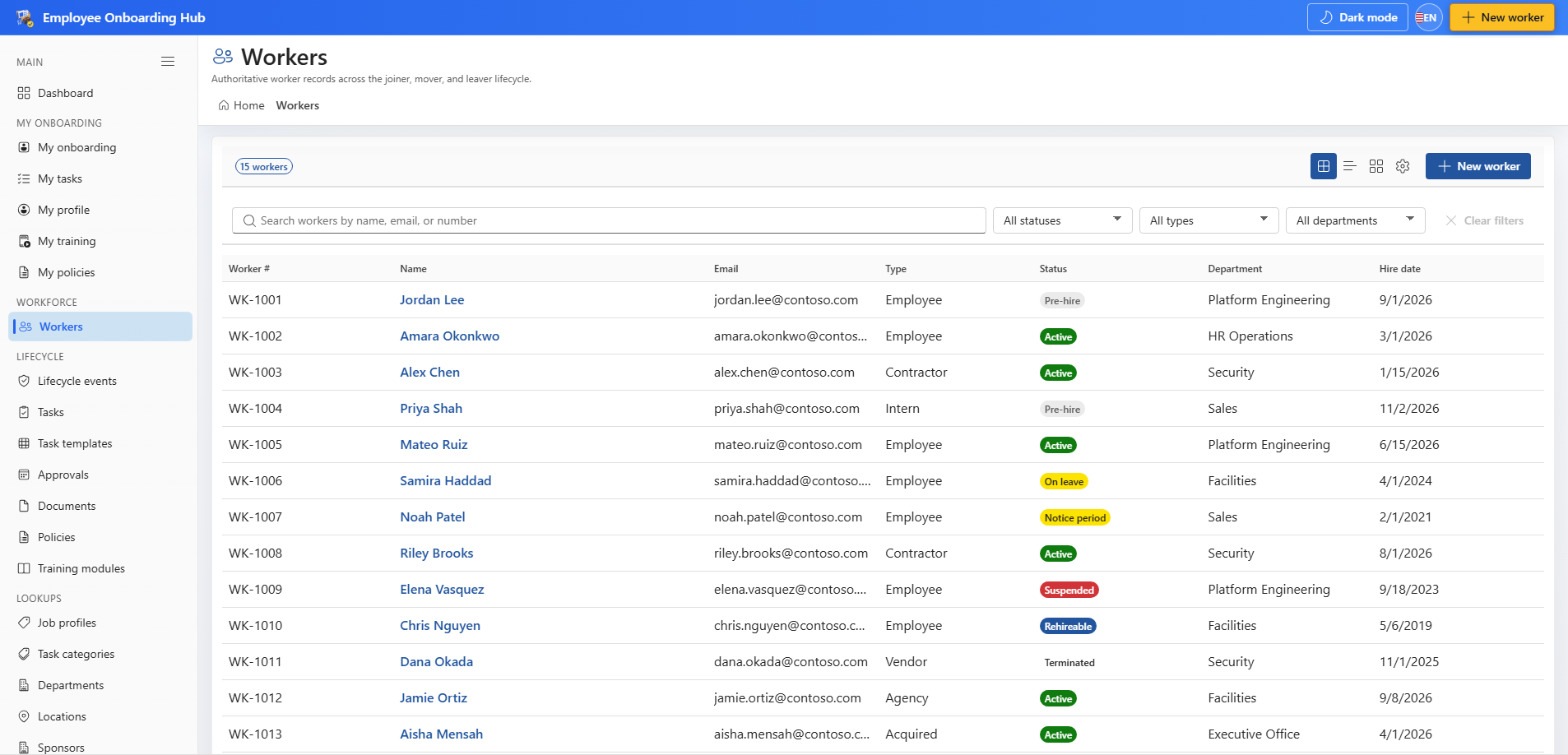
Open Workers from Workforce. The list shows the people the hub is tracking, including pre-hire and active workers.
Create a worker
- Choose New worker.
- Complete the required fields: display name, preferred name, worker type, and status.
- Save. The worker number is assigned automatically.
A CSV import uses the same create path, so imported workers receive numbers and an audit event.
Status changes
A status change requires a named person. The app does not set a terminal negative status on its own. Completing a joiner, rehire, or reinstate event can set the worker to Active when the readiness gates are clear. A leaver event sets Terminated only after the exit interview, access revocation, and equipment return are done.