Audit log
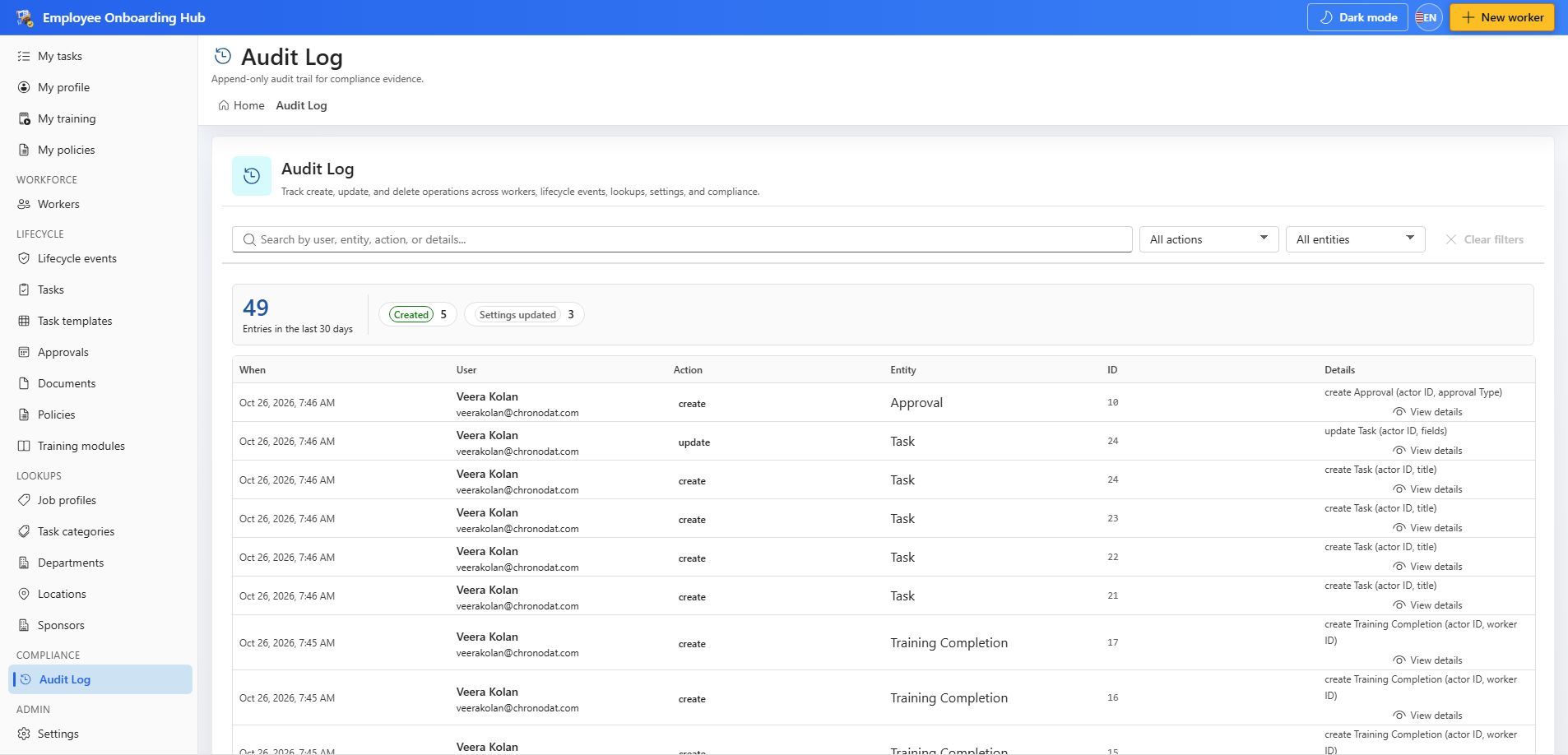
Open the audit log to review create, update, and delete actions across onboarding records. Every write emits an audit event.
Common blocks
- Complete Setup banner — run setup as a site owner until the lists are provisioned.
- App settings not found — open Settings. The app repairs the default settings row.
- Settings tabs missing — deploy the latest package and refresh the page.
- Home page stays on Loading — the first subscription check has not returned yet. Leave the page up until it finishes. A later refresh does not blank the page.
- Cannot set Active — blocking tasks, right-to-work, or the day-one pack are still open.
- Cannot set Terminated — the leaver exit interview, access revocation, or equipment return is still open.
Write to support@chronodat.com if setup completes and a list is still missing.