Requirements
- Microsoft 365 with SharePoint Online. SharePoint Server and on-premises SharePoint are not supported.
- Microsoft Edge or Google Chrome.
- Permission to deploy a SharePoint Framework package to the tenant app catalog.
- A modern SharePoint site. Install the app on a dedicated subsite, not the organization's root site.
Deploy the app
- Upload
construction-management-hub.sppkgversion 1.0.0.14 or later to the tenant app catalog and deploy it. - Add the app to the dedicated subsite.
- On a modern page, add the Construction Management Hub web part, or open it as a full-page app.
- This package does not request Microsoft Graph permissions. Lists work without an API-access approval.
Microsoft Teams
Deploy the SharePoint package first. Then add or sync TeamsSPFxApp.zip. The Teams app id is the same as the SharePoint solution. Add Construction Management Hub as a personal app or as a channel tab. If the tab asks for a site address, use the SharePoint site where setup was completed. The dashboard web part is not part of the Teams app.
First-time setup
A site owner opens the app and completes the setup wizard. Setup creates the hidden lists and libraries the app uses. Their titles start with CMH_. Running setup again updates the schema and does not erase existing project records.
- Use one site so documents, photos, and lists stay together.
- After a newer package is deployed, open Settings and then Setup status to apply new fields.
- Documents are stored in
CMH_Documents. Photos are stored inCMH_Photos.
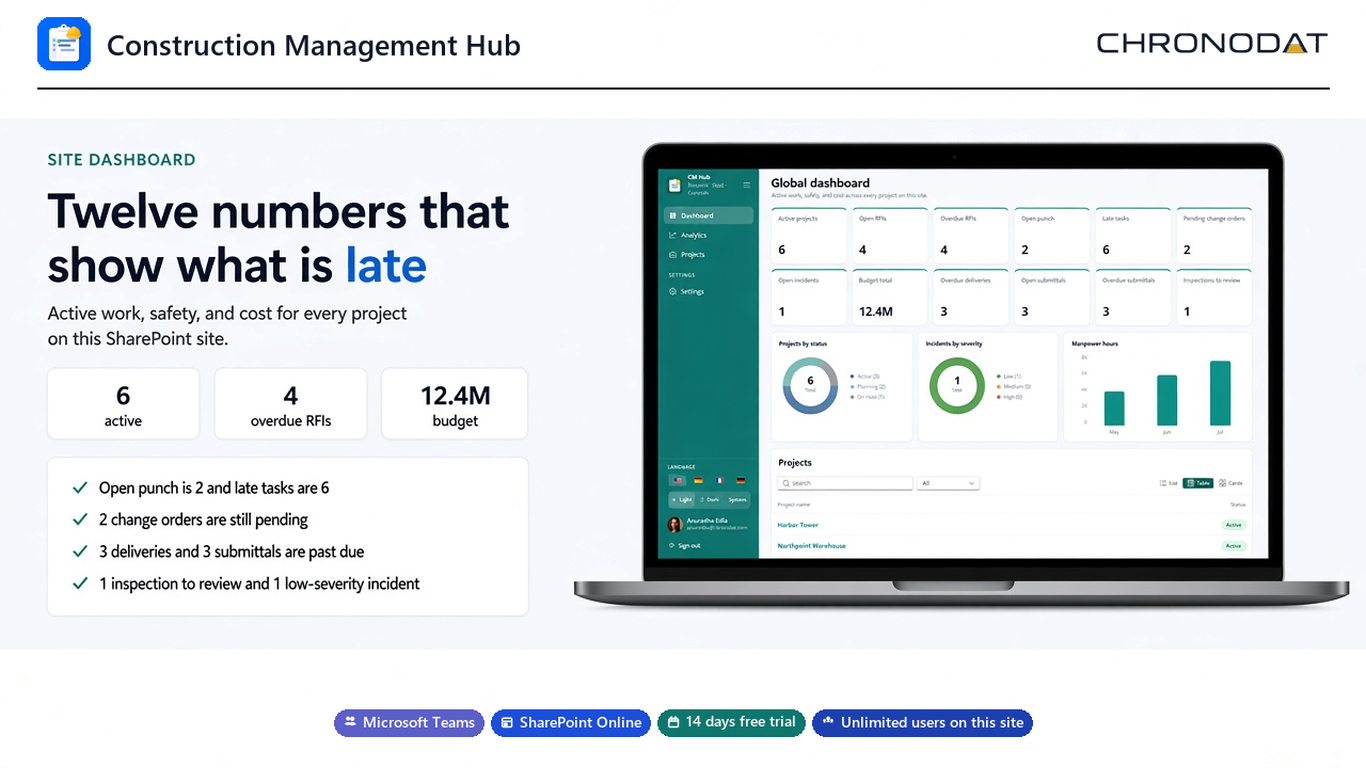
Trial and subscription
A 14-day free trial starts the first time the site uses the app. After the trial, Construction Management Hub is $499 per year for unlimited users on that SharePoint site. Subscribe from Settings, then Subscription. Checkout opens in a new browser tab, outside SharePoint and Teams. A signed license key for this product, tenant, and site is also valid.