
Construction Management Hub
Jobs, schedule, and field records for Microsoft Teams and SharePoint Online
- Microsoft Teams
- SharePoint Online
- 14-day free trial
- $499/year
Jobs, schedule, and field records for Microsoft Teams and SharePoint Online
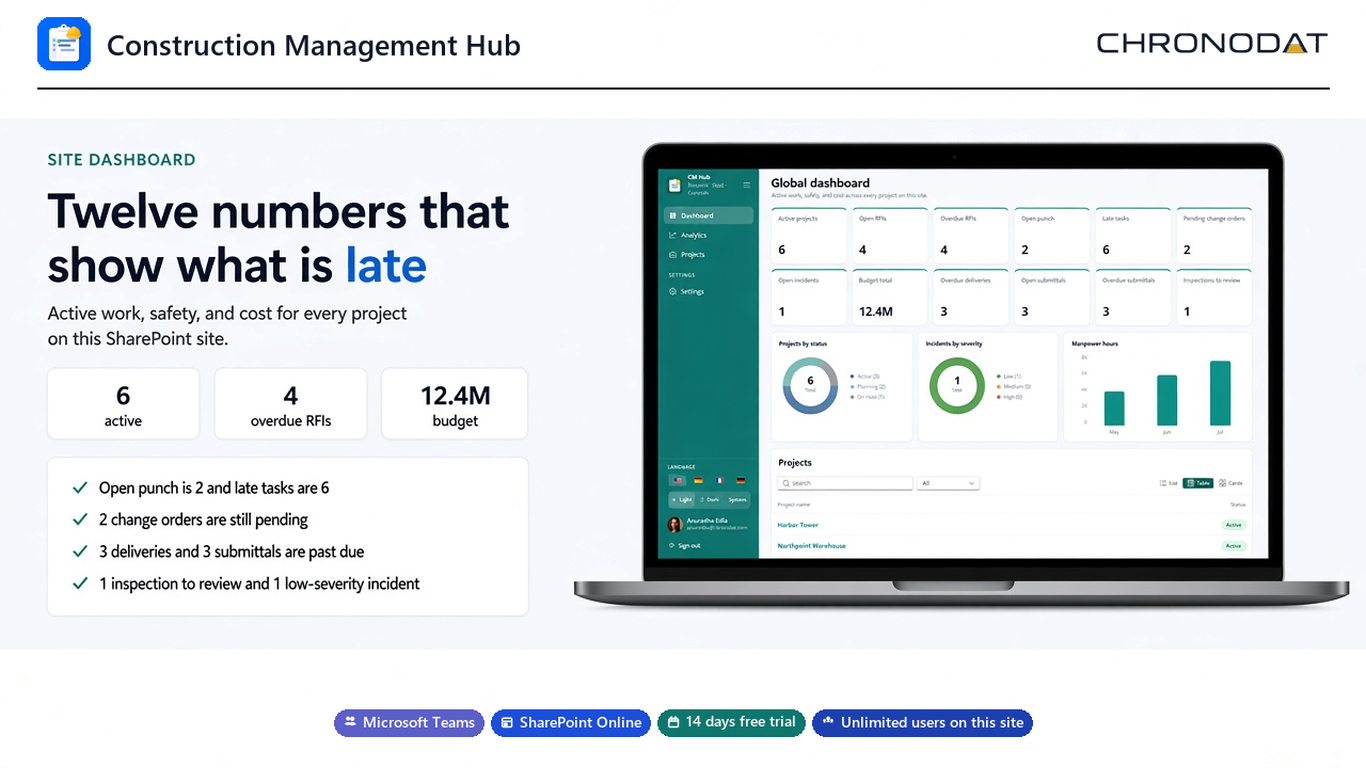
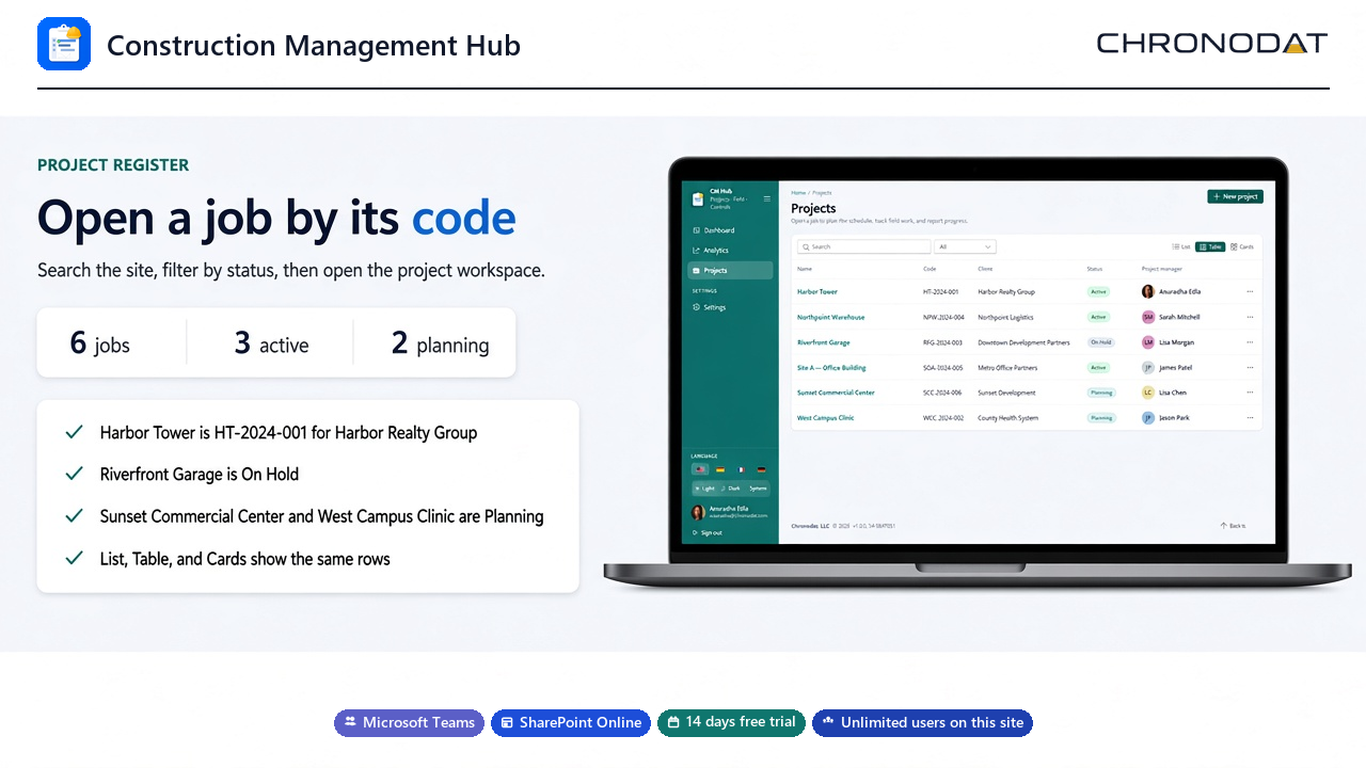
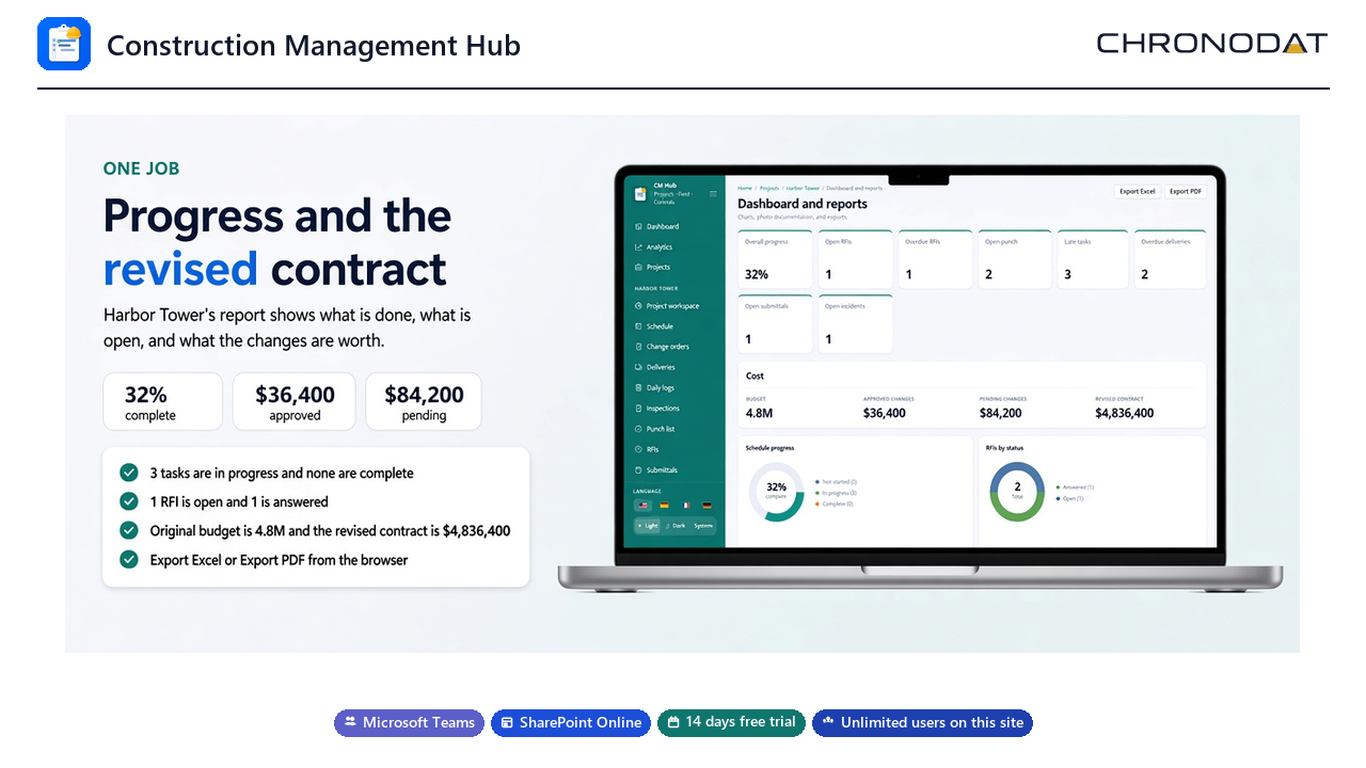
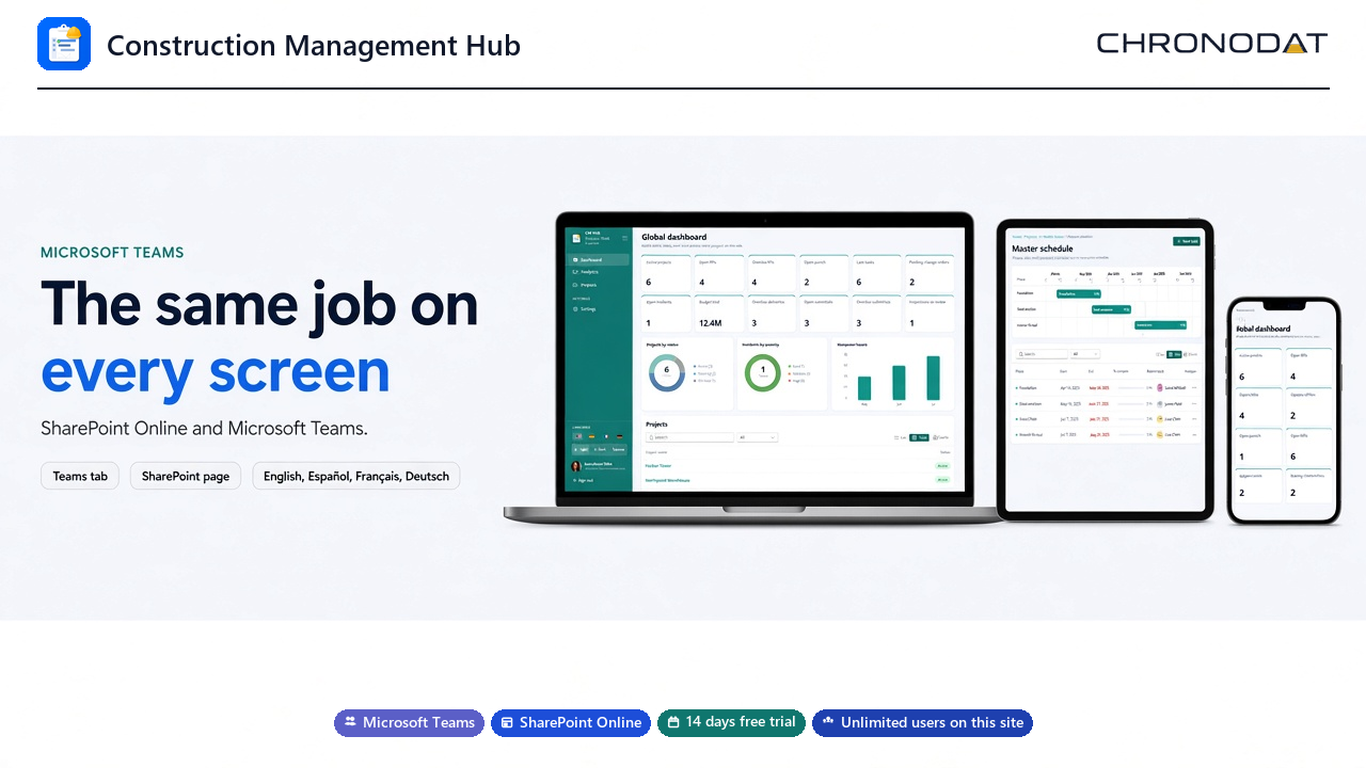
See every project on the dashboard, then open a workspace with the code, client, budget, and contract value.
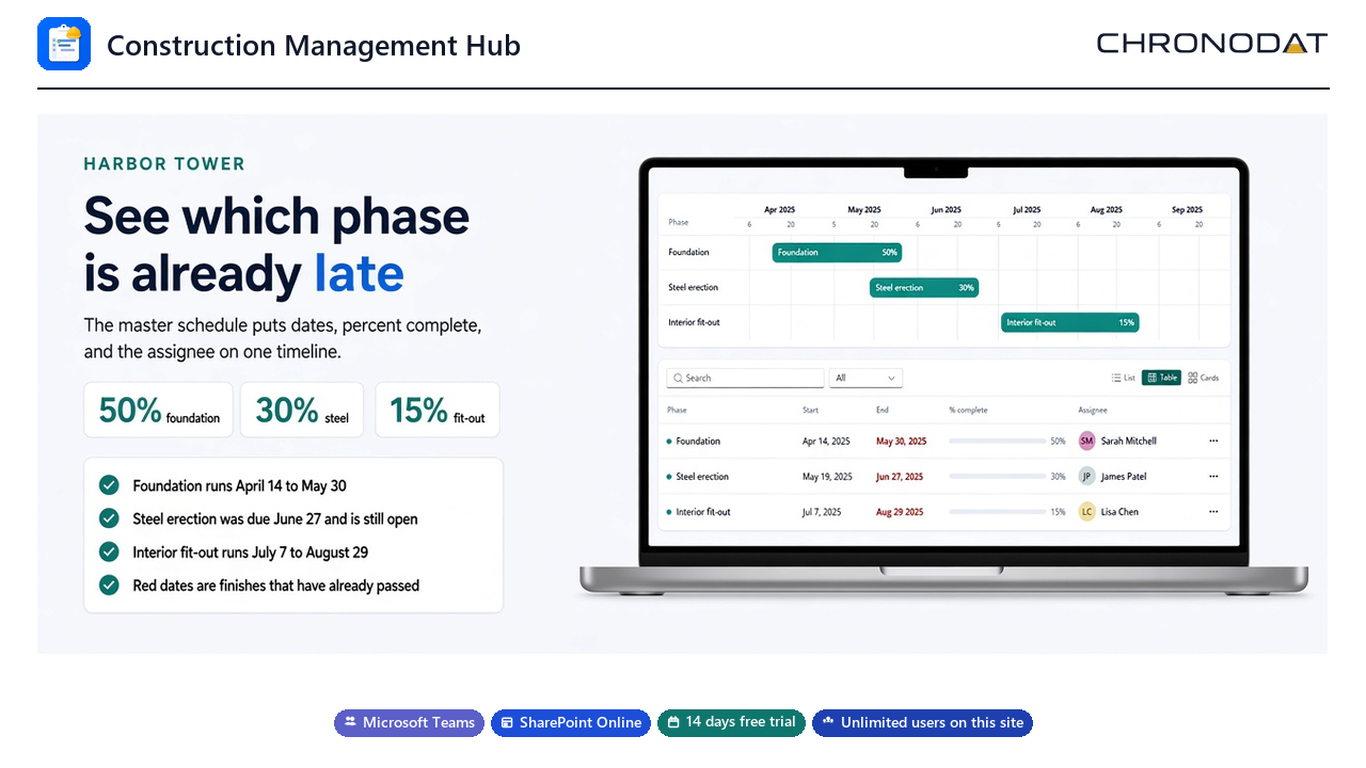
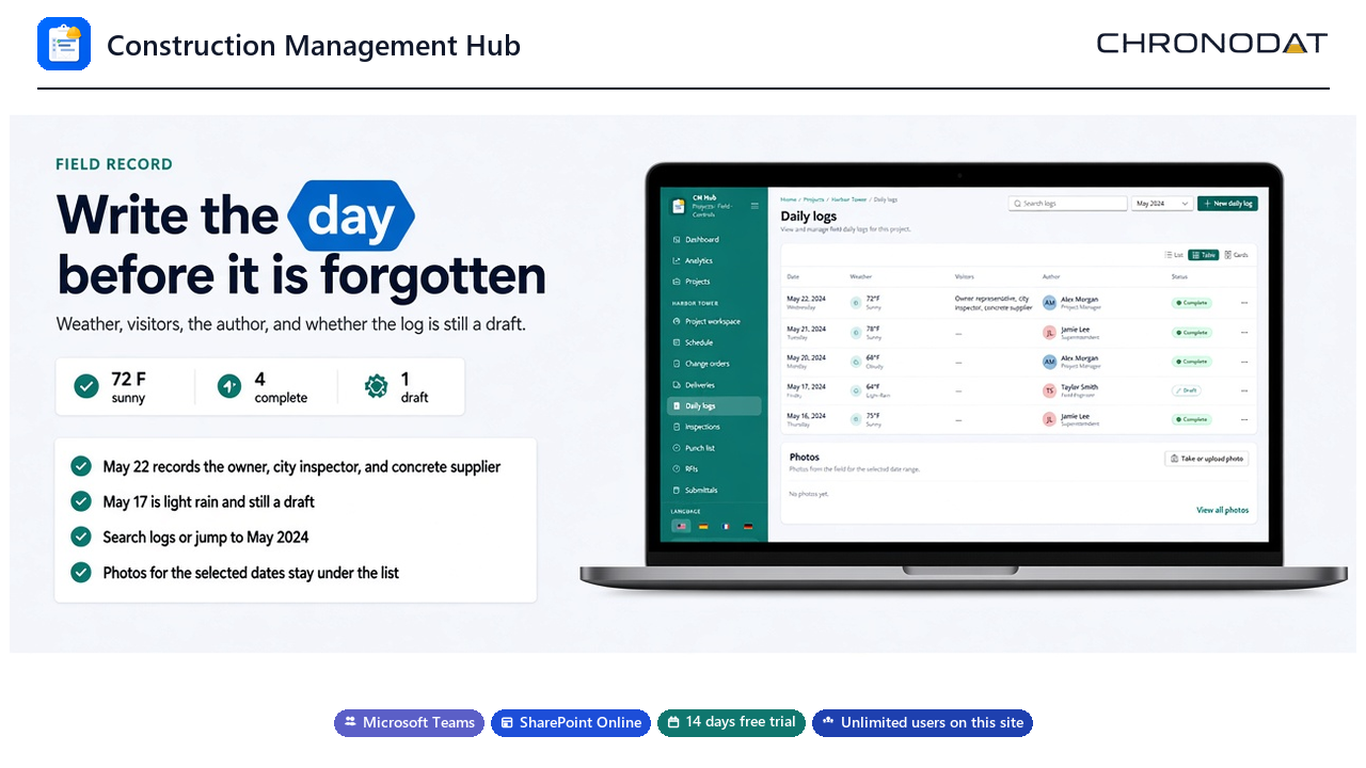
Update the master schedule, write the daily log, and assign punch items, RFIs, and inspections.
Review progress and the revised contract, then download Excel or PDF from the browser.
Twelve cards for active projects, open and overdue RFIs, punch, late tasks, change orders, incidents, budget, deliveries, submittals, and inspections.
Phases, start and finish dates, percent complete, and the assignee on one timeline. Late finishes stand out.
Weather, visitors, the author, and draft or complete status. Photos stay with the dates you are viewing.
Each item has an owner, a trade or priority, and a due date. Fail and Conditional inspections are the ones to review.
Drawings stay in the site library. Export the job's progress and revised contract to Excel or PDF.
Original contract, approved changes, pending changes, and the revised contract. Pending changes stay out of the revised total.
Admin, Manager, and Member. Site owners and up to 40 named administrators open Settings. SharePoint still controls content rights.
The same workspace as a Teams personal app, a channel tab, and a SharePoint page. English, Spanish, French, and German.
Add Construction Management Hub from the tenant app catalog, then open it on a SharePoint page or in Microsoft Teams. The schedule, logs, photos, and documents all read the same SharePoint lists and libraries.
Start a 14-day free trial. After the trial, Construction Management Hub is $499 per year for unlimited users on the SharePoint site.