Reviews list
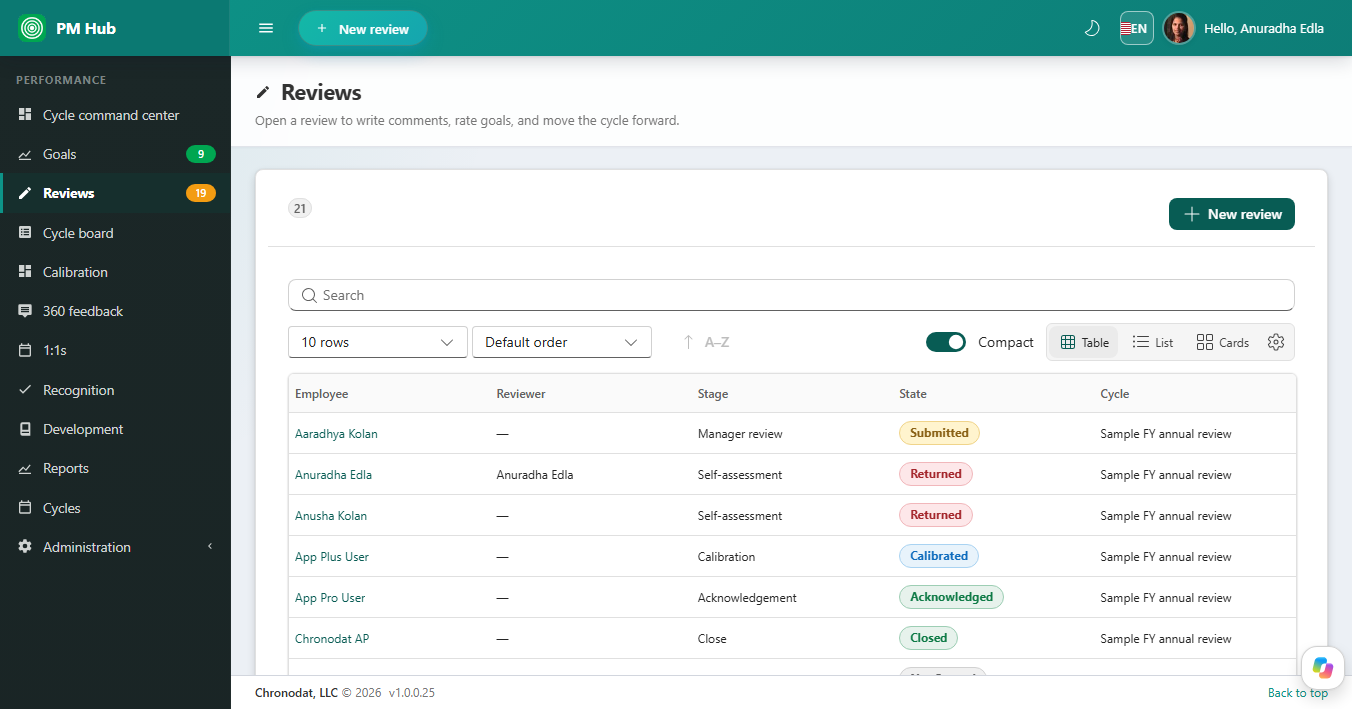
Reviews lists Employee, Reviewer, Stage, State, and Cycle. Filter and search, then open a row. States include Not Started, Submitted, Returned, Calibrated, Acknowledged, and Closed.
Inside a review
- Goal blocks from the cycle, with ratings and comments.
- Competency ratings when the review form includes them.
- Conversation and Activity (version history) on the packet.
- Self-assessment first, then manager review. A manager can return a packet for more detail.
Cycle board
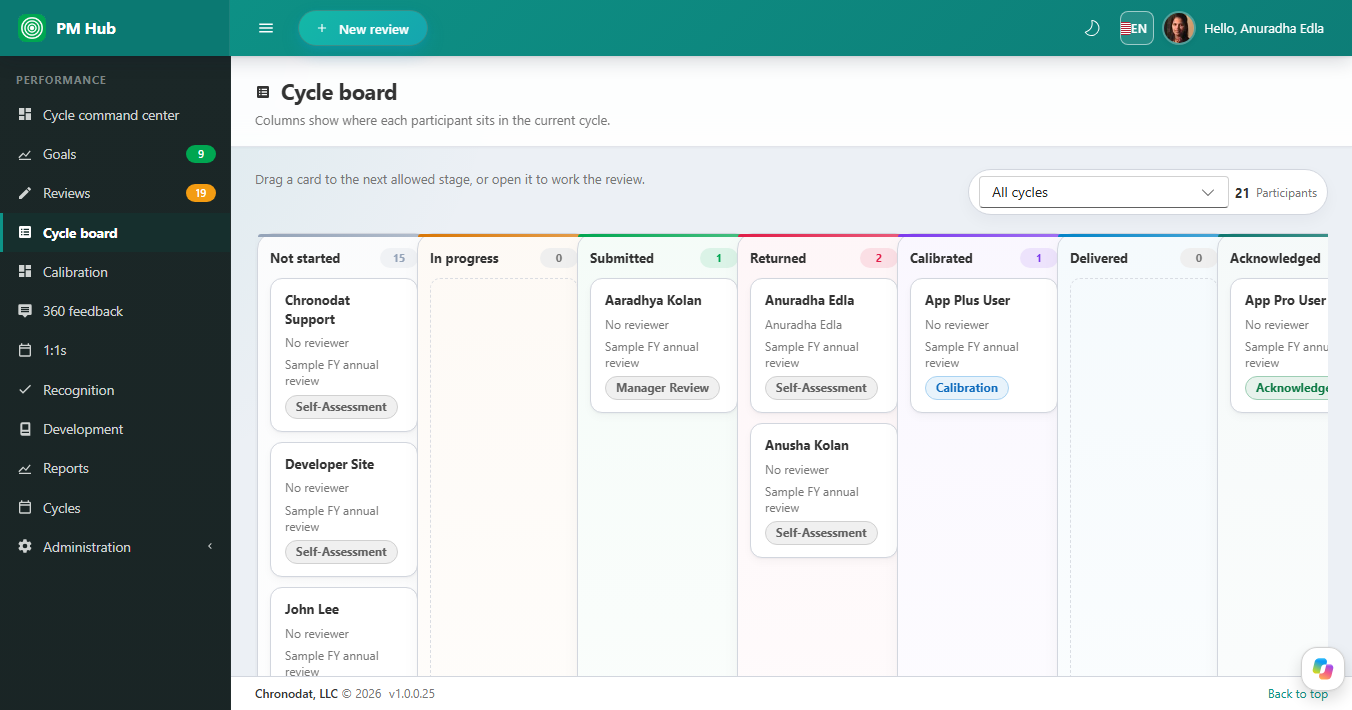
The cycle board shows where each participant sits. Filter by cycle. Drag a card to the next allowed stage, or open the card to work the review. Cards show the employee, reviewer, cycle, and current stage.
Stages
Typical stages are Not started, In progress, Submitted, Returned, Calibrated, Delivered, Acknowledged, and Closed. HR defines the stage list on Cycles. You cannot skip a stage the cycle does not allow.