Create a goal
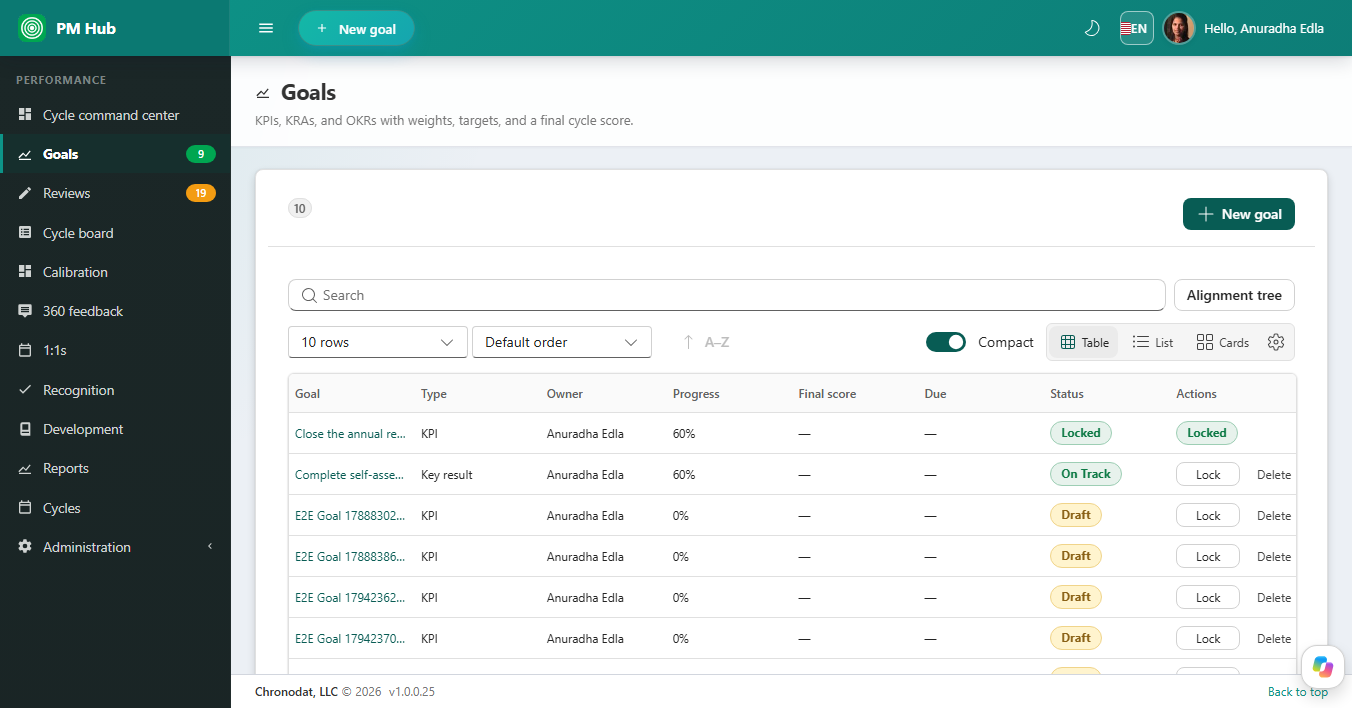
Open Goals and choose New goal. Each goal has a type (KPI, KRA, or OKR), an owner, optional weight, target, due date, and progress. Goals belong to a cycle so they can roll into the review packet.
Views and alignment
- Table, list, and card views, with search and compact density.
- Alignment tree shows how individual goals cascade from team or company goals.
- Status chips include Draft, On Track, and Locked.
Lock and score
Lock a goal when the wording should not change during review. The review form can show the goal block with a final cycle score. Unlocking is an HR action after the cycle rules allow it.