Create a session
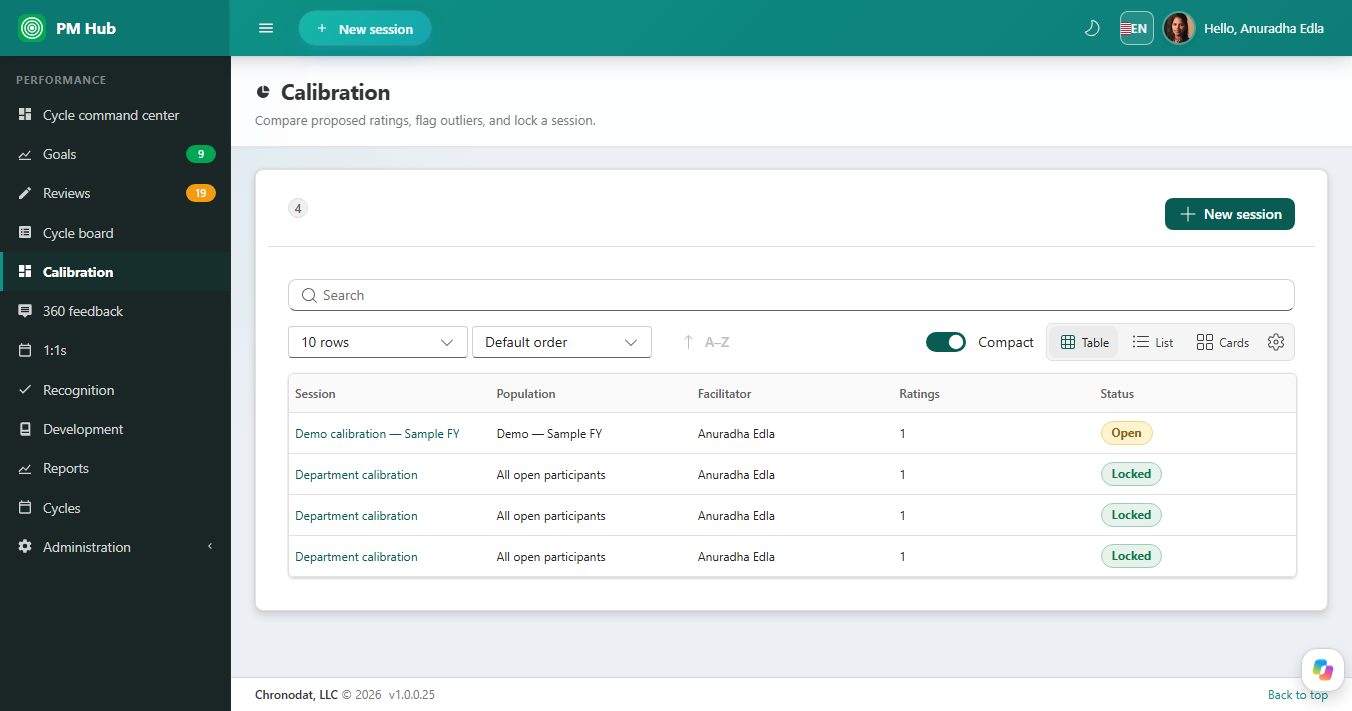
Open Calibration and choose New session. Set the population (for example all open participants in a cycle) and a facilitator. Only people with the calibration permission can run a session.
Compare and lock
Open a session to compare proposed ratings and flag outliers. When the group agrees, lock the session. Locked sessions do not accept further rating changes from the board.
9-box
Reports and calibration can show a 9-box view of performance versus potential for the session population. Use it as a discussion aid. It is not succession planning.